Sending
Send Bulk Email Campaigns
Send emails to your entire recipient list from one screen. Review the live recipient queue and manage your campaign before sending.


Our Trusted Clients









From managing contact lists to creating messages and reviewing campaign activity, get the essential tools you need for bulk email marketing in one dashboard.
Showing 12 of 12 features
Send emails to your entire recipient list from one screen. Review the live recipient queue and manage your campaign before sending.
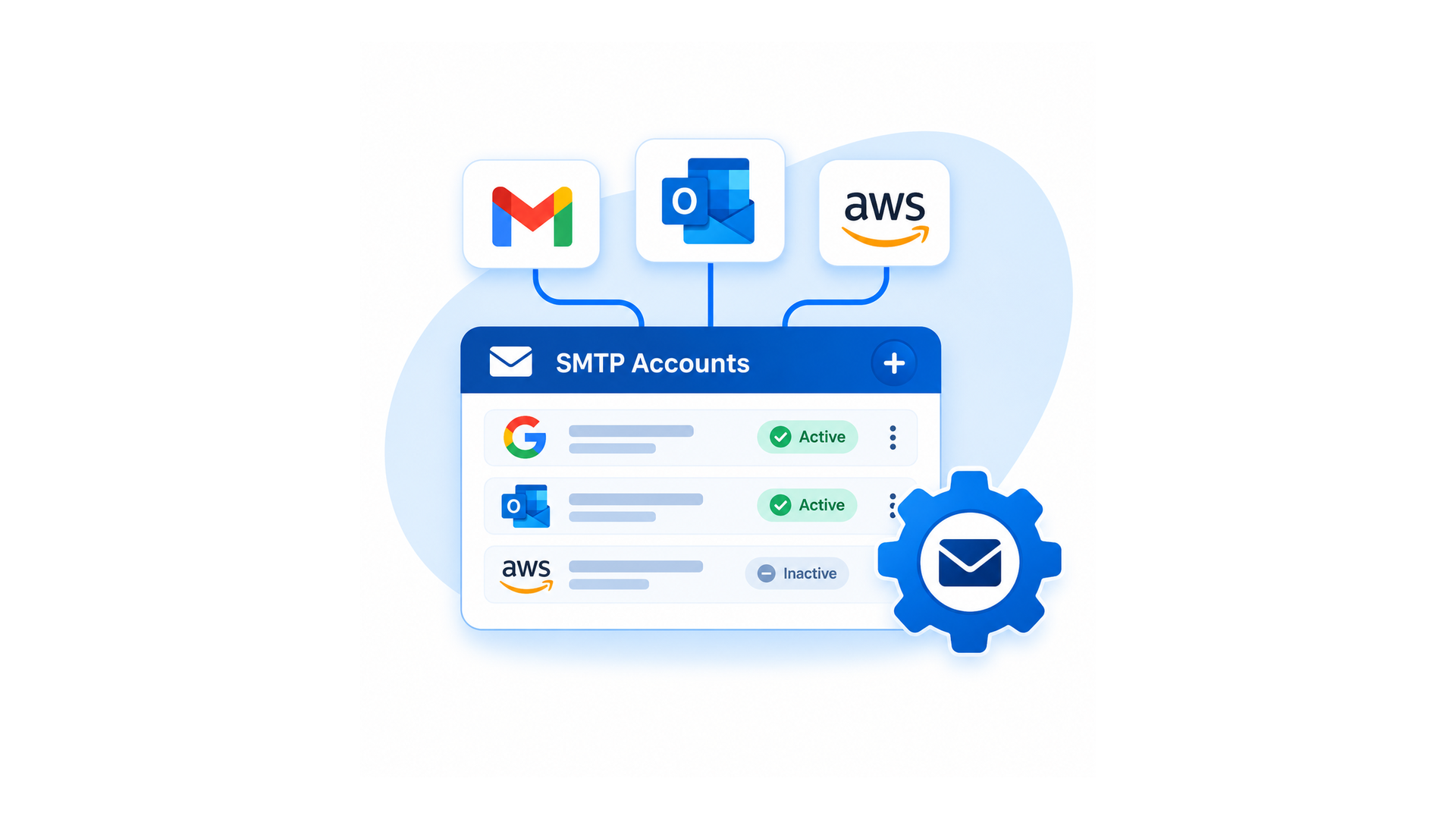
Save separate SMTP configurations for different brands, teams, or clients. Choose a supported provider preset or enter your own server details and login credentials.
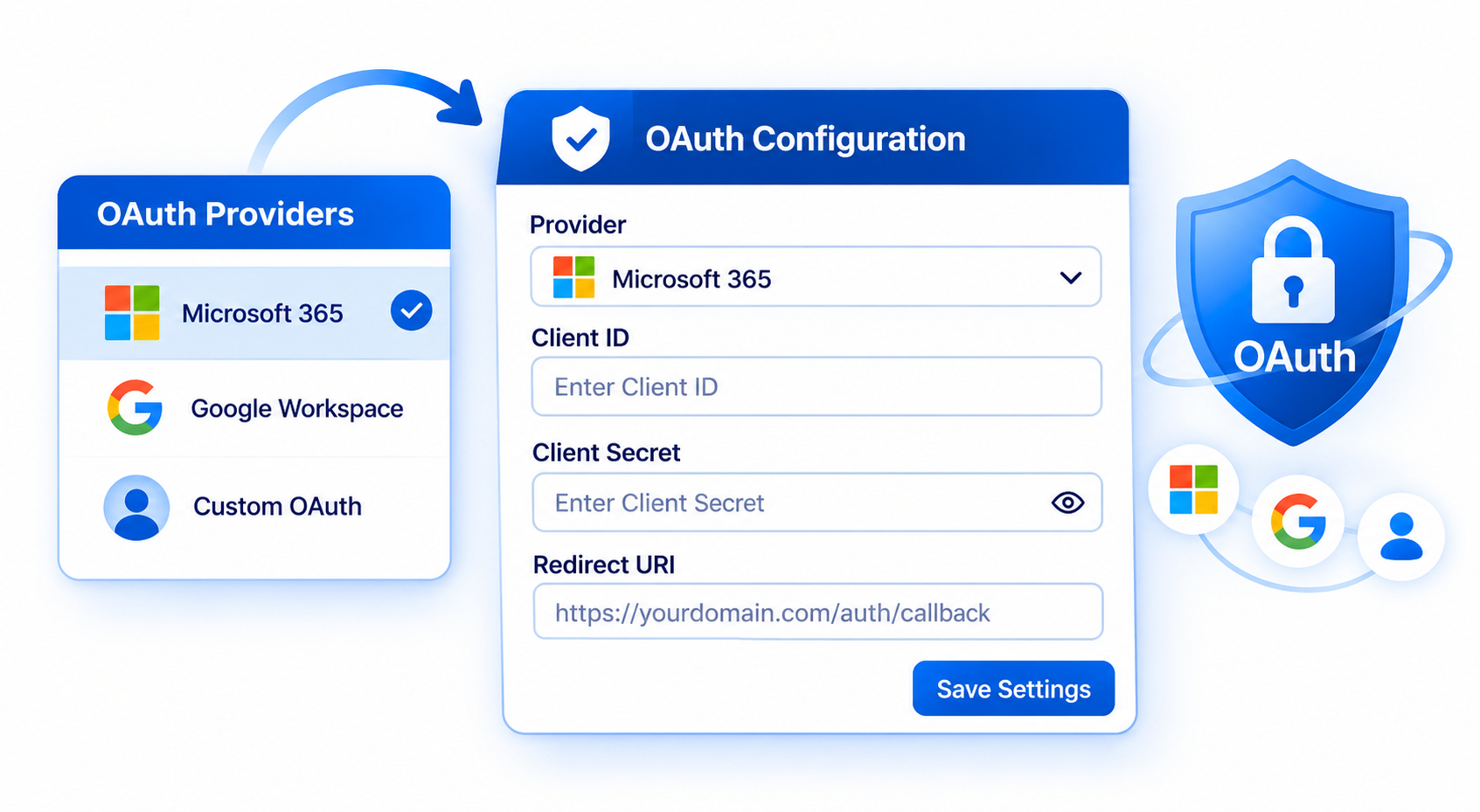
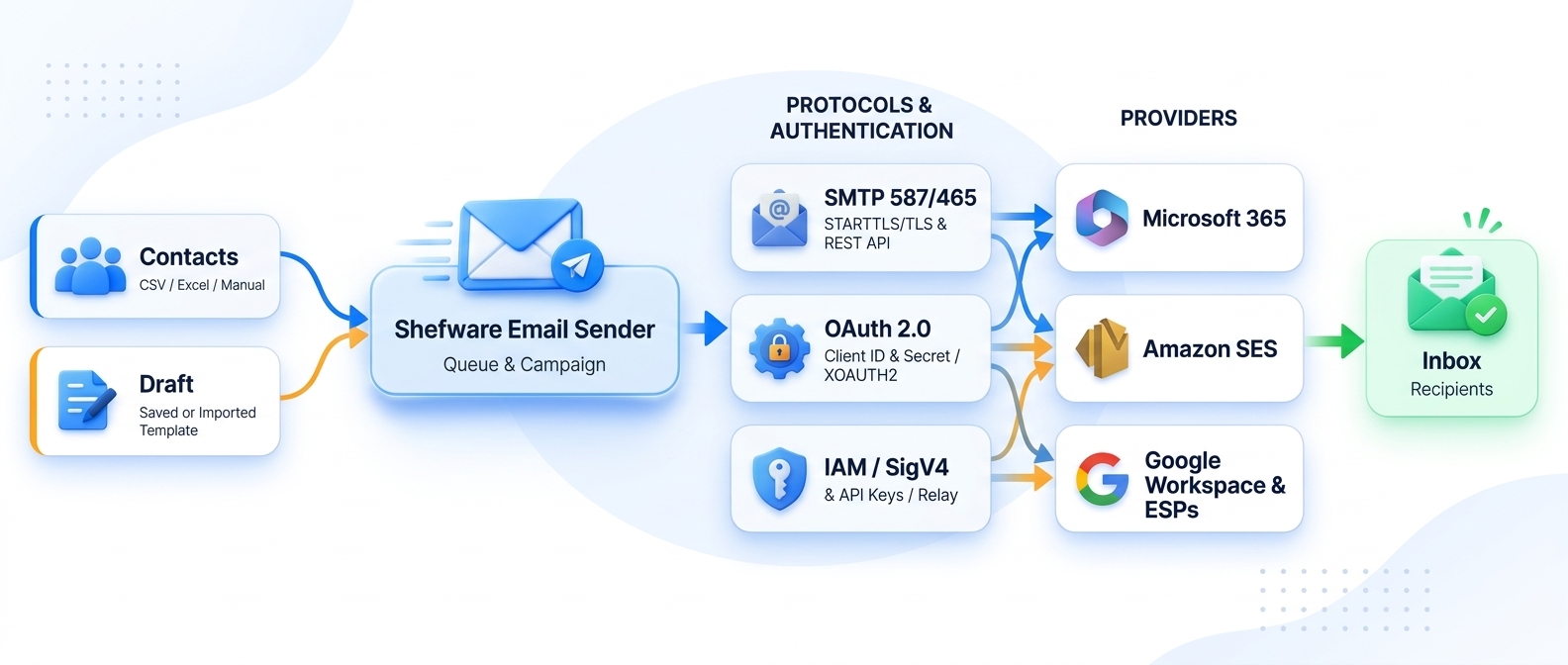
Connect Google Workspace, Microsoft 365, or other OAuth 2.0 providers with no password required. Revocable tokens refresh automatically, so you stay connected.
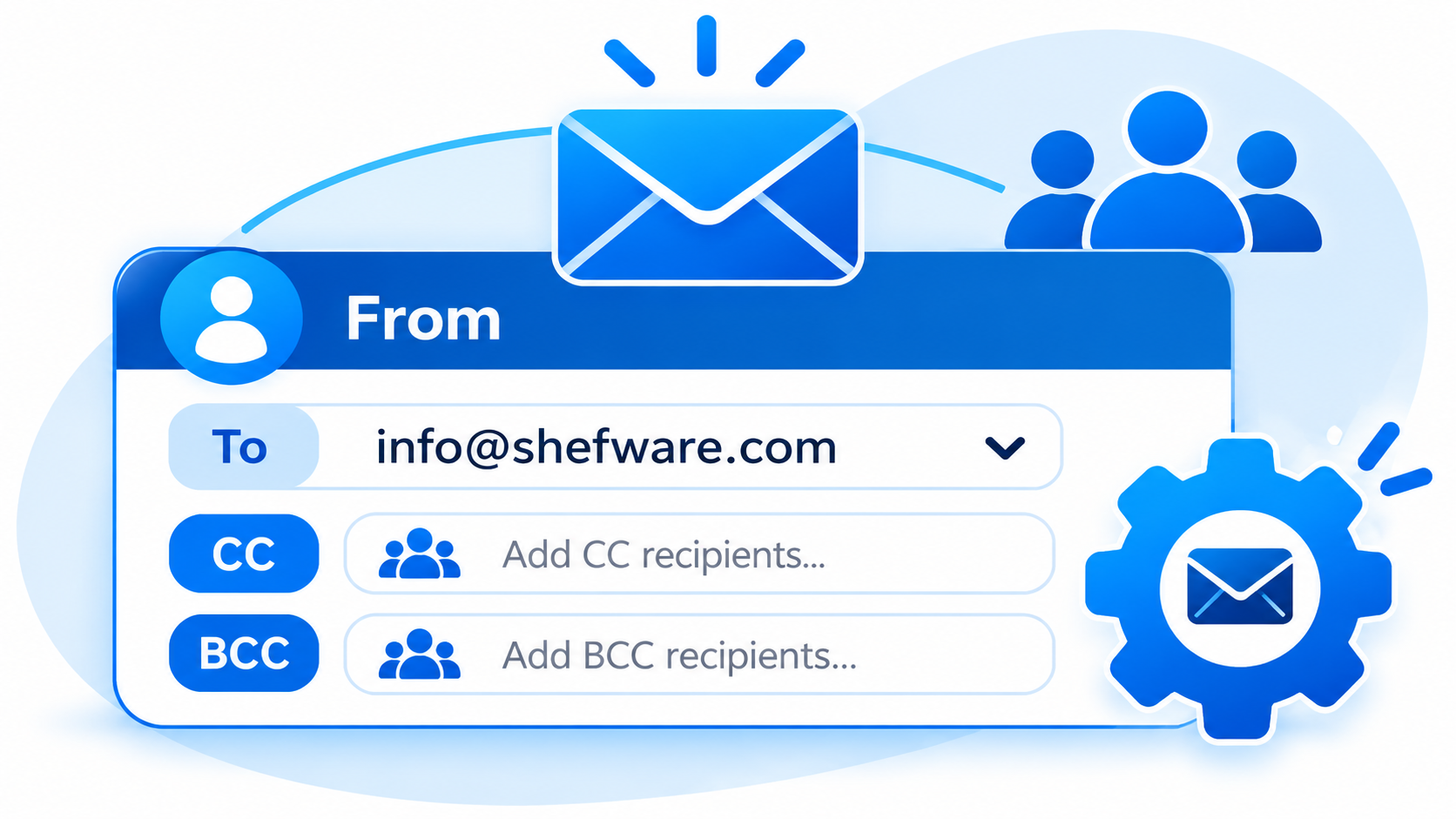
Set your sender display name and email address using your connected SMTP account. Add CC or BCC recipients whenever you need to include additional contacts.
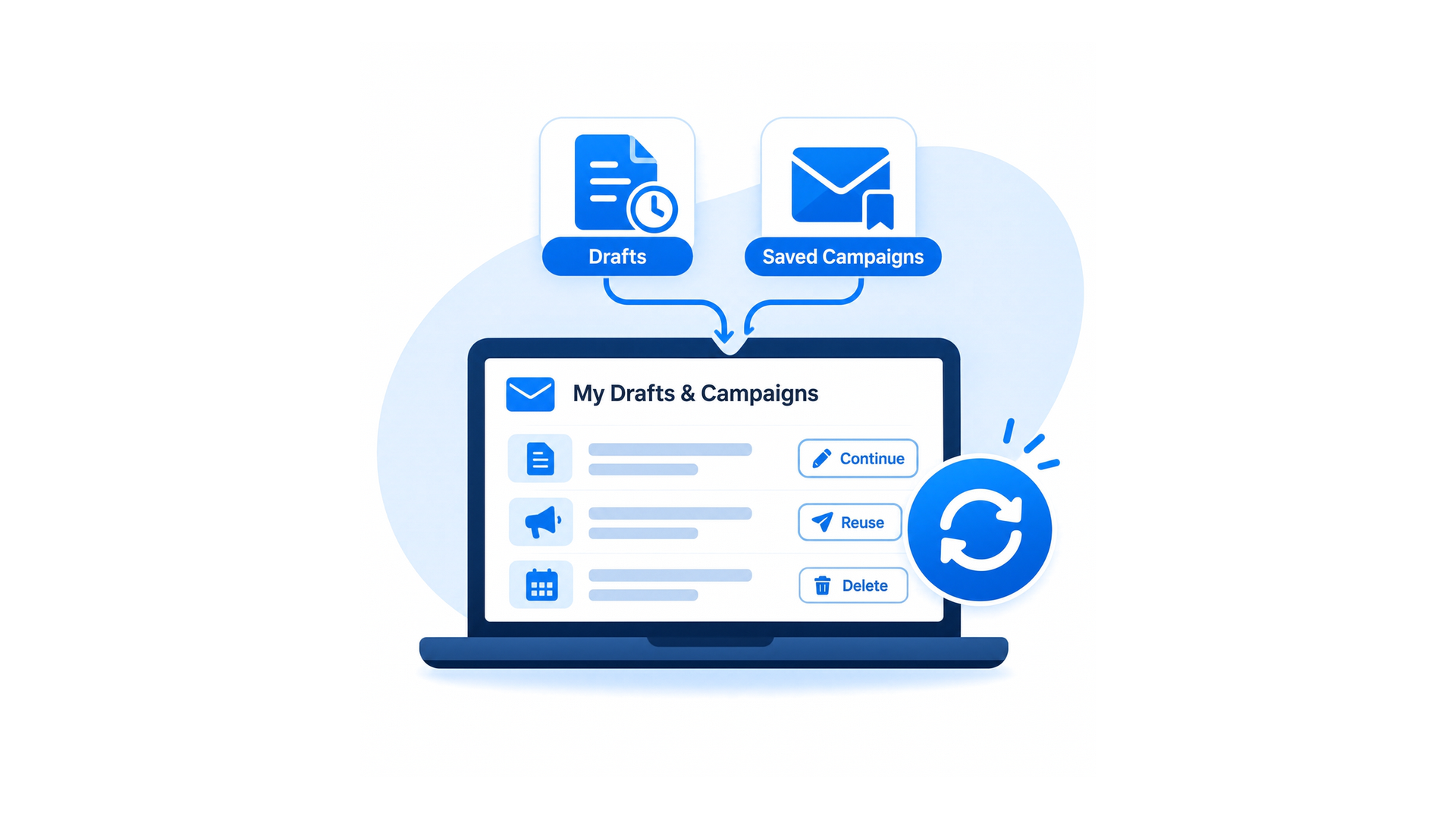
Save unfinished emails and return to them whenever you're ready. Reuse existing drafts for newsletters, business announcements, and regular updates without starting from scratch.
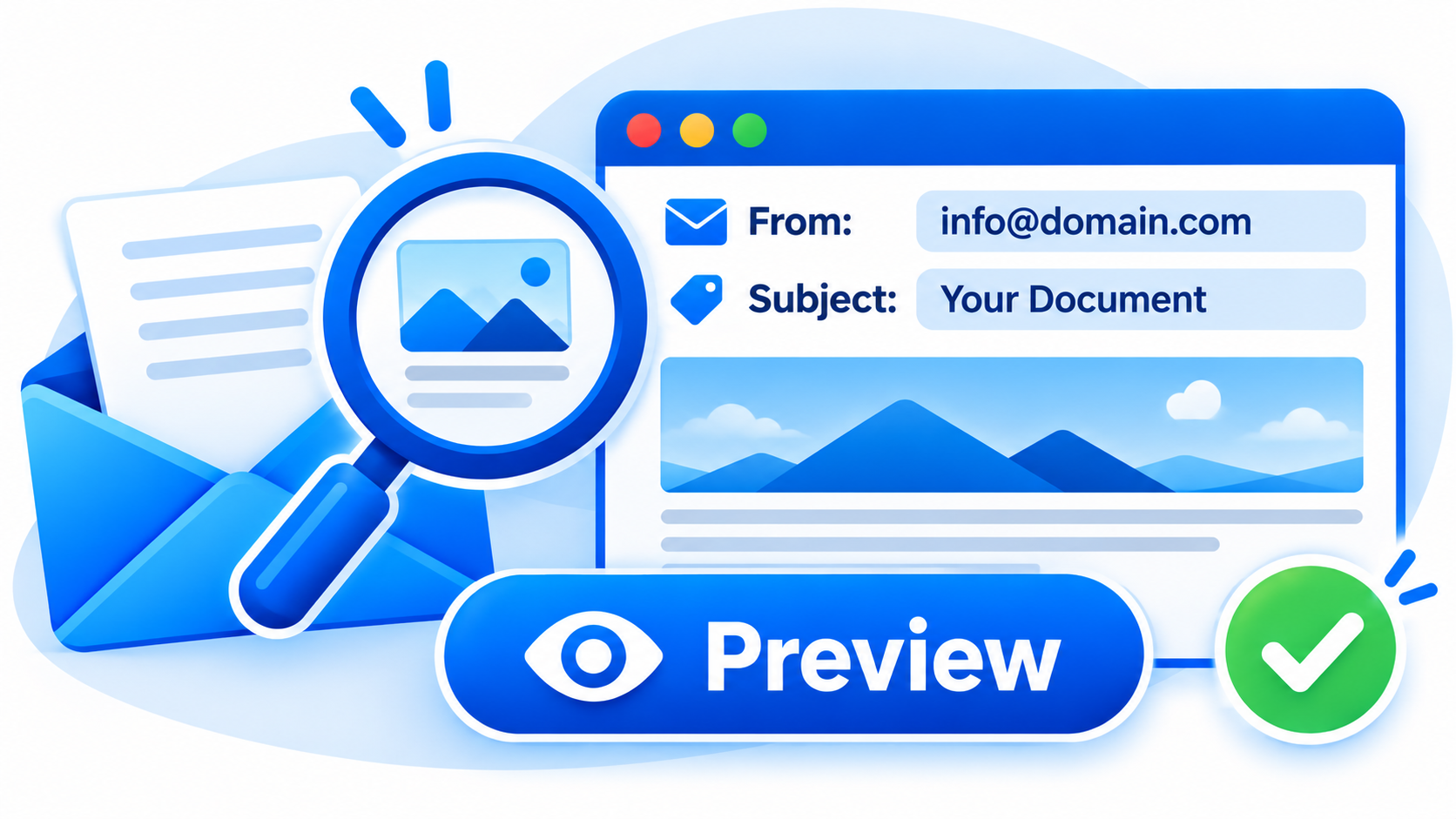
Create well-formatted emails with headings, lists, links, and images. Switch to HTML editing or import your message content directly from a Word document.
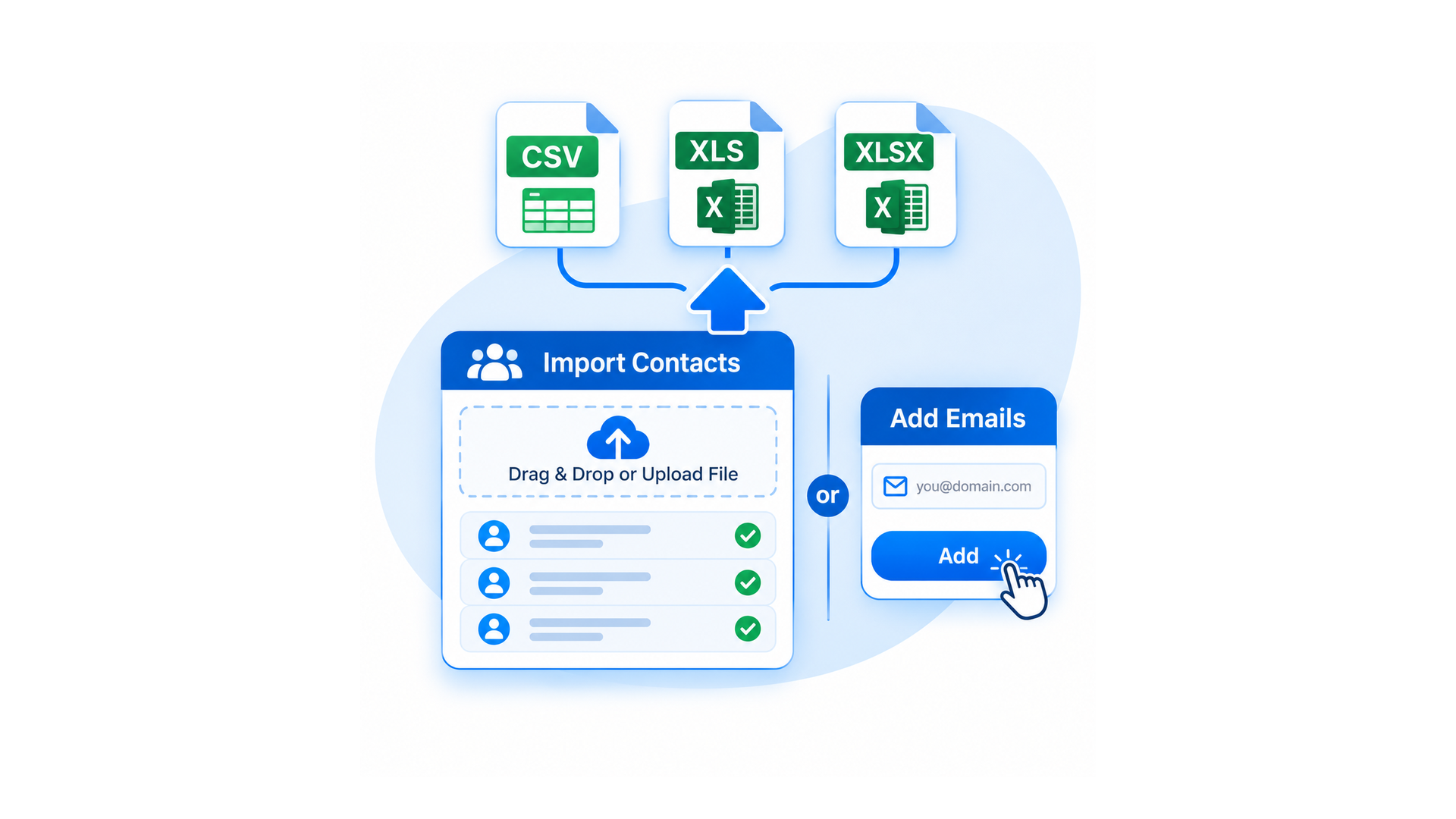
Upload CSV, XLS, or XLSX spreadsheets to add recipient lists quickly. You can also enter individual email addresses manually whenever needed.'
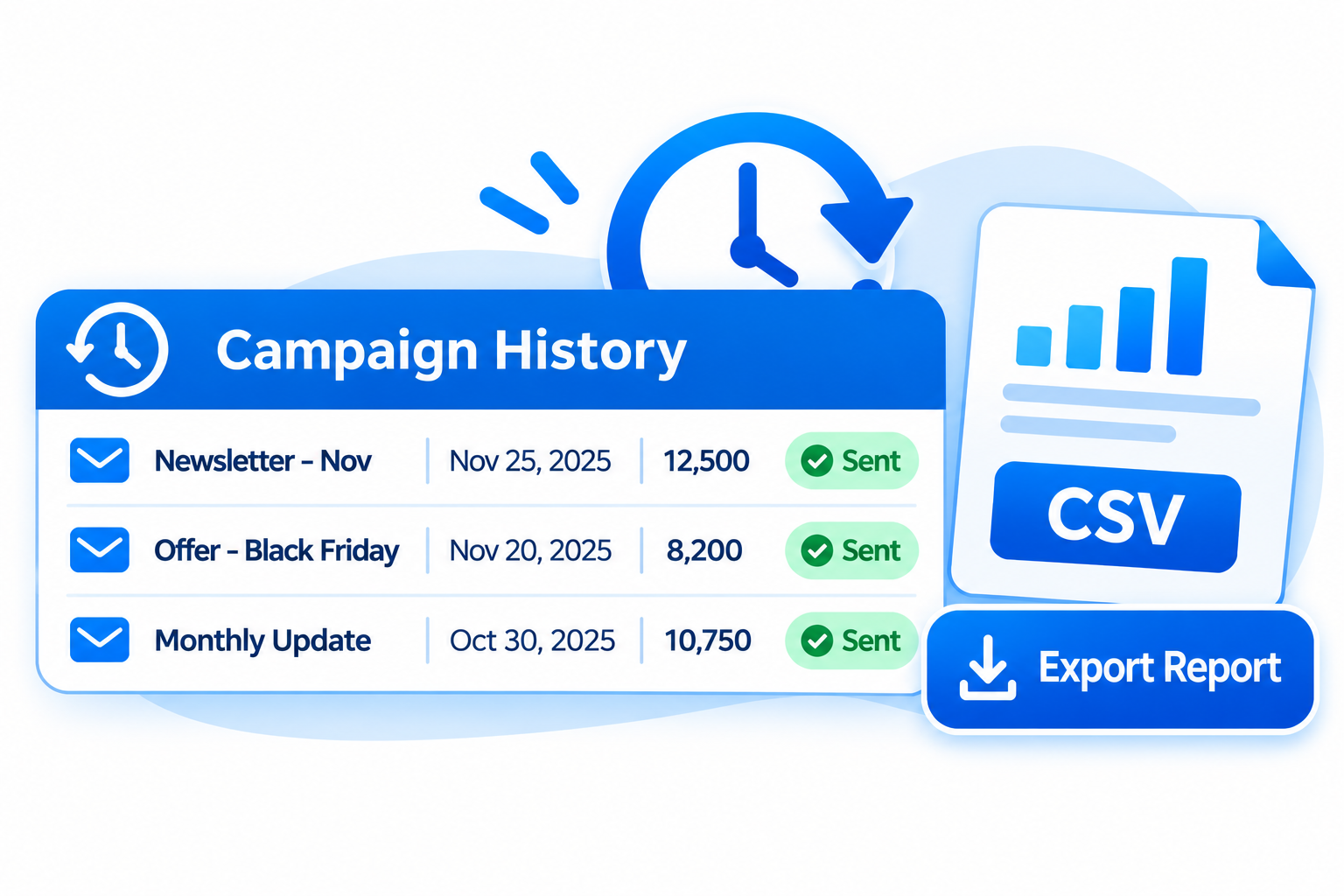
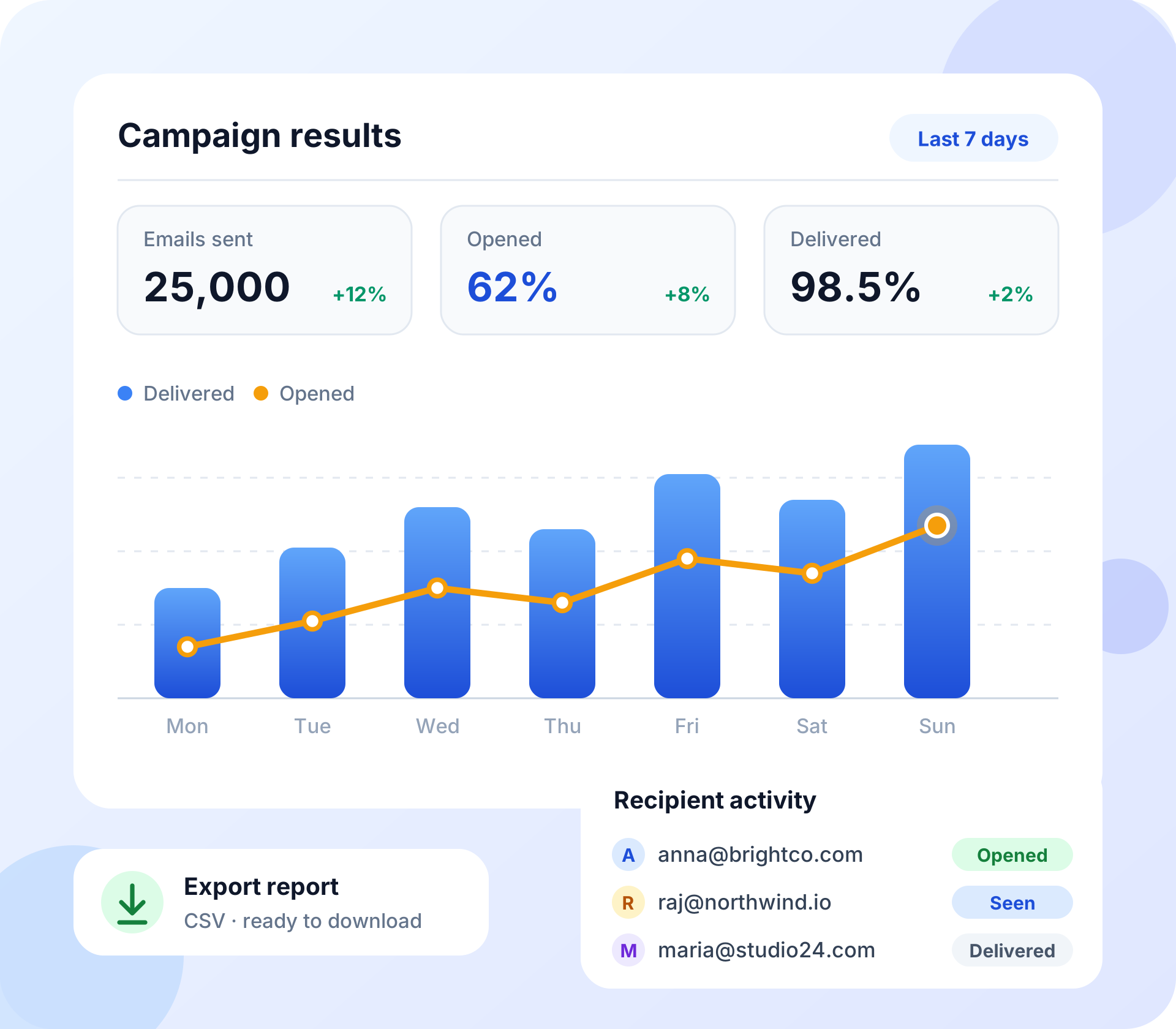
Keep track of previous email campaigns from one place. Review campaign records and export reports for internal documentation or client updates.
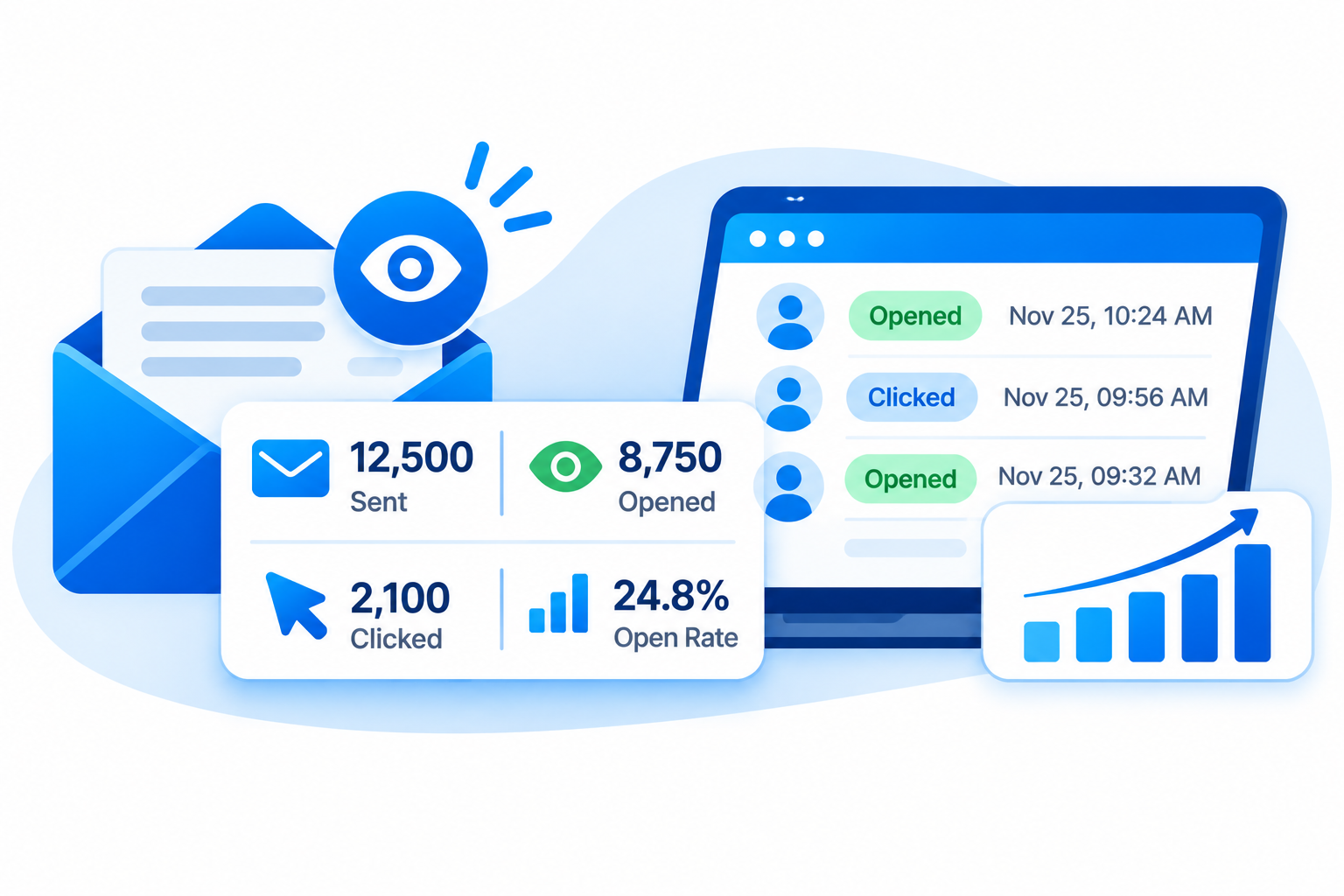
See which recipients opened your emails and when. Use the available engagement information to better understand how your email campaigns are performing.
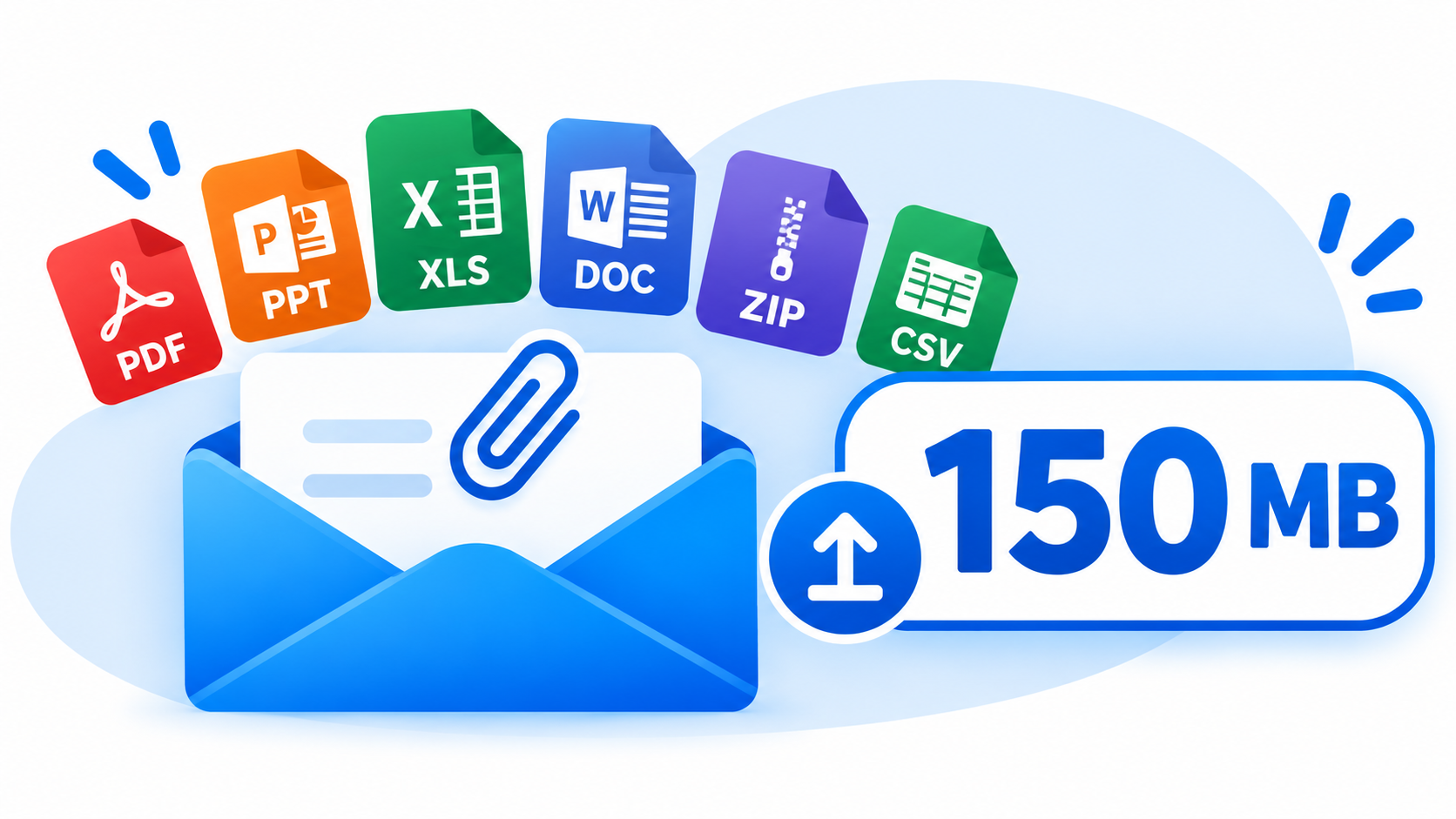
Include PDF, PowerPoint, Excel, Word, ZIP, CSV, and other supported documents with your emails. The combined attachment limit is up to 150 MB per campaign.
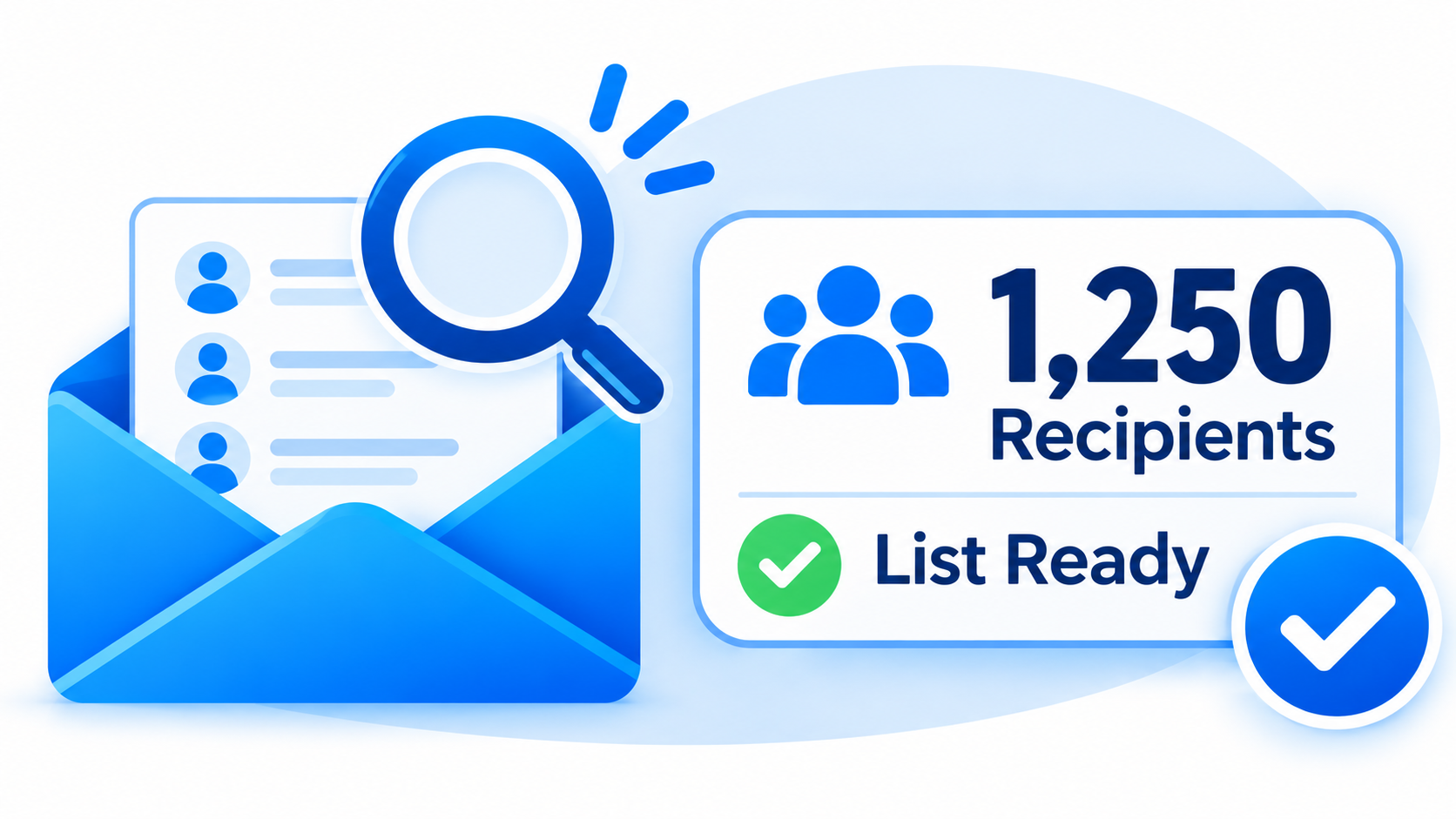
Check the total number of contacts and review loaded email addresses before sending your campaign. Make sure your recipient list is ready before proceeding.
Need to include an additional contact or test address? Simply enter the email address manually and add it to your active recipient list.
Bring your contact lists, email messages, attachments, and SMTP accounts together in one simple workflow. Prepare your campaign, review the details, and send emails using your preferred mail server.
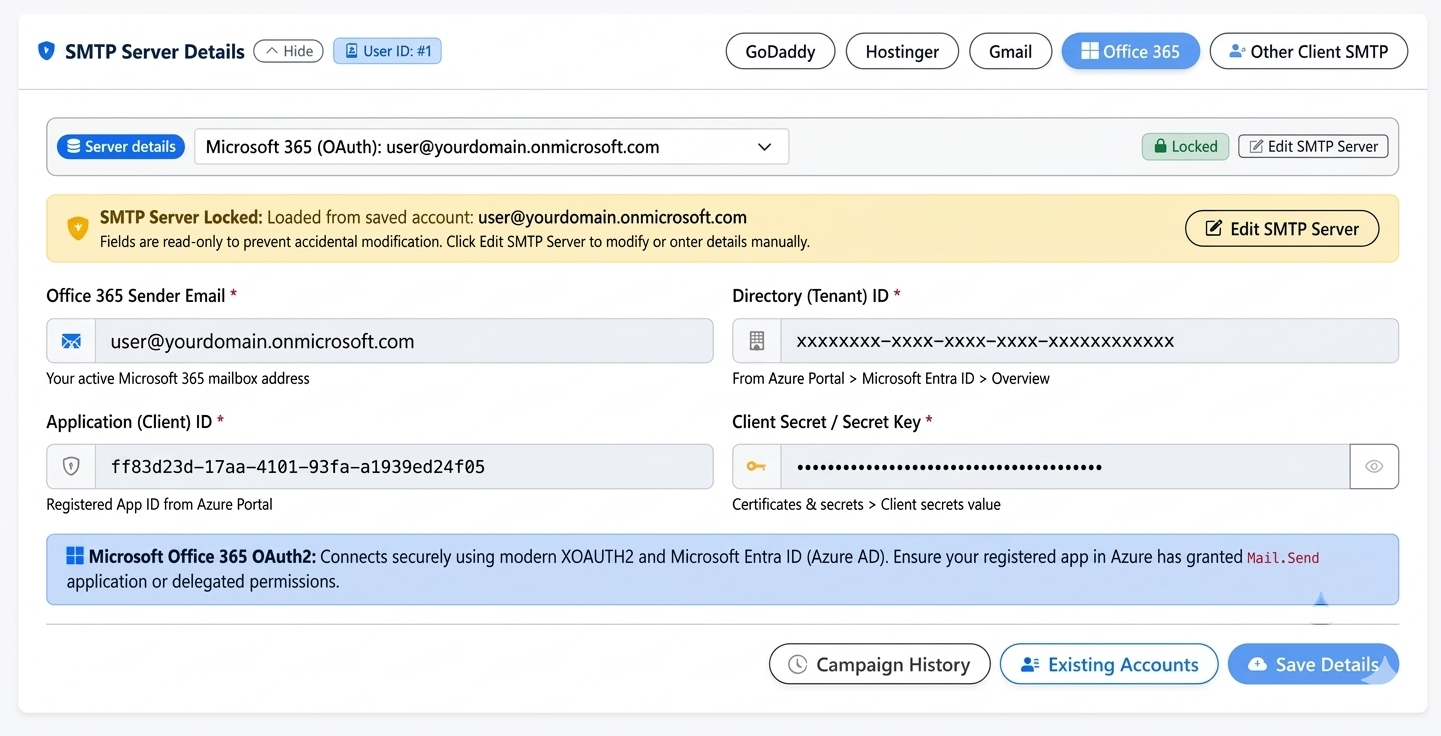
Choose your email provider from the available presets, including GoDaddy, Hostinger, Gmail, or Microsoft 365. You can also enter your custom SMTP host, port, and password or app password. Save your configuration to make it easier to use for future campaigns.
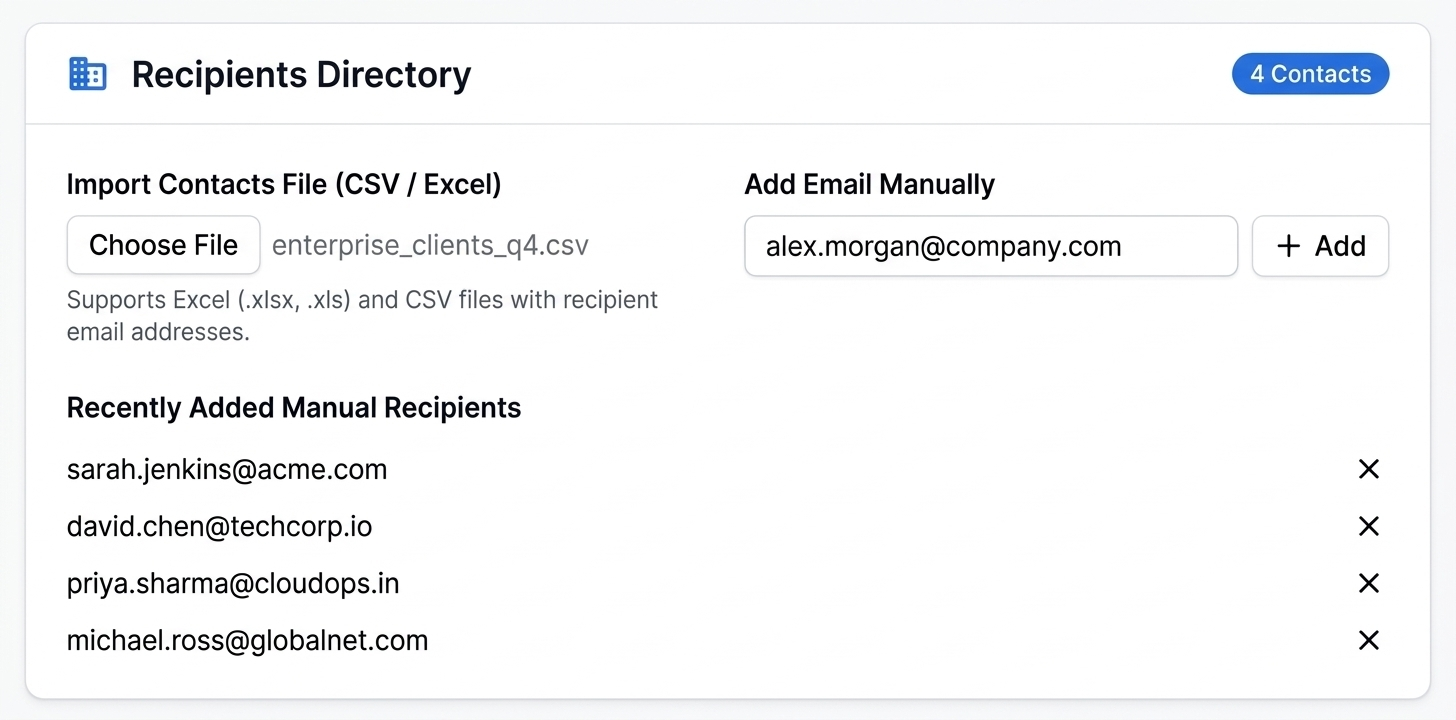
Upload a CSV or Excel contact list, or add email addresses manually. Write your message using the built-in editor, import content from a Word document, or work directly with HTML. Include any supporting attachments your recipients need.
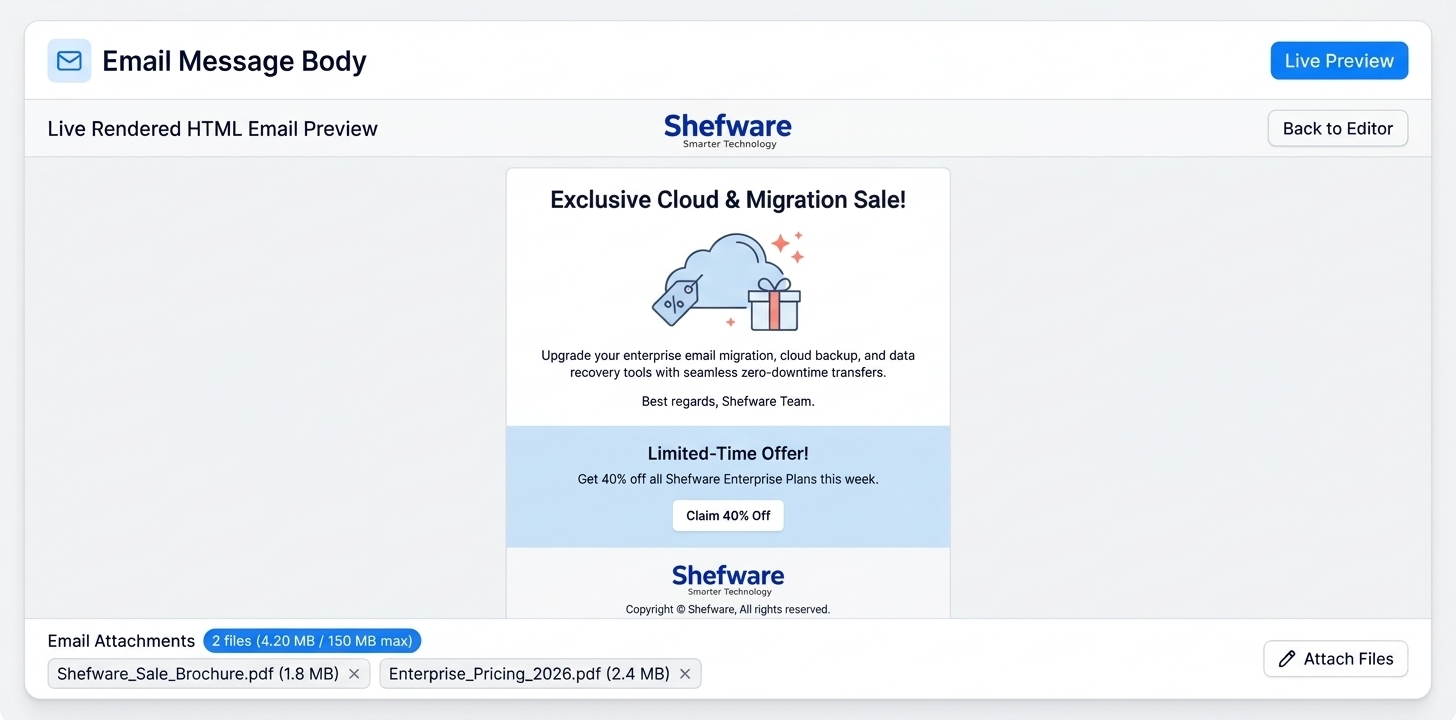
Review the email layout, subject line, sender details, and recipient list before sending. Once your campaign is sent, check available open activity and campaign history from your dashboard.
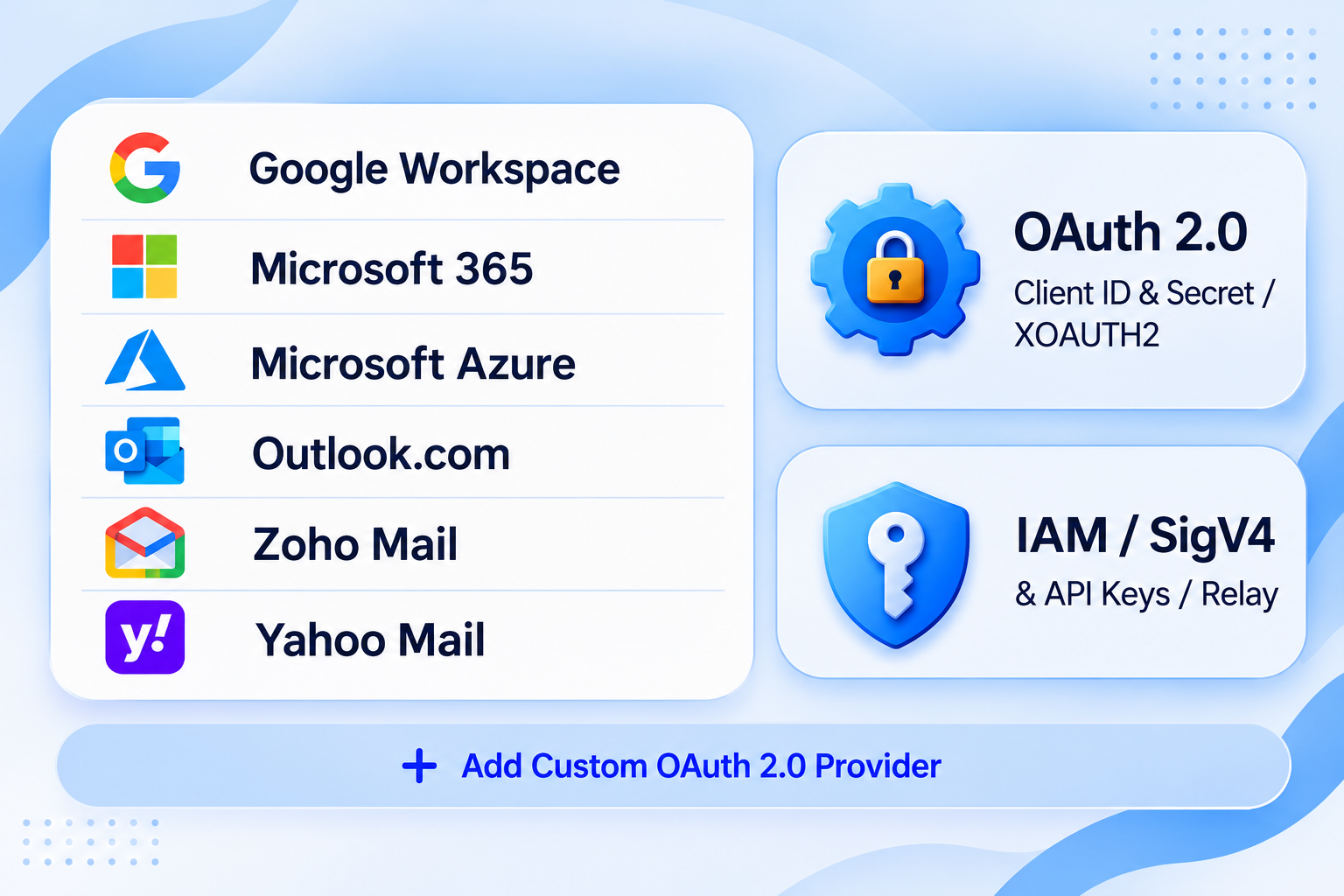
Shefware Bulk Email Sender is secure bulk mailer that supports both OAuth 2.0 and SMTP password-based authentication. Connect Google Workspace, Microsoft 365, and other providers through OAuth 2.0 using a secure, revocable token, with no account password shared.
Switching between different email accounts shouldn't mean entering server details every time. Shefware lets you save multiple SMTP profiles and choose the account you want to use when preparing an email campaign. Whether you're managing different business domains, team mailboxes, or client accounts, keep your email configurations organised and accessible.
The US ecommerce marketing platform tripled sending volume on Shefware with no drop in inbox placement.
Knowing what happens after sending an email is just as important as preparing the campaign. Shefware keeps campaign records in one place, allowing you to review previous activity, check available recipient-level open information, and export reports whenever needed. Use these records to review your email marketing activities and share campaign information with your team or clients.
Share product announcements, company news, newsletters, and business updates using your existing email domain. Manage your contact lists and prepare campaigns from one convenient dashboard.
Send maintenance notifications, service updates, system announcements, and client communications through the relevant email accounts.
Manage business communication, follow-ups, proposals, and other email messages. Include relevant documents and attachments when communicating with prospects or customers.
Manage different client SMTP configurations, saved email drafts, and campaign records from one place. Keep your email marketing activities organised across multiple accounts.
Try the dashboard free, then pick the plan that matches your sending volume and team size.
For growing businesses & regular campaigns
For teams & multi-client email operations
All plans connect directly to your own SMTP server—no hidden per-contact fees.
Bulk email software allows businesses and professionals to send email messages to multiple recipients through a single platform. Shefware lets you connect your own SMTP account, import contact lists, create formatted messages, add attachments, and review campaign activity from one dashboard.
Shefware allows you to send campaigns through your existing SMTP accounts rather than requiring you to move to a different email provider. You can manage multiple SMTP profiles, import contacts, prepare email messages, attach files, and review campaign activity from one place.
You can connect GoDaddy, Hostinger, Gmail, Microsoft 365 (Office 365), or a custom mail server that supports SMTP connections. Supported configurations include port 587 (STARTTLS) and port 465 (SSL), depending on your provider's settings.
Yes. Shefware supports CSV, XLS, and XLSX contact imports. You can also enter individual email addresses manually whenever you need to add recipients.
Yes. You can save unfinished messages as drafts and open them again whenever needed. You can also create emails using the rich text editor, edit HTML, or import message content from a Word document.
Yes. You can attach PDFs, PowerPoint presentations, Excel spreadsheets, Word documents, ZIP files, CSV files, and other supported document formats. The combined attachment size can be up to 150 MB per campaign.
Yes. The dashboard provides available recipient-level open and seen activity. However, open tracking may not capture every interaction because some email applications block tracking images or use privacy features.
Yes. You can save multiple SMTP configurations and switch between them when preparing campaigns. This is useful for businesses, agencies, and teams that manage different email accounts.
No. You can continue using your existing supported email provider, such as Gmail, Microsoft 365, GoDaddy, or Hostinger, by connecting its SMTP settings to Shefware.
You should only send marketing emails to contacts where you have the appropriate permission or other lawful basis. Follow the email marketing regulations applicable to your recipients, including CAN-SPAM and GDPR where relevant, and provide a clear unsubscribe option wherever required.
Connect your existing SMTP account, upload your contact list, prepare your message, and send your first campaign using Shefware Bulk Email Software.
Set up your first campaign in minutes using your existing email account.