Securely Backup SharePoint Sites, Libraries, Folders, and Documents
Protect important SharePoint data with the Shefware SharePoint Backup Tool. The SharePoint Online Cloud Backup allows organizations to back up complete SharePoint sites or selectively save required sites, folders, libraries, and documents.
★ Free Version: Back up files up to 20 MB per file, with a maximum of 20 files per folder.
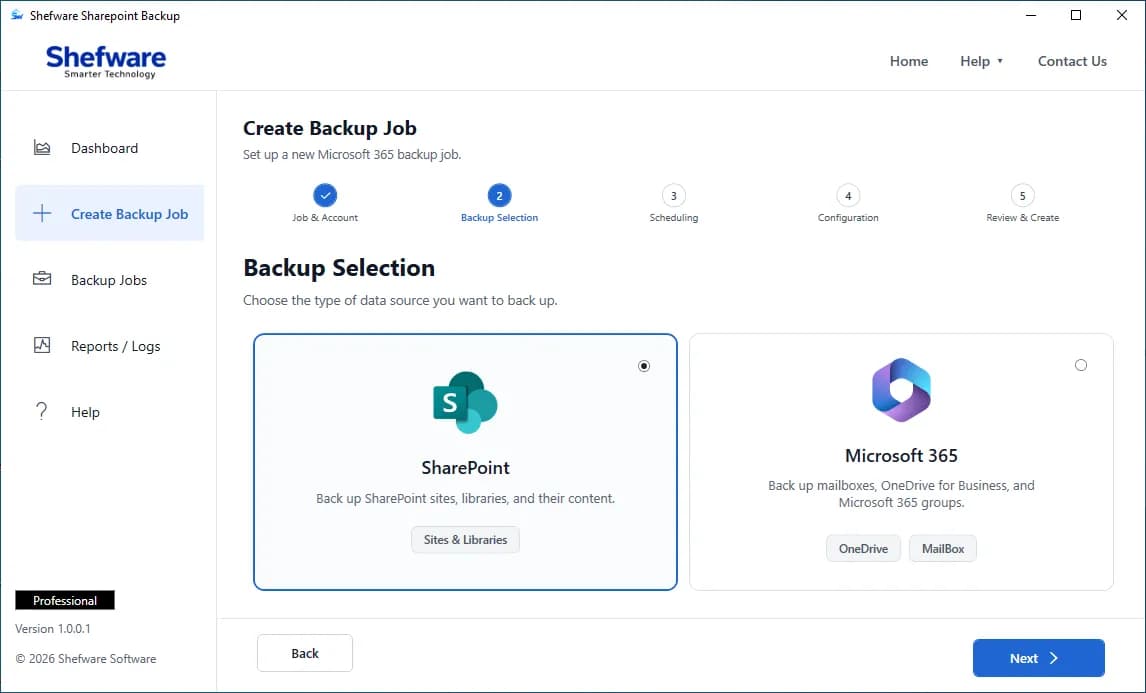
Supported SharePoint Data
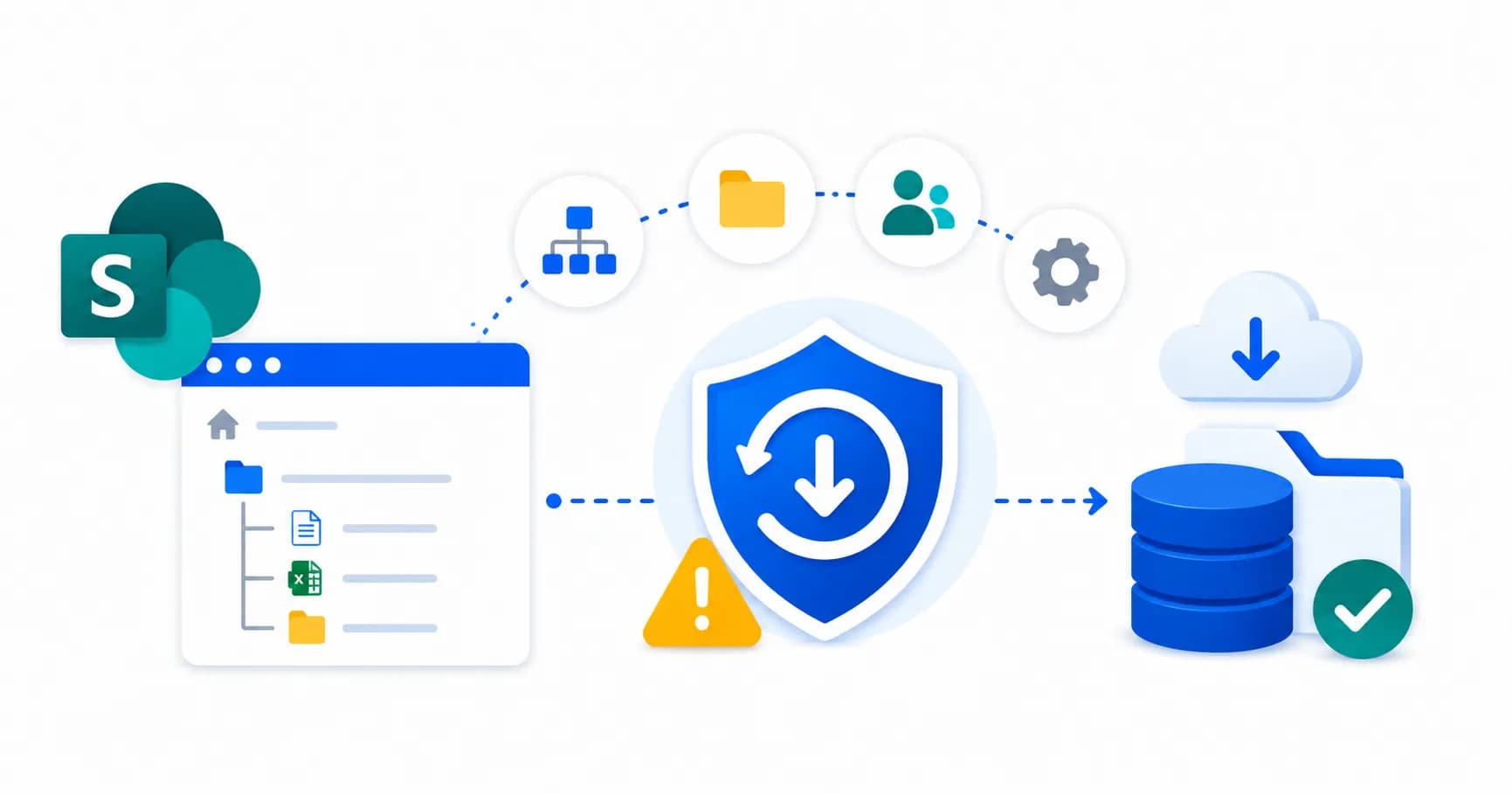
Before restructuring sites, migrating data, changing permissions, or making major configuration changes. Create a local backup of important SharePoint sites, libraries, and folders, so you have a copy available if data is accidentally changed or lost.
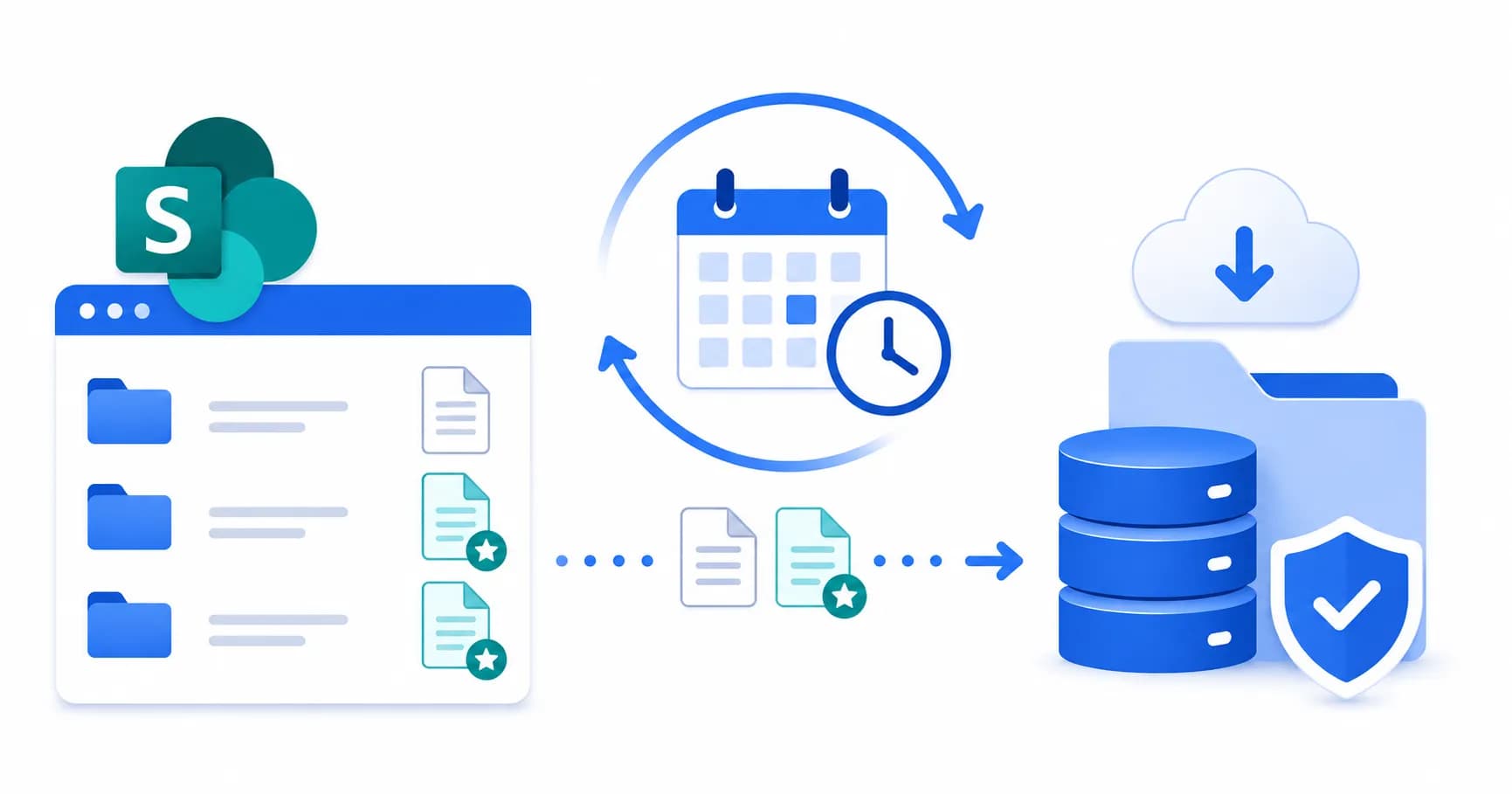
Your organization stores important business documents and needs routine backups. Schedule recurring backup jobs and use incremental backup to protect newly added or modified SharePoint data without repeatedly backing up everything.
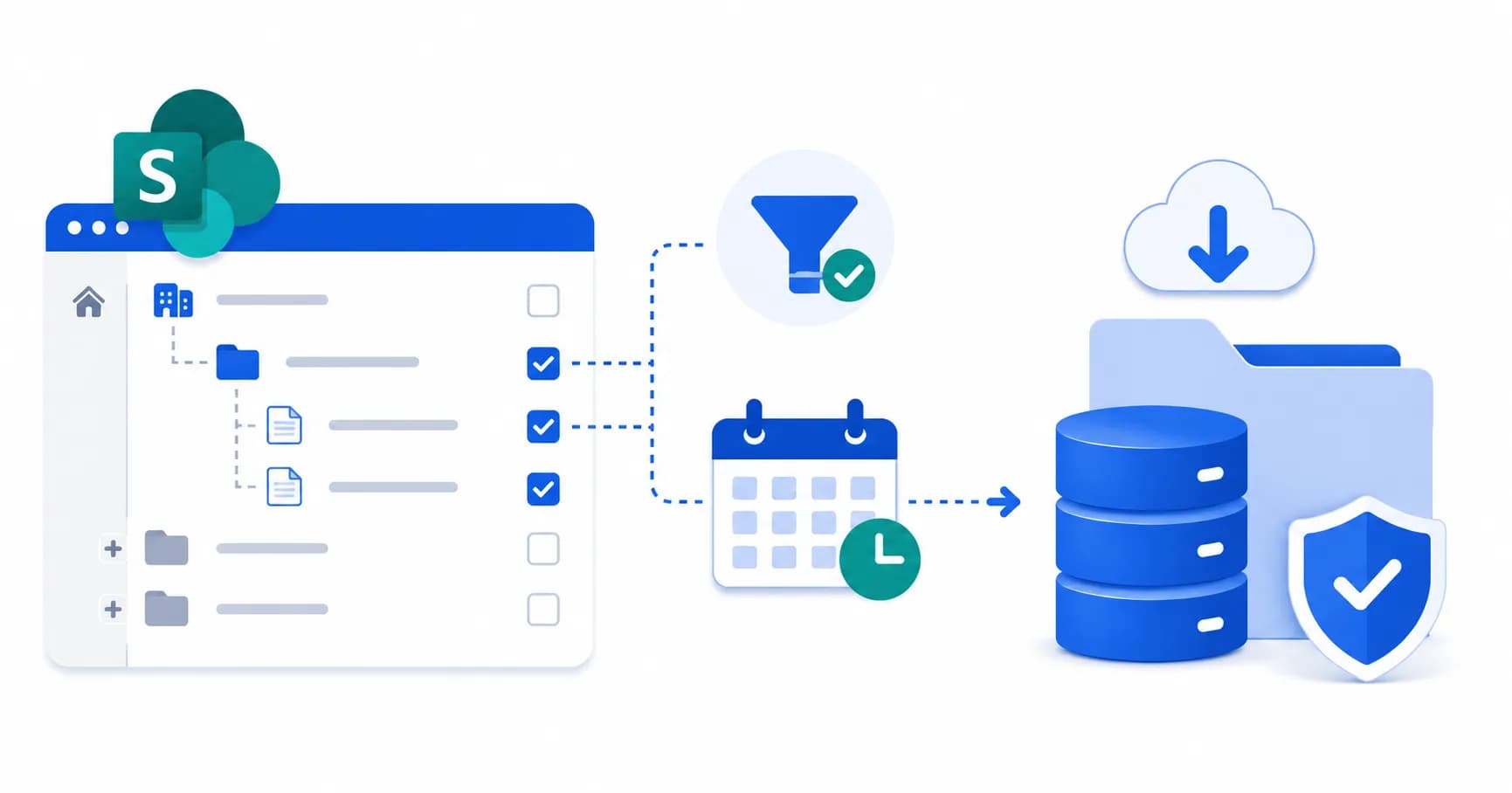
You only need to back up selected sites, folders, or content rather than the entire SharePoint environment. Use Selective Backup and date-based filters to choose exactly what data should be backed up, saving time and local storage space.
Explore the key features and capabilities of the SharePoint Online Backup Tool.
Shefware SharePoint Backup allows you to backup active SharePoint sites, including communication sites and team sites to a local storage or network drive.
Back up SharePoint subsites along with their related content for more granular control.
Select and back up SharePoint document libraries and their stored content without processing unrelated data.
Structure SharePoint data during backup with Hierarchy or Without Hierarchy options.
Select multiple SharePoint sites within the same backup job instead of creating a separate job for every site.
Apply date-based filters to control which SharePoint data is included in the backup.
Perform subsequent backups based on changes rather than repeatedly processing the same data.
Configure a backup schedule so recurring operations can be planned instead of run manually.
SharePoint backup tool allow backup to local drive or network drive.
Connect SharePoint Online securely using Graph API with MFA.
Create and manage backup jobs from the centralized Backup Jobs section, with totals for running, completed, and failed jobs.
Provides a detailed overview of the SharePoint backup job, including the backup status, sites processed, and overall backup results.
Manage Microsoft 365 SharePoint Online with Shefware SharePoint Backup.
From the Dashboard, click Create Backup Job to start.
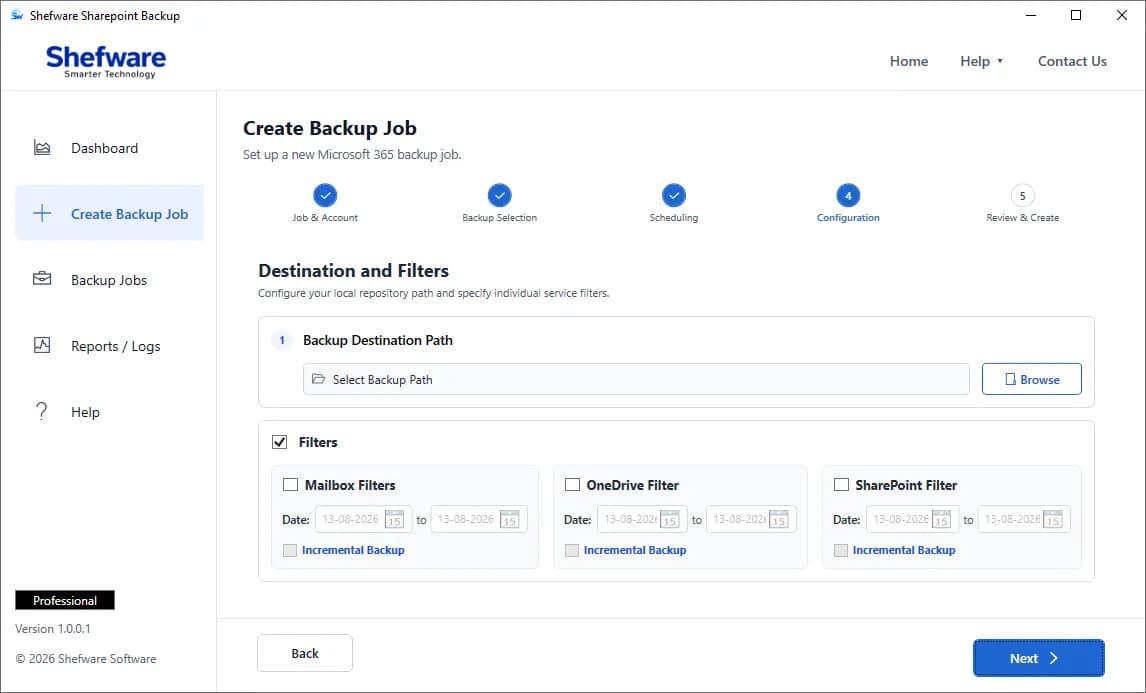
Watch our step-by-step video tutorial to understand how the software works and get started quickly.
Choose specific SharePoint content instead of processing unnecessary data, providing better control over backup operations.
A simple and user-friendly interface makes it easy for IT administrators and business users to configure and manage backup tasks.
Maintain separate backup copies of important SharePoint content to reduce the risk of permanent data loss.
Choose the SharePoint data that needs protection and save the backup to a preferred destination as per organizational requirements.
| Features | Free Demo Version | Full Version |
|---|---|---|
| Connect SharePoint Account | ✓ | ✓ |
| Backup SharePoint Sites | ✓ | ✓ |
| Selective SharePoint Backup | ✓ | ✓ |
| Backup Document Libraries | ✓ | ✓ |
| Backup SharePoint Folders | ✓ | ✓ |
| Backup Documents | ✓ | ✓ |
| Backup Multiple Sites | ✓ | ✓ |
| Select Custom Destination | ✓ | ✓ |
| Organized Backup Data | ✓ | ✓ |
| Complete SharePoint Backup | ✓ | ✓ |
| Free Software Updates | ✕ | ✓ |
| Priority Technical Support | ✕ | ✓ |
| Full Backup Capability | Limited | Unlimited |
Download Free Demo & Check System Requirements
Size: 65 MB
Version: 1.0.0.1
Hard Disk
100 GB space required
RAM
Minimum 8 GB RAM (Recommended 16 GB)
Processor
Intel® Core™ 2 Duo CPU E4600 @ 2.40GHz 2.39GHz or above
Operating System - Windows 11, 10, 8.1, 8, 7, Vista, XP, 2000, 98, NT and 95 and Windows Server 2022, 2019, 2016, 2012, 2008 R2, 2008, 2003 R2, 2003
Prerequisites - Requires Internet Connectivity, .NET 10
Microsoft Office 365 - Enterprise E1 / E3 / E5 / Business Premium / Essentials & Exchange Online Plan 1 / Plan 2 & Office 365 A1 / A3 / A5 / F1
Shefware SharePoint Backup Software made it easier for our team to create separate copies of important SharePoint content. The selective backup option was especially useful because we did not need to process the entire environment.
IT Administrator