Free and Reliable Google Workspace Backup Solution to Protect Your Business Data
Protect your Google Workspace data with Shefware Google Workspace Backup Tool. Securely back up Gmail, Google Drive, Contacts, Calendar, and Tasks to a selected local destination. Create backup jobs, apply date and increment filters, and run backups immediately or schedule them for a later date.
★ Google Workspace Backup Tool Fully Secured Download Version
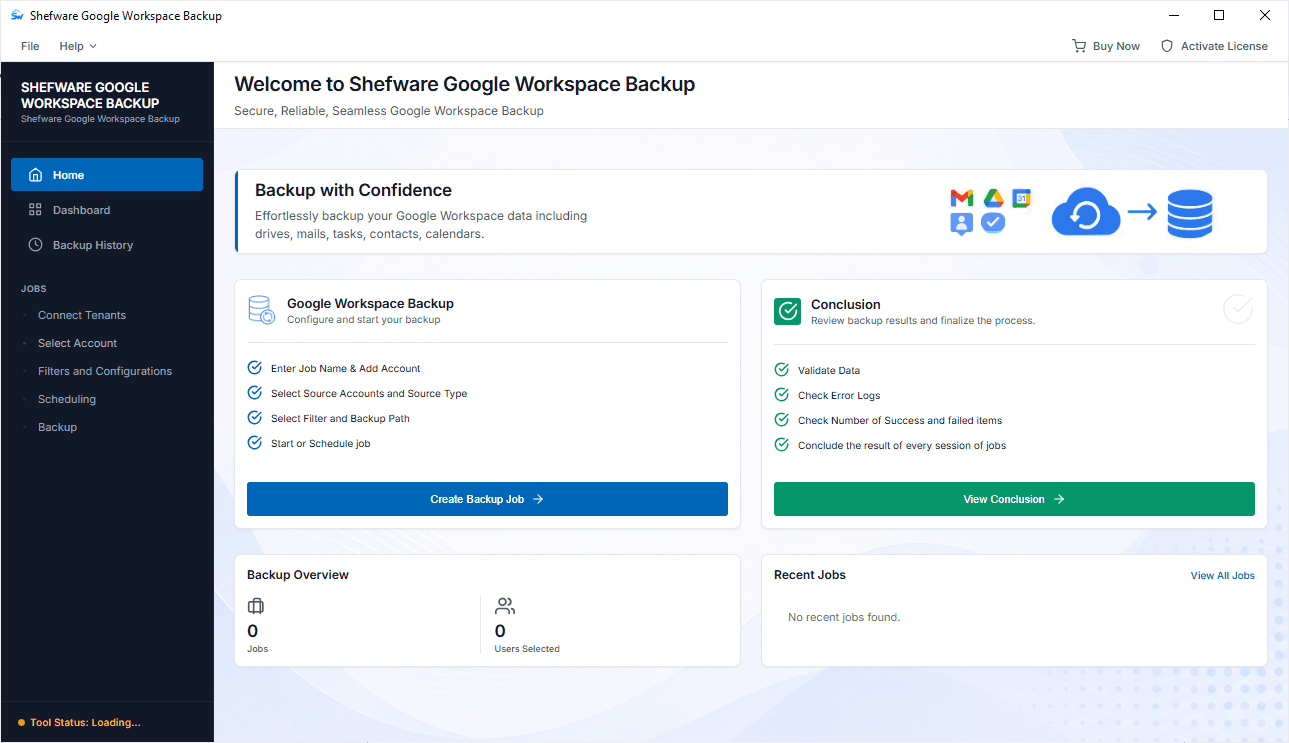
Backup Google Workspace Mail, Drive, Contacts, Calendar, and Tasks.
Create separate backup jobs for different users or multiple users.
Select specific users and choose the Google Workspace data type you want to back up.
Apply a specific date range filter to back up the required data.
Use incremental backup mode to skip data that has already been backed up.
Split big PST outputs into smaller files.
Create a specific target folder in PST for storing the backup data.
Run a backup immediately or schedule it for a future date and time.
Store backup data at a selected local output path.
Handle multiple backup jobs depending on the set requirements.
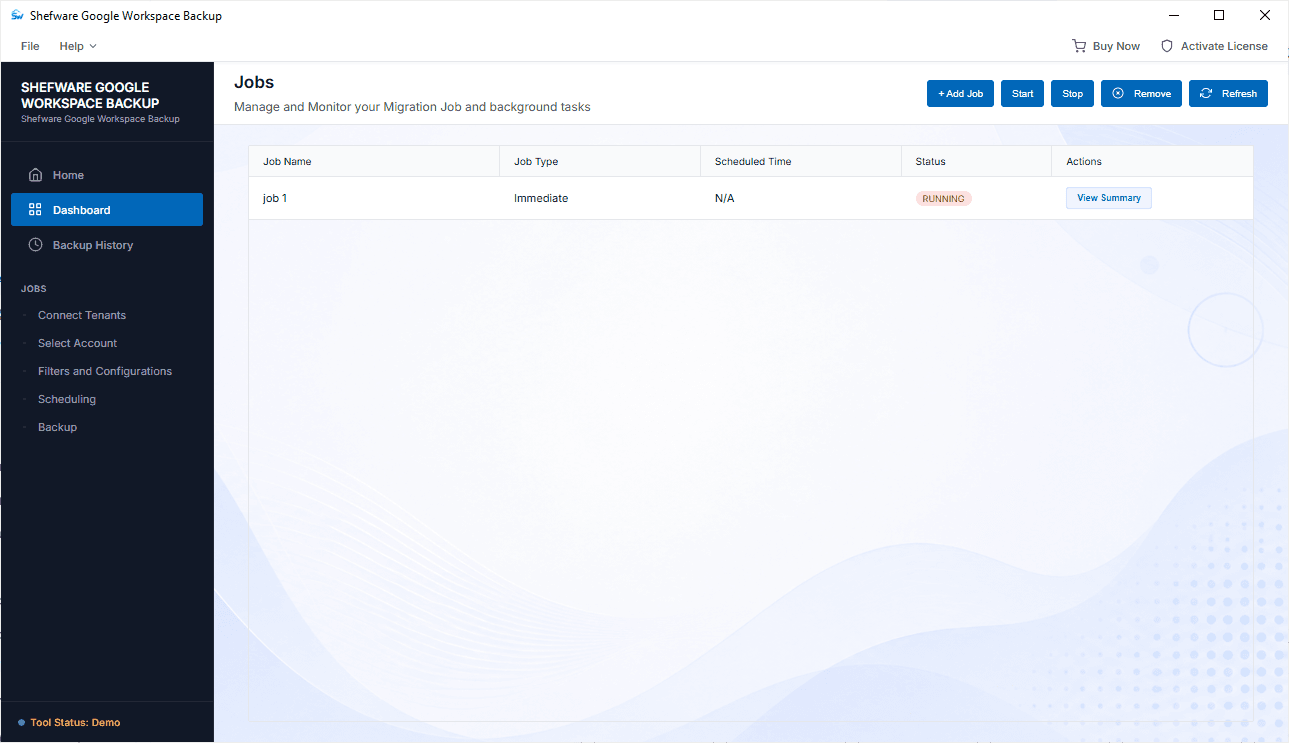
Track active backup jobs in real time and view Backup History.
When Google Drive storage reaches its limit, maintain a separate copy of important information and manage its storage more effectively.
An independent backup provides an additional copy of critical information that can be stored outside of the primary Workspace environment.
By regularly backing up this data, an organization can maintain a separate copy for future access and data protection.
With scheduled backup jobs and incremental mode, an organization can maintain a more consistent backup process.
Back up important Google Workspace email data and maintain a separate copy of your mailbox information at your selected destination.
Secure important Google Drive data by creating an independent backup at your selected output location.
Protect important Google Workspace contacts and calendar information along with other selected data types.
Back up task-related information from selected Google Workspace users. Include Tasks according to your backup requirements.
Create individual jobs according to your backup requirements. Enter a job name, configure credentials, select users, and define output.
Choose the users whose Google Workspace data needs to be backed up. This allows you to create selective backups.
Use the date-range filter to back up data from a specific period. Select the required start and end dates.
Enable Incremental Mode to skip data that has already been backed up to avoid duplicate processing.
Use the split PST option to split large email backup data into smaller PST files for easier management.
Choose the target folder where the backup output should be organized for greater control over your backup data.
Need a backup right away? Select the immediate backup option to start the configured job without waiting.
Schedule a backup job for a future date and time to plan backup operations according to workflow requirements.
Download Free Demo & Check System Requirements
Size: 196 MB
Version: 1.0.0.1
Hard Disk
1 GB space required
RAM
Minimum 4 GB RAM (Recommended 8 GB)
Processor
Intel® Core™ 2 Duo CPU E4600 @ 2.40GHz 2.39GHz or above
Operating System - Windows 11, 10, 7(64 bit), Windows Server 2025
Prerequisites - .NET Framework 10
The option of incremental backup makes our daily backup routine significantly easier. We can avoid the unnecessary re-backup of the same data and store only the changes that have occurred since the last backup.
IT Administrator