Secure Migration Tool for G Suite to Microsoft 365
Move Google Workspace to Office 365 in batches you control, not one long mailbox at a time. A single Google Workspace to Office 365 migration engine for Gmail, Calendar, Contacts, Tasks, and Google Drive that performs Gmail to Exchange Online migration, Google Drive to OneDrive migration, automatic migration, unlimited file size, and a live report for every batch, every user, every item.
Reliable, secure and enterprise-ready migration platform
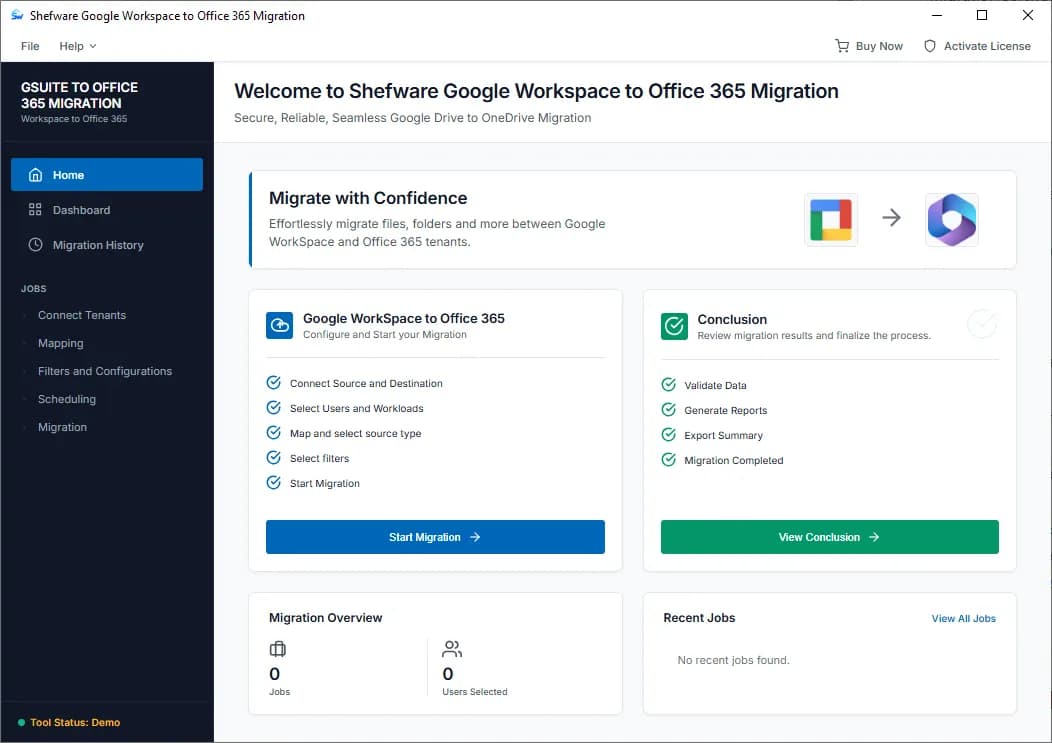
Bulk migrate multiple Google Workspace users to Microsoft 365.
Transfer Emails, Contacts, Calendars, Tasks, and Google Drive data.
Perform complete or selective G Suite to Office 365 migration.
Schedule migration jobs for automatic data transfer.
Use incremental migration to skip previously migrated items.
Apply advanced filters for selective data migration.
Migrate Google Drive data to Microsoft OneDrive efficiently.
Preserve the original folder hierarchy and data structure.
Track migration progress with detailed reports and logs.
Migrate large files without file size limitations.
Powerful and secure migration solutions designed for modern businesses.

Effectively moves all the mailbox data with accuracy:
Emails, Attachments, Tasks, Calendars
Advanced migration filters
Preserves folder hierarchy
Transfers large-sized mailboxes

Transfer cloud storage data safely and securely:
Move Google Drive files to OneDrive
Preserve permissions and structure
Secure data transfer
Handle large-scale migrations
The best G Suite to Office 365 migration software makes you choose. This one doesn't.
Split thousands of users into batches that run on your schedule, so large tenant to tenant migration Google to Microsoft jobs don't sit on one long, fragile job.
You can handle the migration batch by choosing the schedule; the software controls duplicate items or previously migrated items with an incremental approach.
Filter by date range, folder, label, item type, or size before a byte moves — migrate exactly what a mailbox needs and nothing else.
Run a complete G Suite to Office 365 migration or scope a selective mailbox migration software pass for a single department, mailbox, or item type.
Watch progress per batch and per user in real time with our migration reporting and progress tracking tool, then export a complete report of what moved.
Large Shared Drives and My Drive libraries move with folder structure, sharing, and versions intact — sized for real enterprise Drive usage.
Migrate Email, Contacts, Calendar, Tasks, and Drive independently to Microsoft 365. This allows migration of any Google Workspace component on or off per batch.
A Google Workspace migration tool with unlimited file size — large attachments and Drive files transfer without the size caps that force other tools to split.
Encrypted, admin-authenticated connections to both tenants throughout the run, with no data staged in the open.
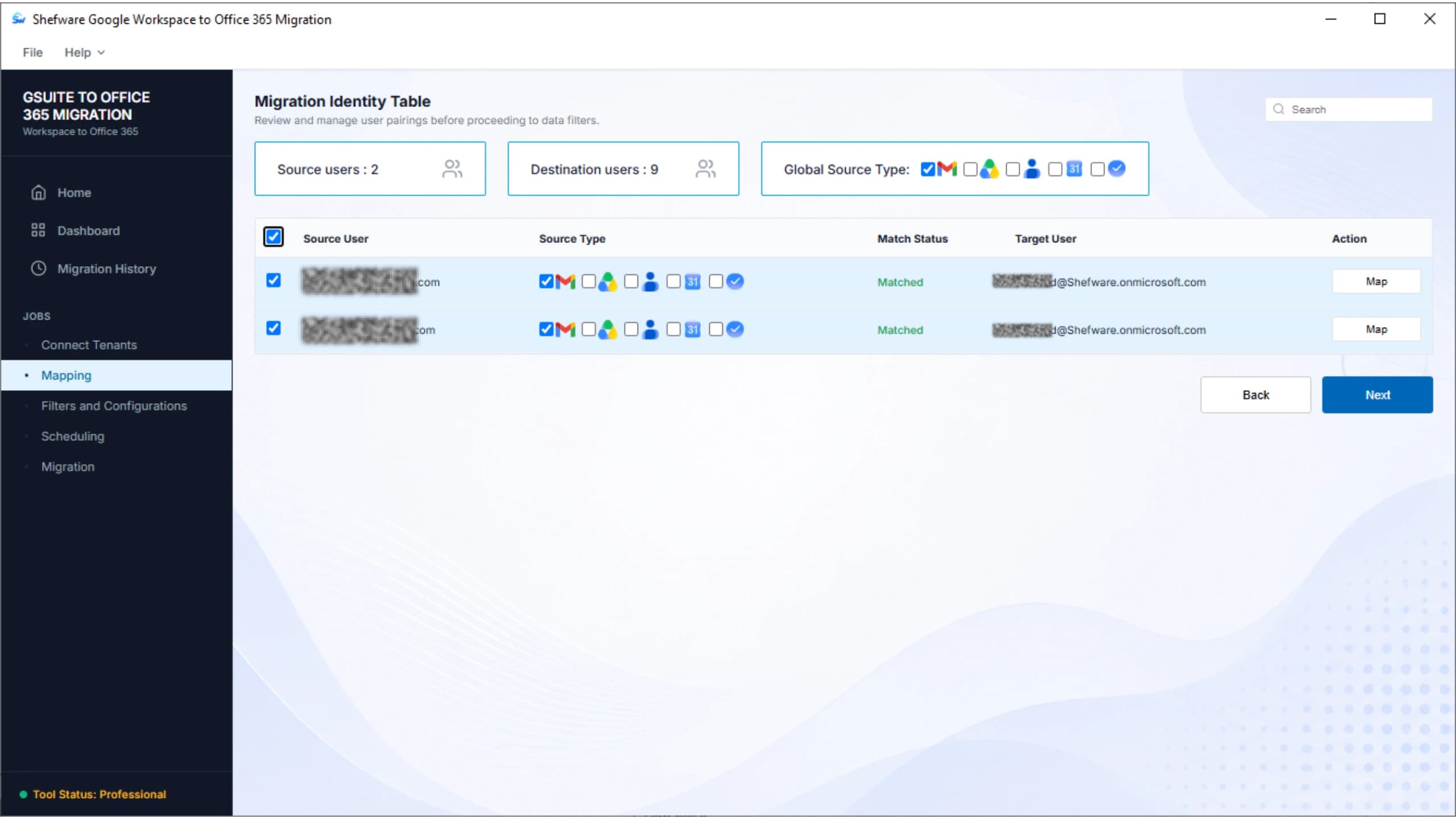
Map and migrate hundreds or thousands of users from a single CSV, with the batch engine handling the sequencing built for MSP use cases.
Follows Google Workspace and Microsoft 365 API and throttling guidelines, so migrations stay within both platforms' rules without data loss.
Single-tenant, multi-tenant, MSP, and mixed-domain scenarios are all supported from the same tool, no separate SKU per scenario.
| Capability | Shefware G Suite to O365 | Typical tools in the category |
|---|---|---|
| Preview Feature | Included in the same license | Often a separate product |
| Batch Migration | Batch engine, admin-defined | Usually per-mailbox queues only |
| File and Attachment Size Support | No fixed ceiling | Commonly capped per item |
| Elements | Email, Contacts, Calendar, Tasks, Drive | Often bundled, fewer independent toggles |
| Complete and selective migration modes | Both, same console | Common, but with fewer filter options |
| Real-Time Migration Reports | Real-time exportable | Often post-migration only |
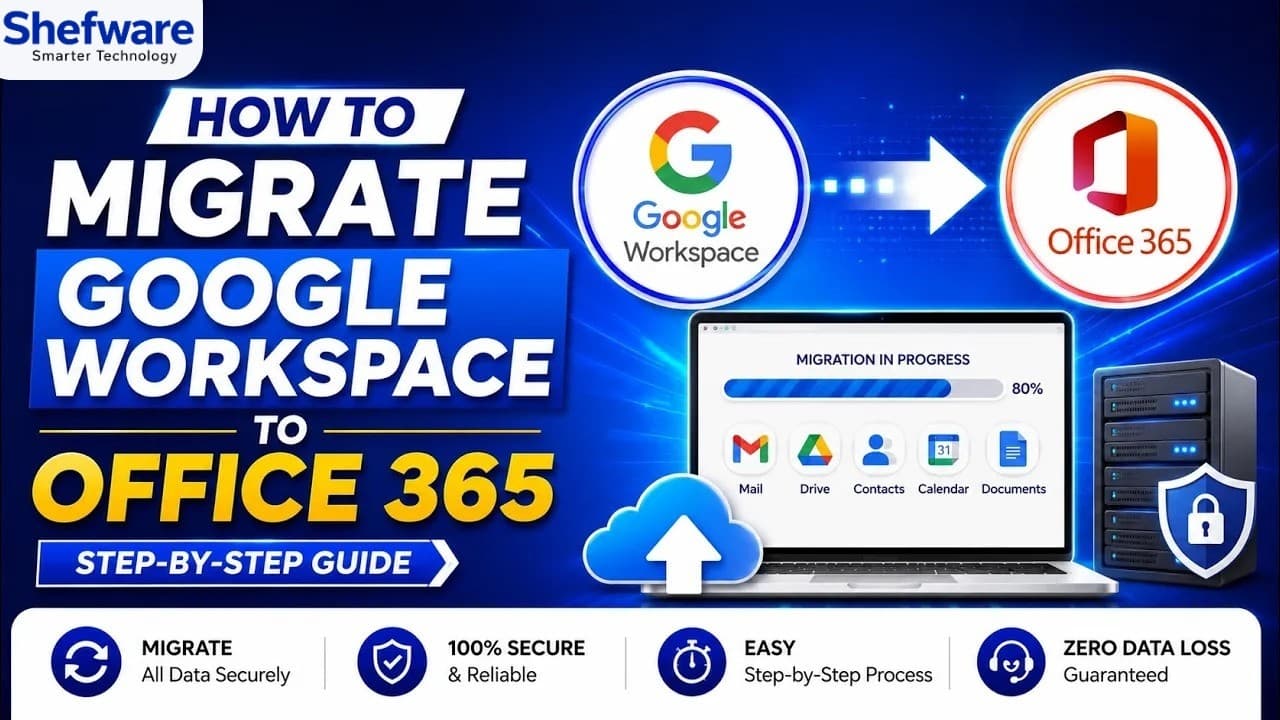
Watch our step-by-step video tutorial to understand how the software works and get started quickly.
Every component that makes a workday, mapped one-to-one for a complete Google Workspace to Office 365 migration. Turn each component on for a full migration, or off for a scoped, selective one.
Download Free Demo & Check System Requirements
Size: 45.00 MB
Version: 1.0.0.1
Hard Disk
10 GB space required
RAM
Minimum 8 GB RAM (Recommended 16 GB)
Processor
Intel® Core™ 2 Duo CPU E4600 @ 2.40GHz 2.39GHz or above
Operating System - Windows 11, 10, 8.1, 8, 7, Vista, XP, 2000, 98, NT and 95 and Windows Server 2022, 2019, 2016, 2012, 2008 R2, 2008, 2003 R2, 2003
Add Google Workspace and Microsoft 365 admin credentials once, over an encrypted connector.
Import source-to-target mapping by CSV, then scope the run with date, item-type, and size filters.
Divide the workload into batches of migration jobs, migrate each mailbox automatically, or run on your schedule.
Track live progress per batch, then export a full migration report to sign off the project.
The tool made it easier for me to migrate multiple Google Workspace users to Microsoft 365 in batches. The easy user mapping and selective migration made the process simple.
Microsoft 365 Administrator
No. Individual files, attachments, and Drive items transfer without a fixed size ceiling, which is a common limitation in other Google Workspace to Microsoft 365 migration tools.
Yes. Email, Contacts, Calendar, Tasks, and Drive can each be migrated independently, and a selective migration only moves what you choose.
Google Workspace single-tenant, multi-tenant, MSP, and mixed-domain client environments are all supported from the same tool, following Google Workspace and Microsoft 365 platform guidelines.