Migrate Emails Quickly and Safely with Email Migration Tools.
Migrate emails securely with Shefware Email Migrator Tool. Use a reliable email migration tool to transfer mailbox data quickly with advanced email migration features.
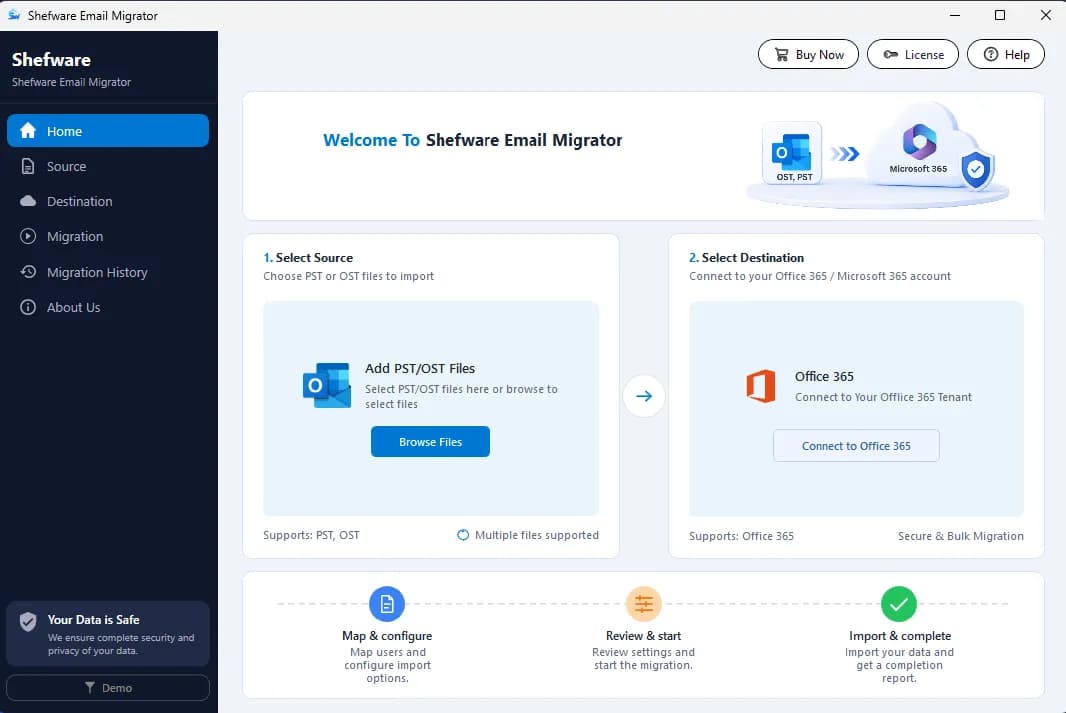
Move your mailbox data securely with enterprise-grade protection, encrypted authentication, and complete data integrity.
Migrate emails without losing data using the professional Email Migrator Tool.
The entire mailbox data performs email migration with folders and attachments on the user’s system.
Supports secure and encrypted passwords for safe account access to migrate multiple files to Office 365 at once.
Use the free email migration software to migrate emails between accounts and preserve the entire mailbox data in the original structure.
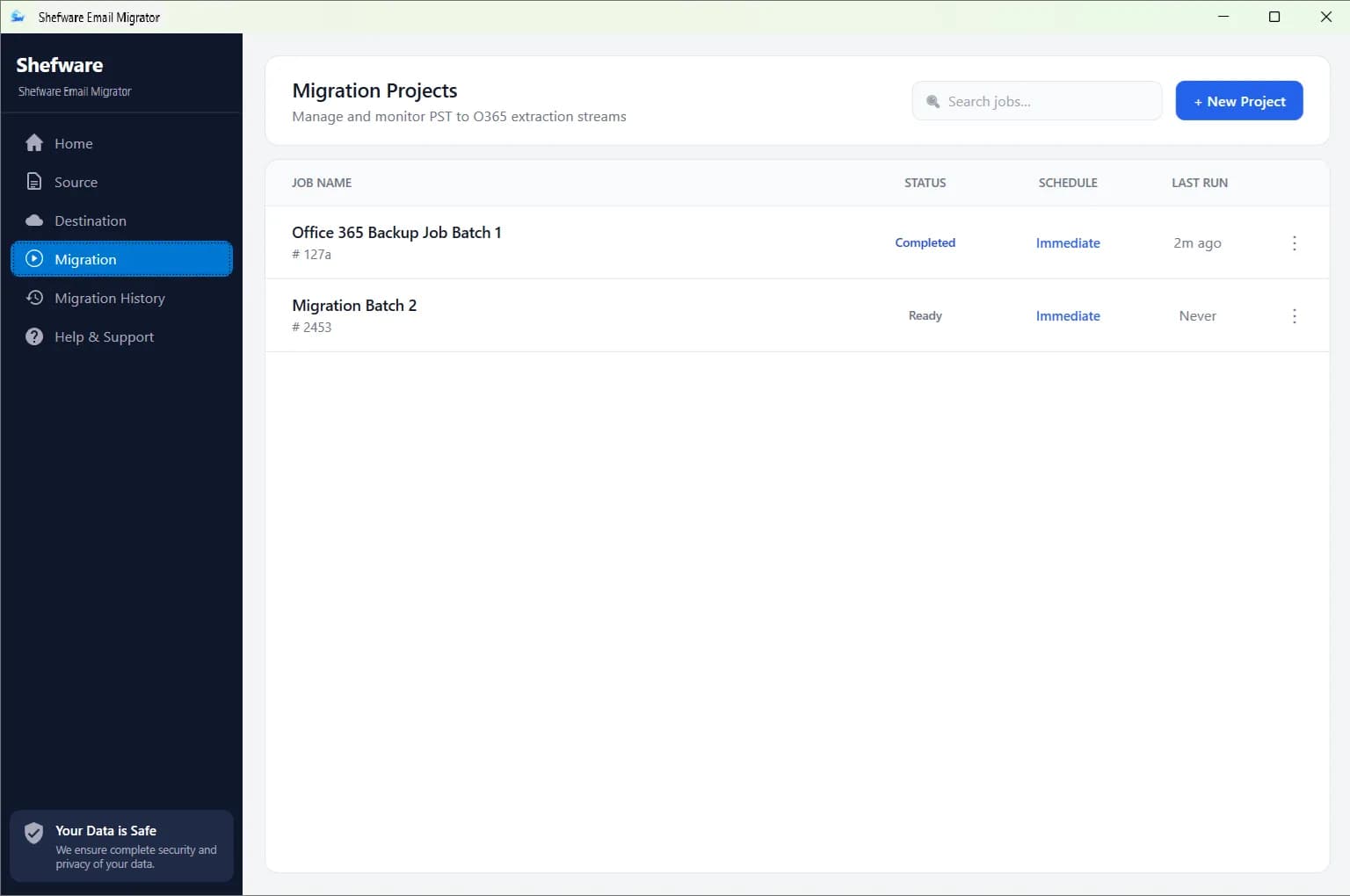
Seamlessly migrate Gmail Backup PST to Office 365 using the Shefware Email Migration Tool.
The professional Email Migration Software offers migration across multiple formats, including OST, EML, MSG and PST to Office 365.
Transfer emails from one account to another, including the large mailbox data, effortlessly.
Migrate the entire mailbox to the new provider using the Best Email Migration Tool.
Keep the email folder structure during migration, like Inbox, Sent, Drafts, and Trash items, in the original structure and data.
Enables you to migrate large OST, PST Files, regardless of size, using the Email Account Migration Tool.
Use the Enterprise Email Migration Tool for advanced filters such as date, folder for a specific file transfer.
Transfer new and updated Outlook OST, PST, EML & MSG Files while skipping the previously migrated data, reducing the time and avoiding duplicate files.
Transfer emails, attachments, metadata, and mailbox folders securely while preserving the original structure.
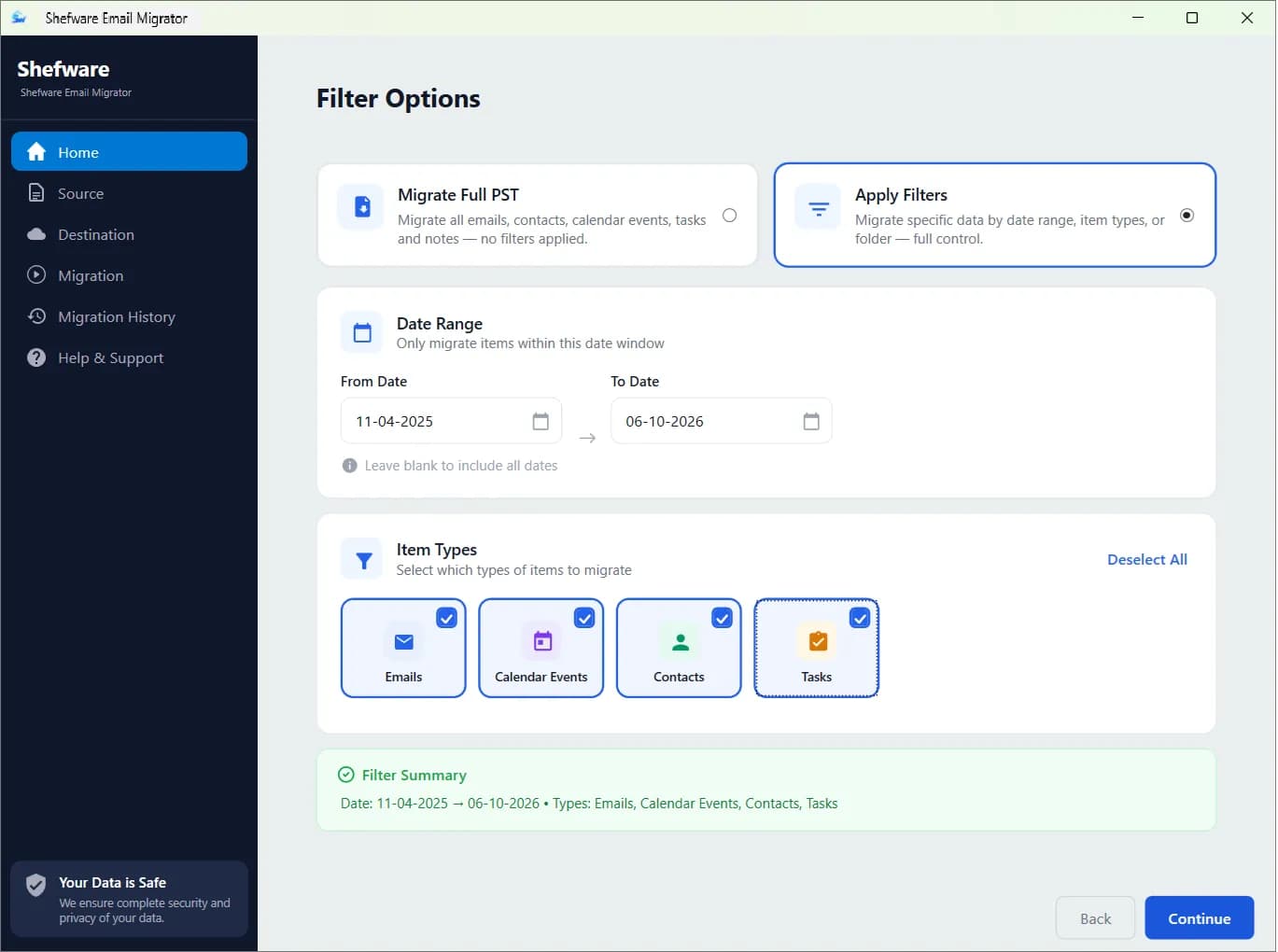
Migrates the entire email content while protecting:
Transfer all kinds of attachments with no data loss:
Stores the original metadata properties:
Email Migrator Tool manages an authentic mailbox sequence:
Follow a simple and secure migration process designed for fast, accurate, and seamless email transfer.
You need to download and install the Shefware Email Migrator tool.
Select OST or PST as the source format and add the files that need to be migrated.
Enter Tenant ID, Client ID, and Client Secret, and then validate the connection to the Microsoft 365 account.
Assign source files to the destination Office 365 user accounts using either Single Mode or Batch Mode.
Choose the scheduled time and enter the job name. Click on Start Migration to begin the data transfer. Monitor the progress and download the CSV File format report.
Download Free Demo & Check System Requirements
Size: 16.73 MB
Version: 1.0.0.1
Hard Disk
500 MB space required
RAM
Minimum 8 GB RAM (Recommended 16 GB)
Processor
Intel® Core™ 2 Duo CPU E4600 @ 2.40GHz 2.39GHz or above
Operating System - Windows 11, 10, 8.1, 8, 7, Vista, XP, 2000, 98, NT and 95 and Windows Server 2022, 2019, 2016, 2012, 2008 R2, 2008, 2003 R2, 2003
Prerequisites - Requires Internet Connectivity, .NET Framework 4.8 or later
Microsoft Outlook - 2021, 2019, 2016, 2013, 2010, 2007, 2003, 2000 (32-Bit & 64-Bit)
Office 365 - Enterprise E1 / E3 / E5 / Business Premium / Essentials & Exchange Online Plan 1 / Plan 2 & Office 365 A1 / A3 / A5 / F1
The tool made the email migration easy; the interface is very user-friendly, and the process was completed quickly.”
System Analyst
Find answers to the most common questions about our Email Migrator Tool and migration process.
Ans. Users can move the mailbox data to different user accounts under Office 365 without any data loss by using the expert email migrator, such as the Shefware Email Migrator Tool.
Ans. Follow these steps to transfer emails from one Gmail account to another:
Download and install the Shefware Email Migrator tool.
Enter the Job Name for the user identification.
Select the source and add the OST/PST Files.
Enter the credentials, such as Tenant ID, Client ID, and Client Secret.
Enter the destination folder and choose the schedule time.
Click on Start Migration and monitor the status.
Ans. The Shefware Email Migrator tool enables users by offering 25 items per folder in the trial version. However, the professional tool offers unlimited OST/PST File migration for seamless data transfer.
Ans. The tool has an advanced scheduling feature that enables data migration at the user’s preferred time. Users can set their time to migrate all data at a specific time, weekly, or monthly.
Ans. The professional Email Migrator tool features an incremental migration feature, ensuring only new emails are migrated.
Ans. Email Migration Time usually depends on factors such as mailbox size, the number of emails being moved, and others. If the email migration process ends up taking too long, select the Shefware Email Migrator Tool to migrate the OST/PST Files easily and seamlessly.
Ans. Email Migration might fail due to many reasons, such as incorrect login credentials, wrong permissions configuration, etc. In this case, try to verify the account, check the network settings, or the mailbox permissions. If the issue persists, use the Shefware Email Migrator to seamlessly migrate the content.
Ans. Users should keep a few points in mind while selecting the Email Migration Software:
The tool should provide complete data security and integrity.
The mailbox data should be kept in the original format and structure.
User support and guidance should be provided throughout the process.
Ans. Shefware Email Migrator is the best email migrator, with a no-data-loss guarantee. As the tool has been developed, keeping the users in mind, which transfer all the mailbox data, transferring the OST/PST Files to Office 365 without any data loss.