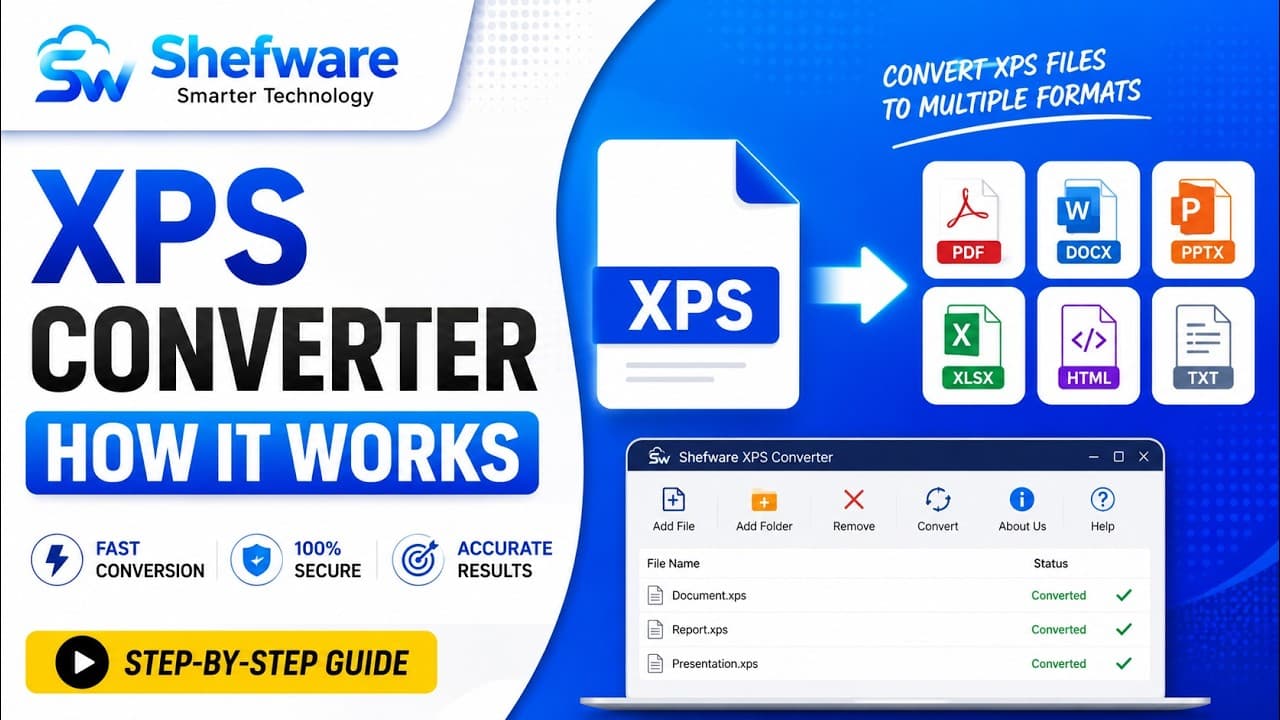
Quickly convert XPS to PDF while preserving the original form
A reliable solution to convert XPS to PDF files without losing the original formatting. Retain and maintain the original document structure, layout, fonts, images, and formatting. Fully compatible with all Windows OS versions, including 11, 10, and 8.
★ Preview unlimited XPS files in the free trial version.
Convert XPS files into standard PDF format.
Convert XPS documents to PDF while maintaining the original formatting.
Batch-convert 50 XPS files to PDF at once.
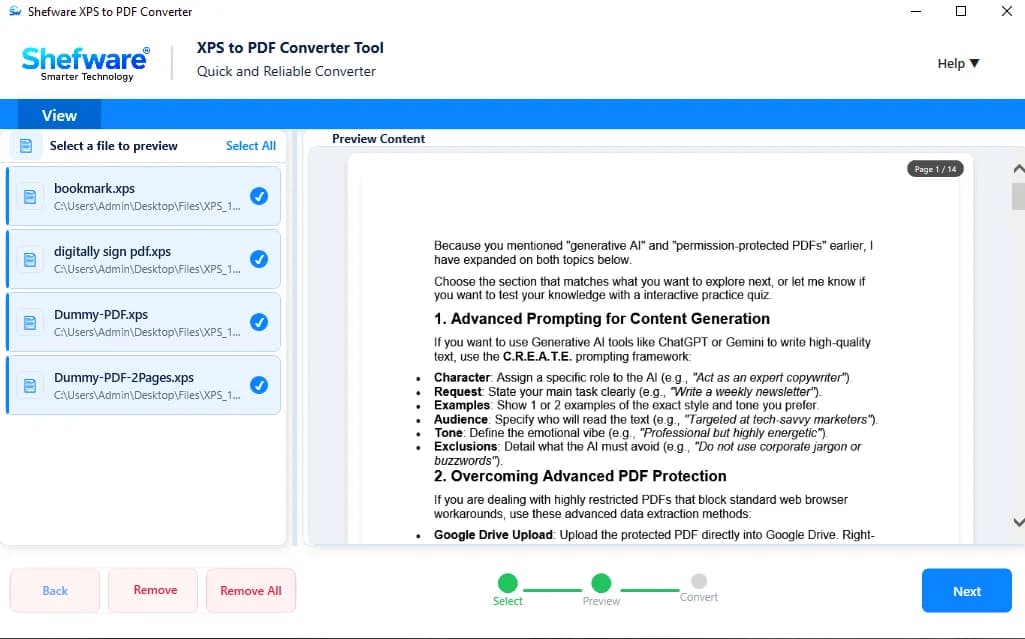
View and read XPS files before the conversion process.
Adjust the zoom level for better document visibility.
Preserve the original contents during the document conversion process.
Quickly format XPS to PDF for easy document sharing.
Generate large XPS files to PDF without any size limitation.
Export XPS files to PDF without Adobe Acrobat.
Save the converted PDF files to your desired location.
Supports all Windows Operating System versions.
Preview unlimited XPS files in the free trial.
Convert XPS documents to PDF and access PDF files across Windows, macOS, Linux, Android, and iOS seamlessly.
Convert XPS files to PDF and share PDF documents through email and other cloud platforms.
Store XPS documents as PDF for easier organization, management, and long-term access.
Safeguard the PDF files with passwords, permissions, encryption, and digital signatures.
Easily convert XPS files into standard and widely accessible PDF format.
Convert XPS files to PDF while preserving the original layout, fonts, images, and formatting.
Convert 50 XPS files to PDF format at once, saving manual effort and time.
View and read XPS documents before the conversion process.
Adjust the zoom level to view document content clearly during preview before converting XPS to PDF.
Convert large XPS files to PDF without file size limitations.
Select the desired destination folder to save the converted PDF files.
Preview unlimited XPS files to PDF in the free trial version.
Download and install the XPS to PDF Converter on your system. Launch the software to start the conversion process.
Click Add Files or add a folder to upload your XPS documents. Upload a single document or multiple documents and process them together.
View and read the selected XPS documents to verify content, formatting, and page layout before starting the conversion process.
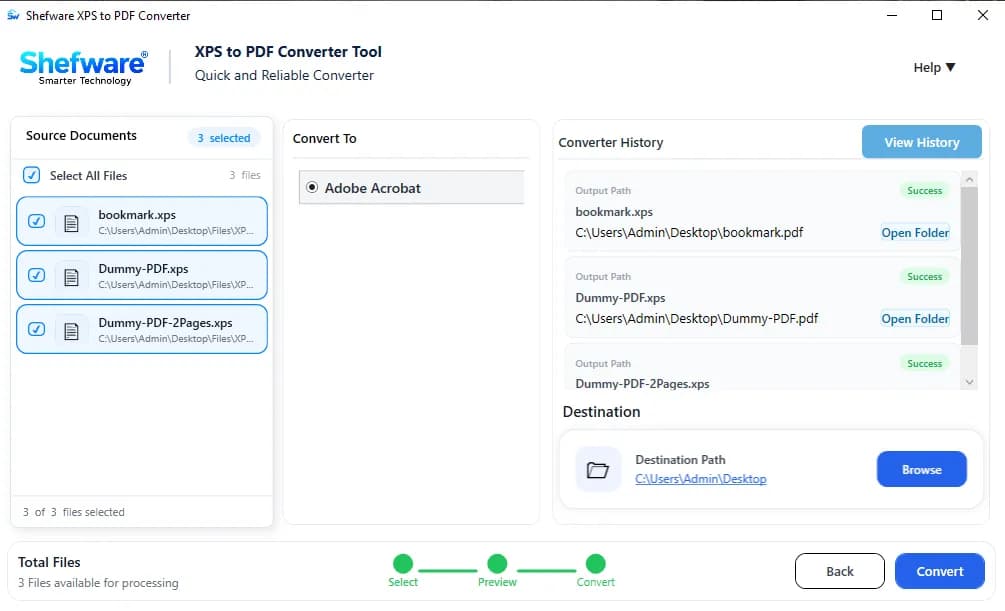
Select PDF as the output format to convert the XPS documents.
Browse and select the destination folder where the converted PDF files will be saved after the conversion process.
Click Convert to start the conversion process. Once completed, review the converted PDF files and check the detailed report to track the conversion status.
Watch our step-by-step video tutorial to understand how the software works and get started quickly.
Run the XPS to PDF Converter on all supported Windows operating systems for smooth and reliable document conversion.
Navigate through the software with a simple interface that lets you add, view, and convert XPS files easily.
Generate PDF files quickly while maintaining the original structure, layout, and formatting.
Browse and upload multiple XPS files at once to avoid converting each file individually.
Export XPS files to PDF without installing Adobe Acrobat or any other third-party application.
| Features | Free Trial | Full Version |
|---|---|---|
| XPS to PDF Conversion | ||
| Multiple XPS File Conversion | ||
| Preview XPS Files | ||
| Zoom In & Zoom Out | ||
| Preserve Original Formatting | ||
| Preserve Text & Images | ||
| Large XPS File Support | ||
| Desired Destination Location Path | ||
| Adobe Acrobat Installation Required | ||
| Conversion Limit | Unlimited | Unlimited |
| Watermark on PDF Files |
Download Free Demo & Check System Requirements
Size: 149 MB
Version: 1.0.0.1
Hard Disk
1 GB space required
RAM
Minimum 4 GB RAM (Recommended 8 GB)
Processor
Intel® Core™ 2 Duo CPU E4600 @ 2.40GHz 2.39GHz or above
Operating System - Windows 11, 10, 7(64 bit), Windows Server 2025
Prerequisites - .NET Framework 10
I was looking for a professional XPS to PDF Converter tool to manage a large number of archived documents. Thanks to Shefware, it was not only easy but also simple to convert the XPS files to PDF smoothly.
Legal Assistant