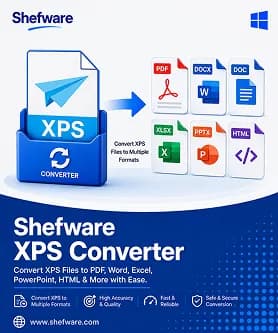
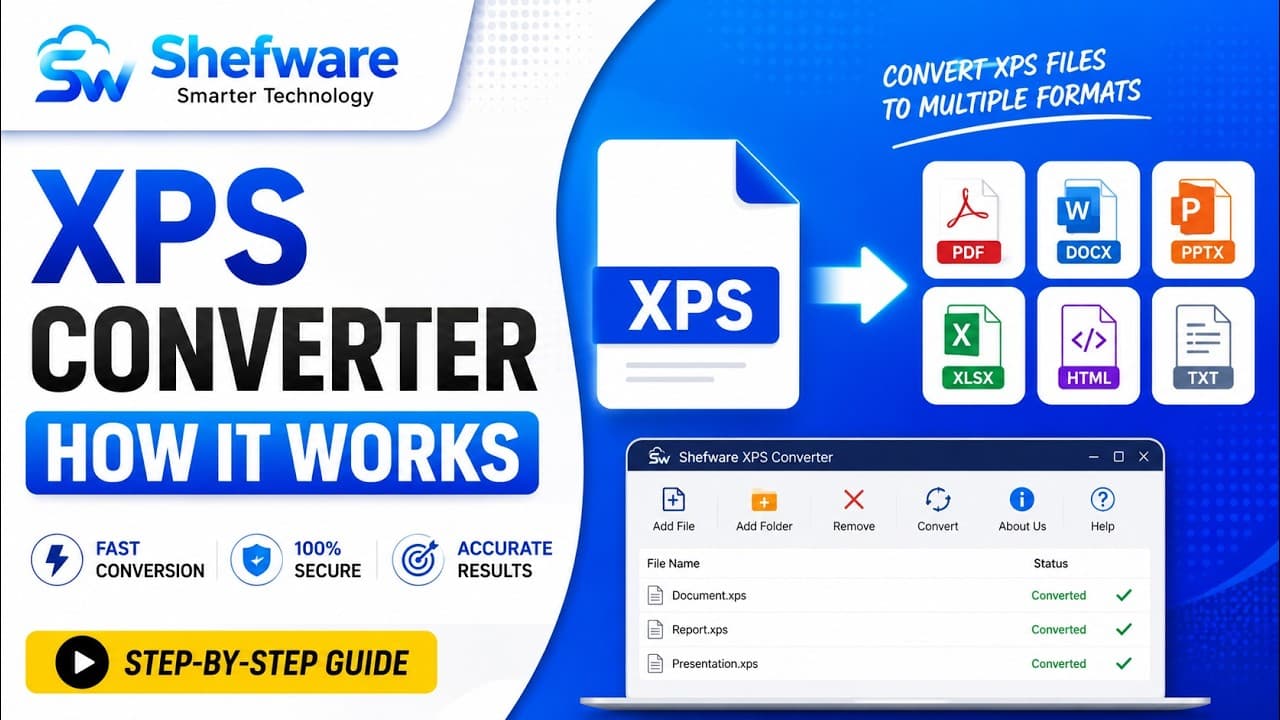
Convert XPS files into multiple formats with no formatting loss
Instantly convert XPS files into editable documents, PDFs, images, spreadsheets, presentations, and other formats. The software saves the original text, images, formatting, page layout, and document structure during conversion.
★ In the free demo version, preview up to 55 XPS files.
Convert XPS and OXPS into multiple documents, images, spreadsheets, presentations, and web formats.
Convert XPS to PDF while keeping the original document structure and layout.
Convert XPS to Word formats like DOC and DOCX for easy editing.
Preserve text, images, fonts, formats, and page structure during conversion.
Export XPS files to Excel formats for data analysis and reporting.
Add multiple XPS and OXPS files or folders for batch conversion.
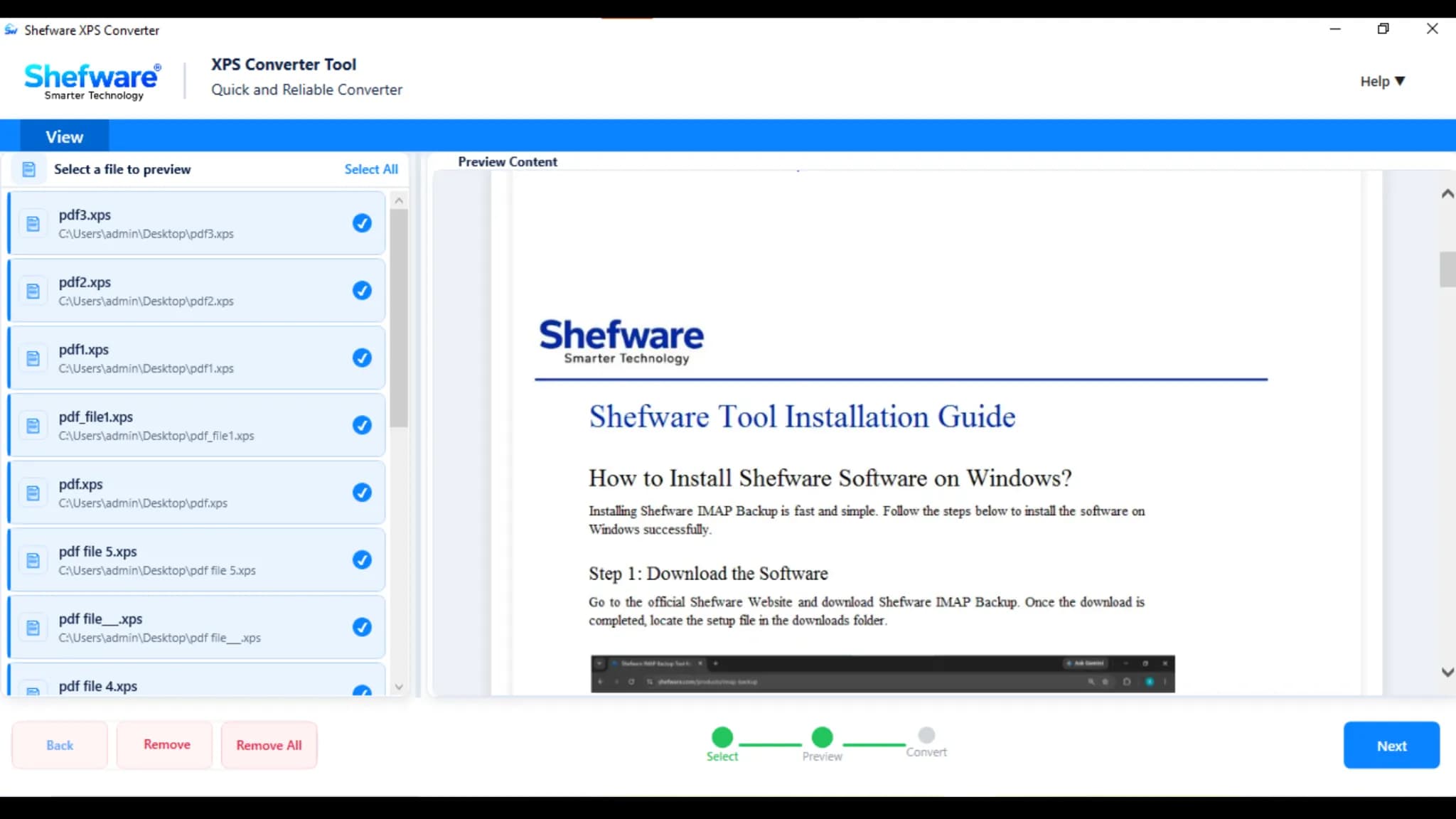
Preview XPS file content before initiating the document conversion process.
Process large-sized XPS files easily.
Compatible with all Windows operating systems.
Convert XPS files without an internet connection.
XPS files are built to preserve document appearance, but editing content can be complex. Convert XPS to editable formats like DOC or DOCX to change text, update content, or make other changes without regenerating the document from scratch.
XPS files may not be supported by every application or device. Converting XPS files to widely supported formats like PDF, JPG, or PNG makes documents easy to share, access, and view across different platforms.
Businesses sometimes gather invoices, reports, statements, and other structured details in XPS files. Converting XPS to XLS, XLSX, CSV, or TXT can make the information easier to analyze, organize, and reuse.
Convert XPS to PPT or PPTX when you need to reuse information from a document in presentations, reports, or business meetings. This makes fixed XPS content easy to include in presentation workflows.
PNG, JPG, JPEG, TIF, TIFF, BMP, GIF
DOC, DOCX, DOTM, DOTX, DOT, DOCM
XLSX
PPT, PPTX
HTML
EPUB
TXT
Add multiple XPS and OXPS files and folders at once. The tool lets you process multiple documents simultaneously, reducing repetitive manual work.
Preview the selected XPS files before initiating the conversion process. Verify that the correct files have been added, avoiding unnecessary conversions and processing errors.
Convert XPS files into multiple supported output formats as per your requirements, making XPS content easy to access, edit, share, and reuse.
Efficiently process large-sized XPS files without needing to split them into smaller documents, while maintaining content, formatting, and page structure.
Convert multiple XPS files in a single operation rather than processing them individually, saving time on large document collections.
Convert XPS files into editable document formats like DOC, DOCX, and DOTM with ease, preserving the original text, images, formatting, and page structure.
Convert XPS files into presentation formats like PPT and PPTX for convenient use in meetings and presentations.
Convert XPS files into spreadsheet formats like XLSX for easy data management and analysis.
Download and install Shefware XPS Converter on your system. Launch the software, where XPS is already selected as the default source file format.
Click Add Files or Add Folder to import the XPS documents you want to convert. You can add multiple XPS files or an entire folder for batch processing.
Preview the added XPS files before conversion to verify the selected documents and their content, confirming the correct files are ready for conversion.
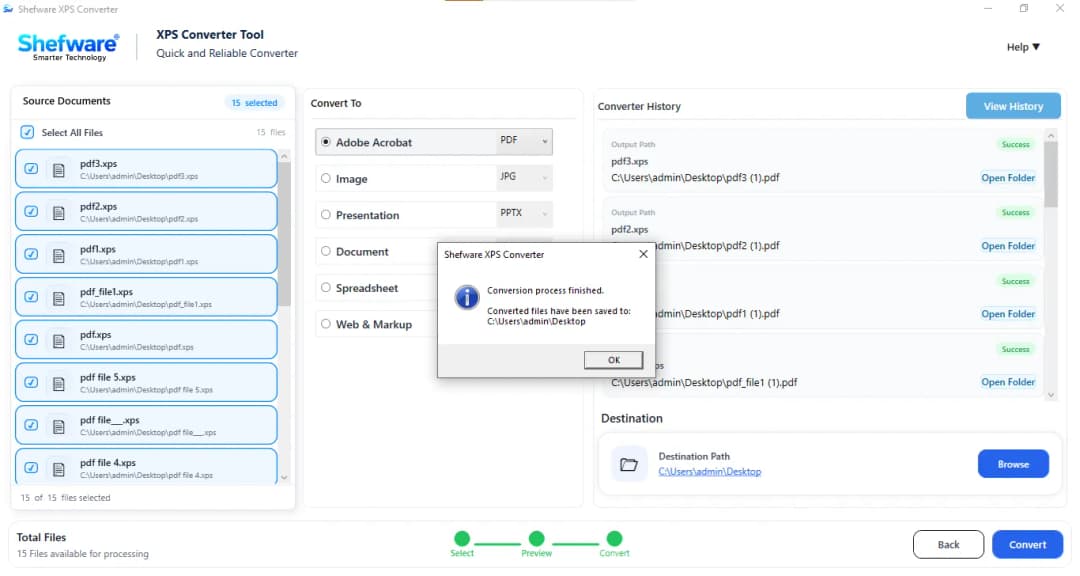
Choose the required output format as per your needs, from the available document, presentation, spreadsheet, PDF, image, or other supported formats.
Click Browse to select the destination folder where you want to save the converted files.
After selecting the output format and destination path, click Convert to start the process. The software converts the selected XPS files and saves them to the specified location.
Watch our step-by-step video tutorial to understand how the software works and get started quickly.
Preserve the original layout, text, images, fonts, and document structure during XPS conversion. The converted file retains the quality and appearance of the source document.
Convert XPS files through a user-friendly interface without complicated technical steps. Add files, select the output format, and start the conversion quickly.
Use Shefware XPS file converter for Windows 11, which smoothly supports Windows systems for convenient file conversion.
Process XPS files locally while maintaining control over your documents, in a secure environment for converting important files.
| Features | Free Demo | Full Version |
|---|---|---|
| Add XPS Files | ||
| Preview XPS Files | ||
| Select Output Format | ||
| XPS to Document Conversion | ||
| XPS to Presentation Conversion | ||
| XPS to Spreadsheet Conversion | ||
| XPS to PDF Conversion | ||
| XPS to Image Conversion | ||
| Batch XPS Conversion | ||
| Large XPS File Conversion | ||
| Preserve Original Formatting | Preview Only | |
| Save Converted Files | ||
| Full XPS Conversion | ||
| Software Updates | ||
| Technical Support |
Download Free Demo & Check System Requirements
Size: 146 MB
Version: 1.0.0.1
Hard Disk
1 GB space required
RAM
Minimum 4 GB RAM (Recommended 8 GB)
Processor
Intel® Core™ 2 Duo CPU E4600 @ 2.40GHz 2.39GHz or above
Operating System - Windows 11, 10, 7(64 bit), Windows Server 2025
Prerequisites - .NET Framework 10
Shefware XPS Converter made it easier for our team to process multiple XPS documents. The batch conversion option saved considerable time, especially when working with large document collections.
IT Administrator
Got questions about the Shefware XPS Converter? Find quick answers below.