Convert your PDF file to editable Word Documents without losing the format.
Quickly convert PDF files into editable MS Word Documents with Shefware PDF to Word Converter. Precisely convert PDF to Word formats while saving text format, fonts, tables, images, hyperlinks, headers, footers, and page layout.
★ In the demo version, convert 5 PDF files per folder.
Change PDF to Word format into editable DOC and DOCX documents.
Protect the original format, fonts, colors, and page layouts.
Maintain images, hyperlinks, tables, headers, and footers.
Batch convert various PDF documents at the same time.
Assist with password-protected PDF files.
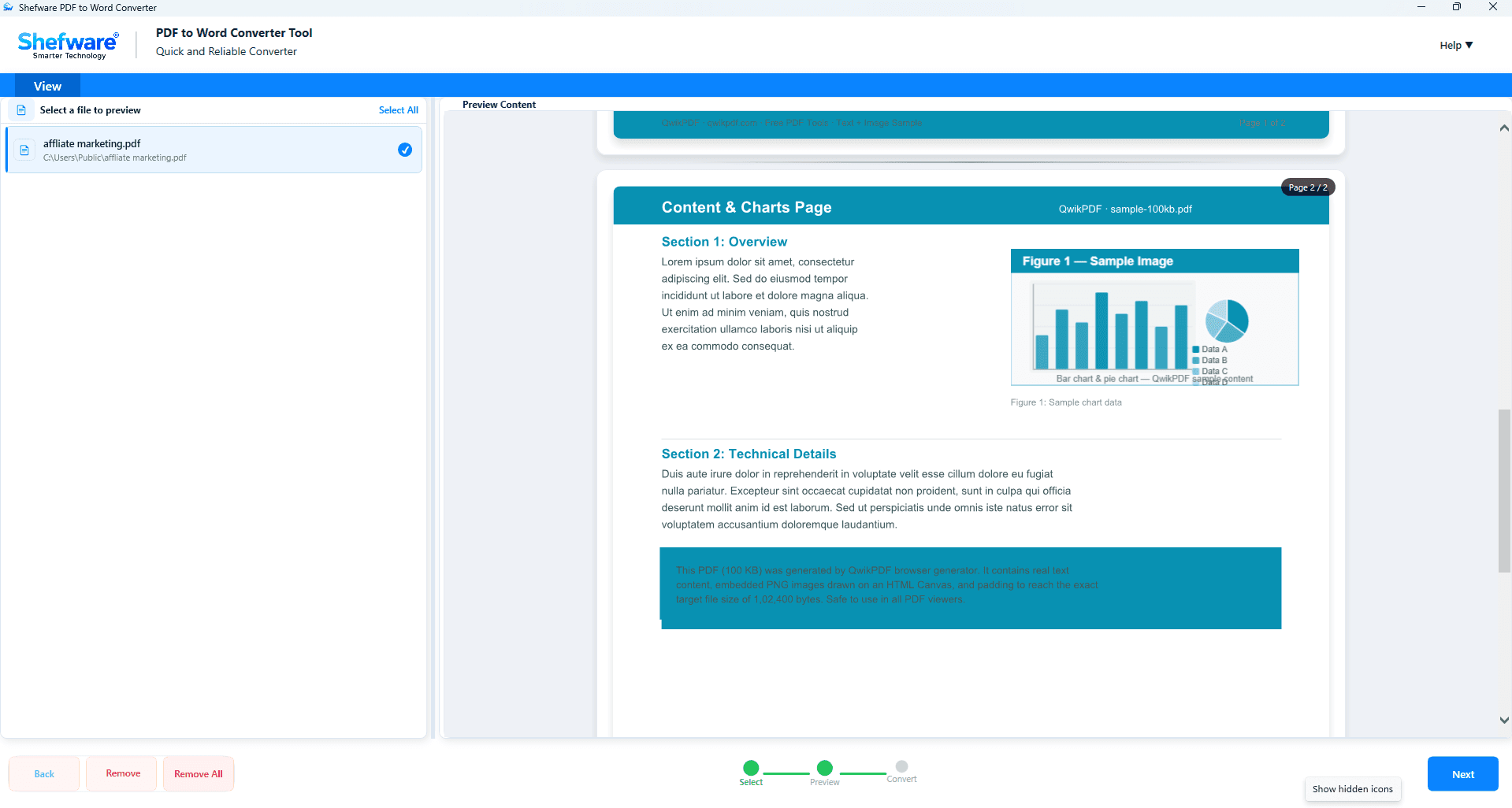
Preview your PDF pages before the conversion.
Supports standard PDF files and large-size PDF files.
Compatible with all Microsoft Word Versions.
Assists all Windows operating systems.
In PDF to Word converter free download, convert 5 PDF files per folder.
Editing PDF files directly is complex. Converting them into MS Word documents to change text, replace images, and add new content without regenerating the document.
Businesses sometimes receive contracts, invoices, reports, manuals, and proposals in PDF format. Converting them into an editable Word document allows for fast changes.
Many archived PDF files need updates over time. Rather than redesigning the overall file, convert it into Word and edit only the needed parts.
Protecting crucial documents with passwords is common, but it should not prevent you from editing them when authorized. Shefware PDF to Word Converter permits you to convert user password-protected PDF files into entirely editable Word documents after entering the correct password. The software safely processes protected PDFs without compromising document formatting or content.
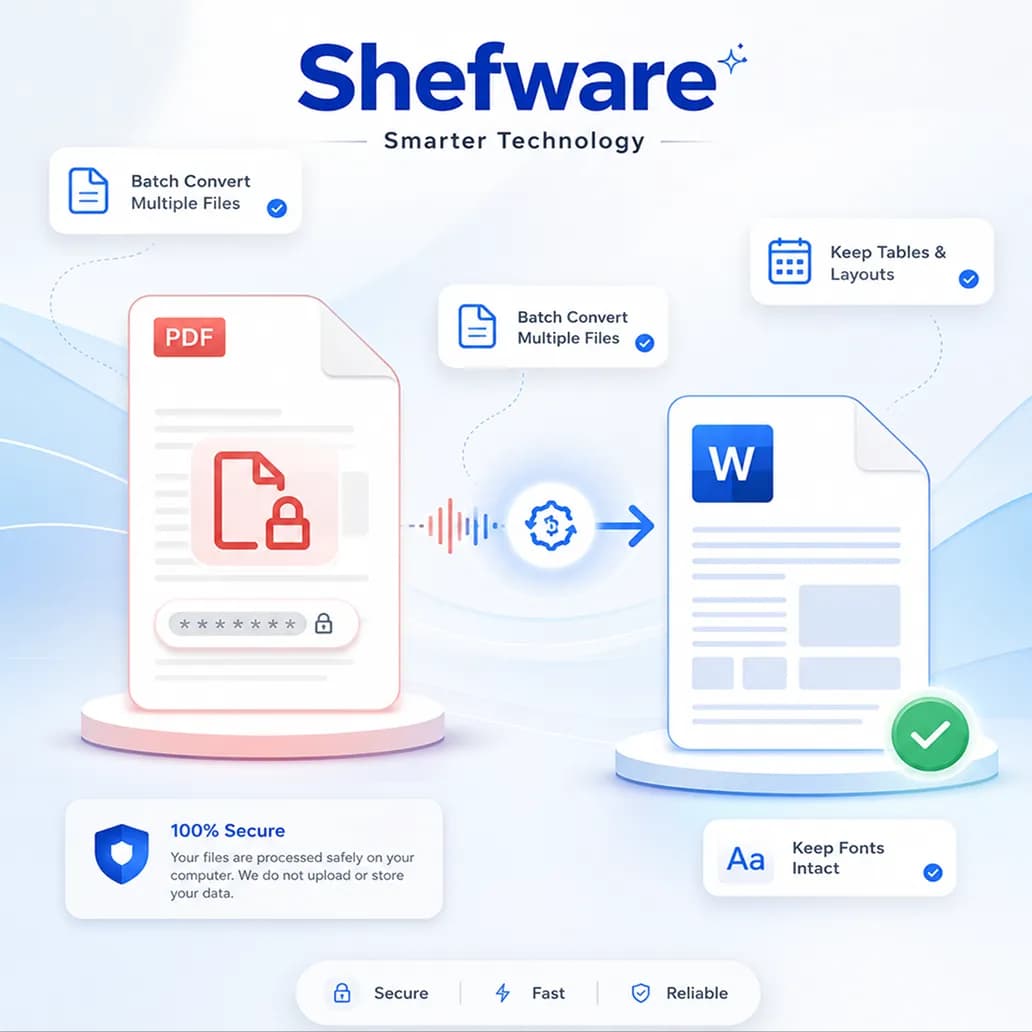
Saves your time by importing PDF files or folders at one time. The tool processes all selected files together, which makes it suitable for businesses and users who manage large document collections.
You can preview the PDF documents before the conversion process starts to verify the selected files. This helps in converting the right documents and limits the processing errors.
It supports multiple PDF document types such as DOTM, DOCX, DOC, TXT, DOT, DOTX, DOCM, RTF, and ODT. The PDF to Word doc converter allows you to convert standard and scanned PDF files with ease.
Select the output format as per your requirements. It permits you to convert PDF to Word DOC free, DOCX, DOC, DOCM, DOT, DOTM, and DOTX easily and quickly.
Monitor every conversion with the help of the view conversion history feature. See the important details like conversion status, output destination, format, and previously converted files. It makes it easy to handle entire conversions.
Work smoothly in your preferred language. The software supports multiple languages, offering a user-friendly experience for individual users and organizations across different regions.
Convert your password-protected PDF files by entering the right password. The tool safely processes password-protected documents while saving the original format and structure.
The upgraded version is developed for quick and more effective document processing. It can convert 50 PDF files instantly while maintaining high precision.
First, download and install the Shefware PDF to Word Converter on your system. Click on Add files or folder to upload multiple PDF files. You can also select from multiple source formats.
The tool scans selected PDF files and shows their content for preview. Verify the pages and content to make sure you have selected the right files before processing.
After verifying the PDF files, click Next to open the conversion window. Here you can allocate the conversion settings and desired output format.
Select Word as the output format from the DOC, DOCX, DOCM, DOTM, DOT, and more as the destination format as per your needs.
Click Browse to choose the destination path where you want to save your converted Word documents. The selected destination path gets displayed before the conversion.
Click on Convert to begin the process. It shows the live process status while converting your PDF files.
Once the conversion is completed, a confirmation message will appear. You can easily see the status, location, and format.
Convert your PDF files while protecting text, tables, images, fonts, page layouts, and other important document attributes. Ensures the converted Word document matches the original PDF.
The converted DOC and DOCX files are compatible with Microsoft Word 2024, 2021, 2019, 2016, and other versions. The software also supports Windows 11, 10, 8.1, 8, and 7.
Convert large-sized PDF files without compromising accuracy. It does not matter if it's long reports, manuals, or business documents, gave reliable performance.
Protect hyperlinks, headers, footers, and page numbers during the conversion process, making sure Word documents stay structured and editable.
| Features | Free Version | Full Version |
|---|---|---|
| Add Multiple PDF Files & Folders | ✓ | ✓ |
| Preview PDF Files | ✓ | ✓ |
| Multiple Source File Formats | ✓ | ✓ |
| Multiple Output Formats | ✓ | ✓ |
| Password-Protected PDF Support | ✓ | ✓ |
| Conversion History | ✓ | ✓ |
| Multi-Language Support | ✓ | ✓ |
| Convert PDF to Word | 5 PDF Files per Folder | Unlimited PDF Files |
| Batch PDF Conversion | ✗ | ✓ |
| High-Speed Conversion | Limited | ✓ |
| Supports Large PDF Files | ✗ | ✓ |
| Free Software Updates | ✗ | ✓ |
| 24×7 Technical Support | ✗ | ✓ |
Download Free Demo & Check System Requirements
Size: 261 MB
Version: 1.0.0.1
Hard Disk
1 GB space required
RAM
Minimum 4 GB RAM (Recommended 8 GB)
Processor
Intel® Core™ 2 Duo CPU E4600 @ 2.40GHz 2.39GHz or above
Operating System - Windows 11, 10, 7(64 bit), Windows Server 2025
Prerequisites - .NET Framework 10
Shefware PDF to Word Converter managed our business documents with impressive accuracy. The formatting, tables, and document layout remained intact, making the converted files ready for immediate editing.
Compliance Officer