OffersHomeMarketplace+1 888 425 1161
Repair Corrupt, Damaged & Inaccessible Outlook PST Files
Outlook won't open your PST file, or it's throwing errors after a crash or bad shutdown? Shefware PST Repair Tool recovers emails, contacts, calendars, tasks, and attachments from the damaged file, letting you preview everything before you save. It picks up right where Outlook's own inbox repair tool leaves off.
★ Free Demo : Export 25 items per folder from Outlook PST Files.
Outlook PST Recovery :The PST Recovery Software repair heavily corrupted Outlook PST files and restore all data.
Bulk PST Repair : Point it at a folder full of corrupted PSTs and repair them in one go instead of opening each separately.
No File Size Restrictions : Large, bloated PST files aren't a problem.
Password-Protected & Unicode Support : Password-protected PSTs and ones with Unicode/ANSI characters repair just fine.
Recover Deleted Items : Even data that's been deleted can often be pulled back out.
Preview Before Saving : Everything's previewable before you commit to saving.
Split Large PST Files : Break an oversized PST into smaller, easier-to-manage pieces.It allows split the PST file into smaller parts according to date, folder or size.
Export to Multiple Formats : Save as PST, MSG, EML, PDF, HTML, or TXT.
Migrate to Cloud & Webmail : Send repaired content straight to Office 365, Exchange, or webmail accounts like Gmail and Yahoo.
The contents of the message along with the attachments to it.
Retrieved in their original format without any formatting.
Also captured in the scanning process, not only e-mails.
Sender’s name, recipient’s name, subject line, timestamps, etc.
It happens — an email or a whole folder disappears because of a slip-up. The repair process can often bring it back.
A rough shutdown or a power cut mid-sync can leave a PST in a broken state that Outlook itself can't fix.
Got an old, corrupted PST you need out of? Repair it and send the contents straight to Office 365, Exchange, or a webmail account instead of doing it in two steps.
Once a file balloons past a comfortable size, splitting it into smaller chunks keeps Outlook running smoothly.
As long as you have the password, a locked PST doesn't stop the repair from working.
Filters let you pull out specific folders, senders, or date ranges instead of recovering everything at once.
Load a number of damaged PST files and allow the software to process them in bulk.
Advance Repair: Not only does it repair the visible issues but also finds items that could have been ignored by other programs, including those that were deleted.
Works on password-protected PST and Unicode-based files. This tool automaticaly recover PST password if present in file.
See which files will be restored – emails, contacts, calendar items, etc. – before exporting.
Divides one big PST file into several smaller ones for easier handling.
Export to PST, MSG, EML, PDF, HTML, TXT & Choose whatever suits you best.
Exports the file straight to Office 365, Exchange, Gmail or Yahoo without additional importing.
Filters the files to be recovered by subject, folder, item type or date.
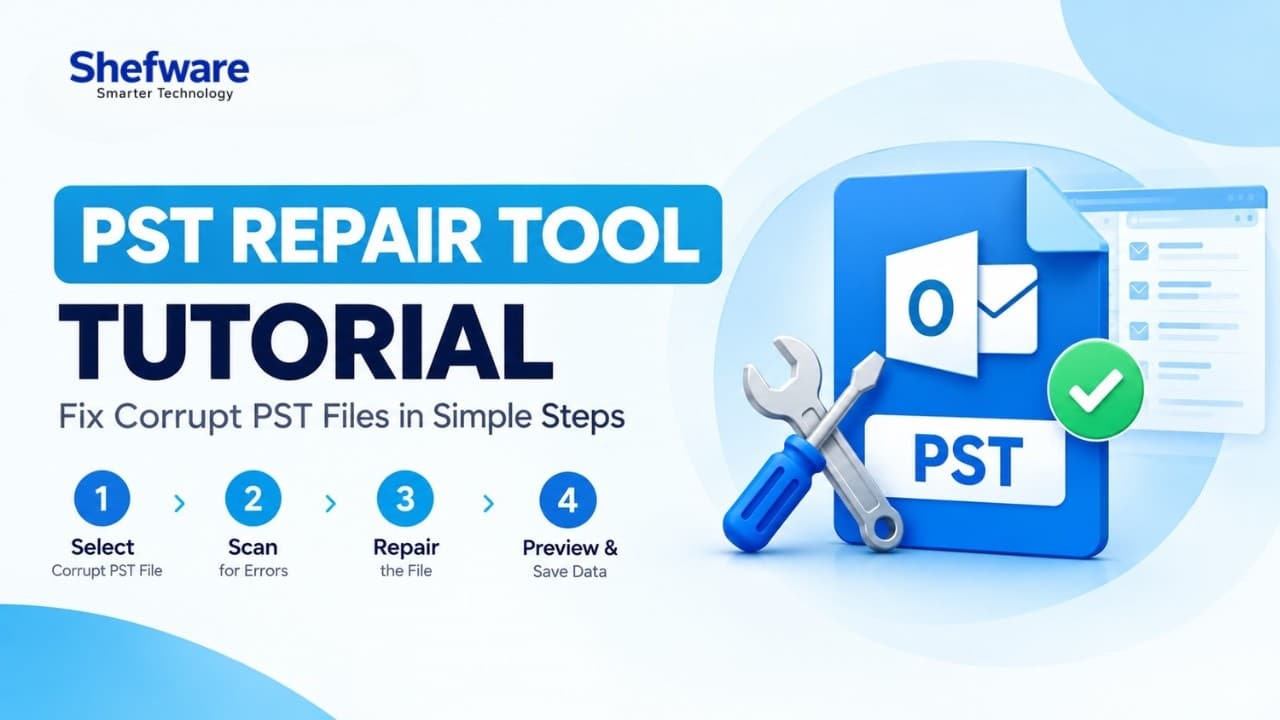
Watch our step-by-step video tutorial to understand how the software works and get started quickly.
When the built-in Microsoft Outlook inbox repair tool hits a wall, this one usually keeps going.
Folder structure and metadata stay exactly as they were.
Export to whatever format or destination actually fits how you work.
Password-protected PSTs repair without any loss of data integrity.
| Feature | Demo Version | Full Version |
|---|---|---|
| Repair Single/Multiple PST Files | ✓ | ✓ |
| Password-Protected PST Support | ✓ | ✓ |
| Preview Before Saving | ✓ | ✓ |
| Advanced Filters | ✓ | ✓ |
| Split PST Files | ✓ | ✓ |
| Save Repaired Items | First 25 items per folder | Unlimited |
| Export to Multiple Formats | ✗ | ✓ |
| Cost | FREE | Buy Now |
Download Free Demo & Check System Requirements
Size: 65.5 MB
Version: 1.0.0.1
Hard Disk
500 MB space required
RAM
Minimum 4 GB RAM (Recommended 8 GB)
Processor
Intel® Core™ 2 Duo CPU E4600 @ 2.40GHz 2.39GHz or above
Operating System - Windows 11 / 10 / 8.1 / 8 / 7 (32 & 64 Bit), Windows Server 2025 / 2022 / 2019 / 2016
Microsoft Outlook - Outlook 2021, 2019, 2016, 2013, 2010, 2007, 2003, Office 365
Prerequisites - .NET Framework 4.5 or above
Our office PST file crashed right after a Windows update, and I thought two years of client emails were gone for good. This tool pulled everything back — folders, attachments, even some stuff I'd deleted months earlier by mistake.
USA