Seamless Backup for Microsoft Teams Chats and Channels.
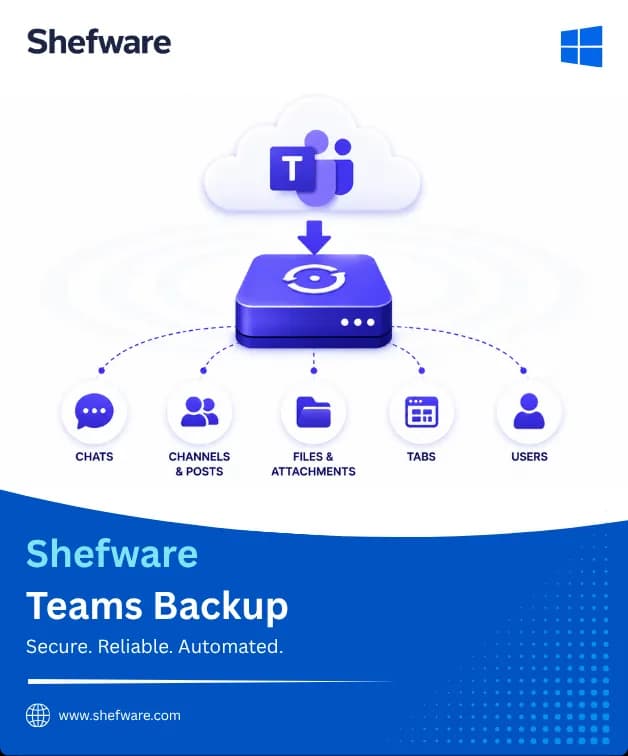
The Shefware Microsoft Teams Backup Tool provides a secure, reliable solution to backup Microsoft Teams, channels, files, posts and one-to-one chats, group chats, without data loss. The tool supports both complete and selective backups while preserving the original structure, ensuring data integrity, and safeguarding Teams data.
★ Evaluate the Shefware Teams Backup demo version to explore the features.
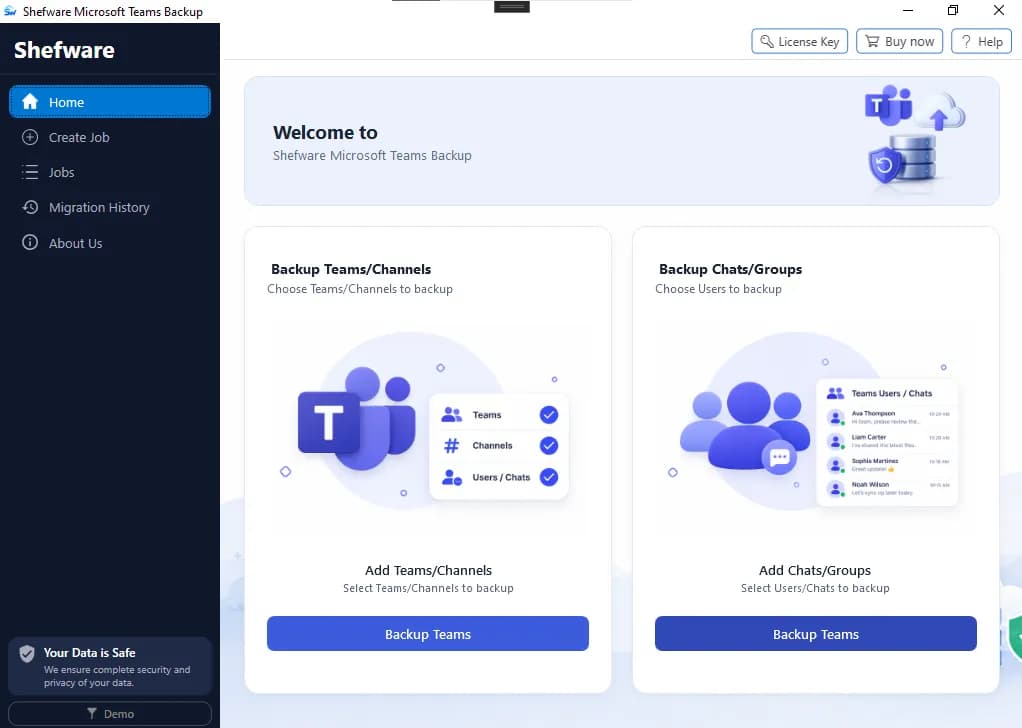
The Shefware Microsoft Teams Backup Tool enables safe and secure Teams data backup, ensuring complete data integrity.
Backs up complete or selected Teams while maintaining the original Teams structure.
Securely backup standard, private, and shared channels, including messages, posts, files, and other data.
Preserve channel messages, posts, replies, and other conversations for the future using the Teams conversation backup software.
Ensure Microsoft Teams 1-on-1 chat backup between individual Teams users and perform a Microsoft Teams backup to local drive.
Use the tool for Microsoft Teams private chat backup and preserve group chat history in HTML format.
Save files, documents, and folders shared across Teams, channels, and conversations.
Preserve attachments through messages and channel messages.
Archive reactions added to Teams messages across chats and channel conversations.
Back up Teams channel tabs while preserving the original structure for future Office 365 tenant migration.

Securely back up important Teams chats, channel conversations, and shared content for future reference using the Microsoft Teams Backup Tool.
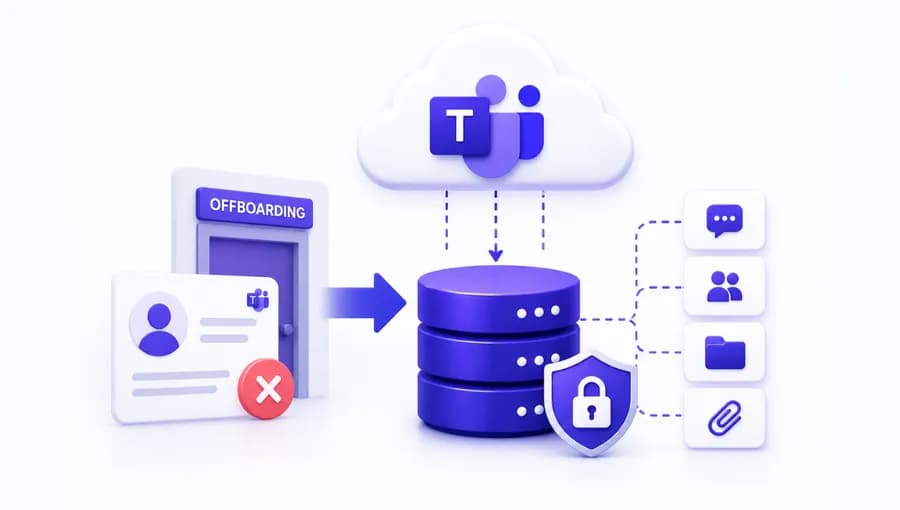
Back up an employee’s Teams conversations and content before removing the Microsoft 365 account with the Teams backup software.
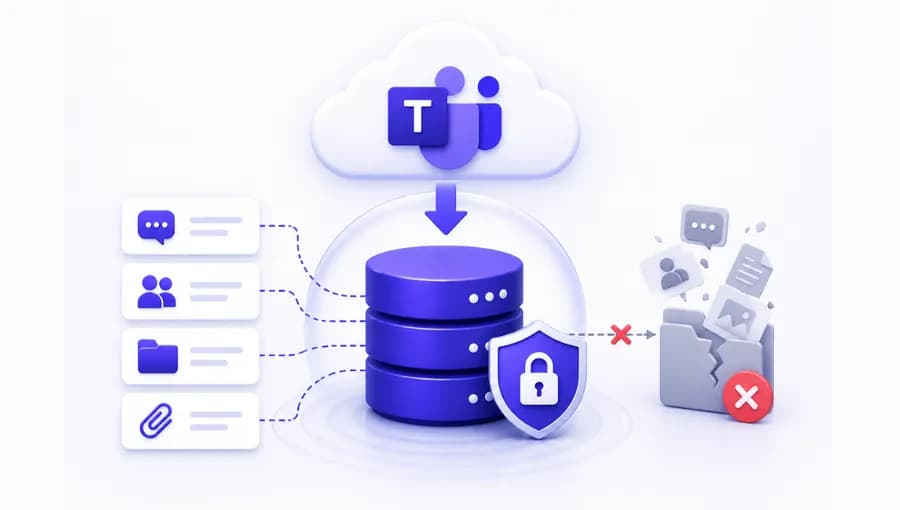
Store Teams messages, files, and conversations to safeguard the data against any loss.

Archive Microsoft Teams data on a local drive or preferred storage location for long-term archiving and before Teams Migration.
The Microsoft Teams Backup Tool enables you to schedule the backup process at a preferred date and time. The Teams backup software is suitable for IT administrators, businesses, and organizations to protect, archive, and backup Microsoft Teams data without manually starting each process.
Run the backup process immediately or schedule it for a one-time, Daily, Weekly, or Monthly process.
Choose a start date and time to schedule the backup process according to convenient off-peak hours.
Select an expiry date to stop the scheduled job automatically once retention windows end.
Perform Microsoft Teams Backup for enterprise and IT administration without manual intervention.
Backup complete Teams data or selected Teams, channels, chats, and messages based on the requirements.
Export Microsoft Teams chat to HTML format for easy offline viewing and access.
Store only new Teams data while skipping items that have already been saved during backup runs.
Choose a specific date range to back up Teams data created or shared within the selected time period.
Save Microsoft Teams backup data to a specific local drive or network storage location.
Preserve and maintain the original structure of Teams, channels, conversations, and folders throughout the backup process.
Store files, documents, and attachments shared through Teams chats and channel conversations.
Monitor backup status and generate detailed reports to track completed, failed, and skipped items.
Schedule Teams backup jobs to run one-time, daily, weekly, or monthly at a specific date and time.
Back up multiple Microsoft Teams within a single job for easy backup management and time-saving.
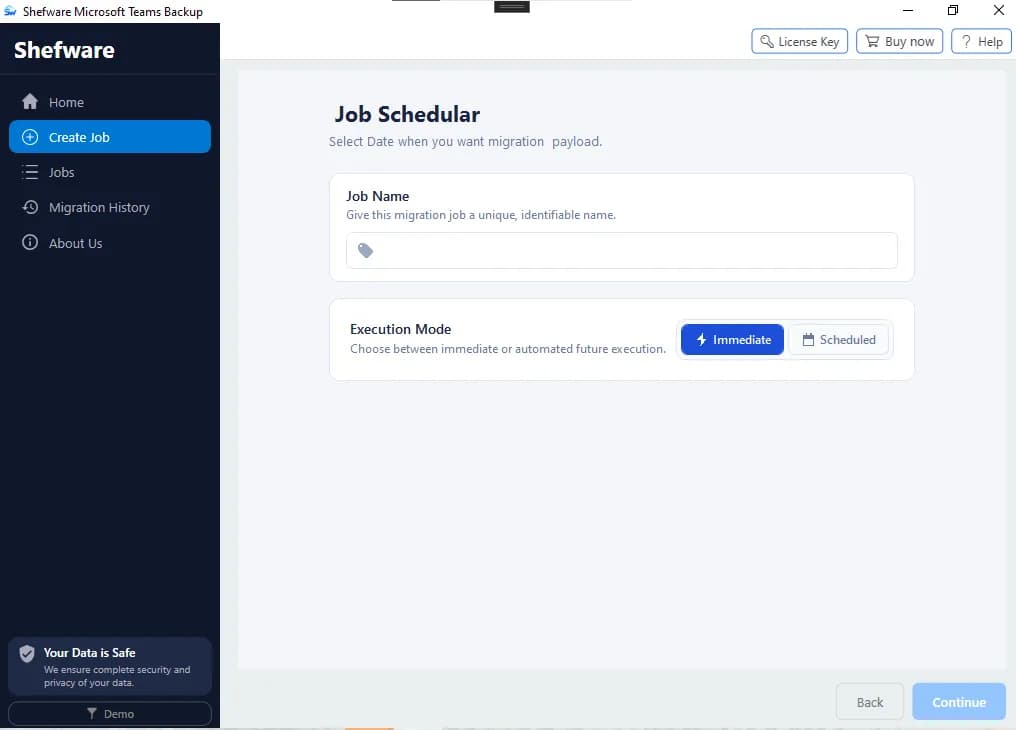
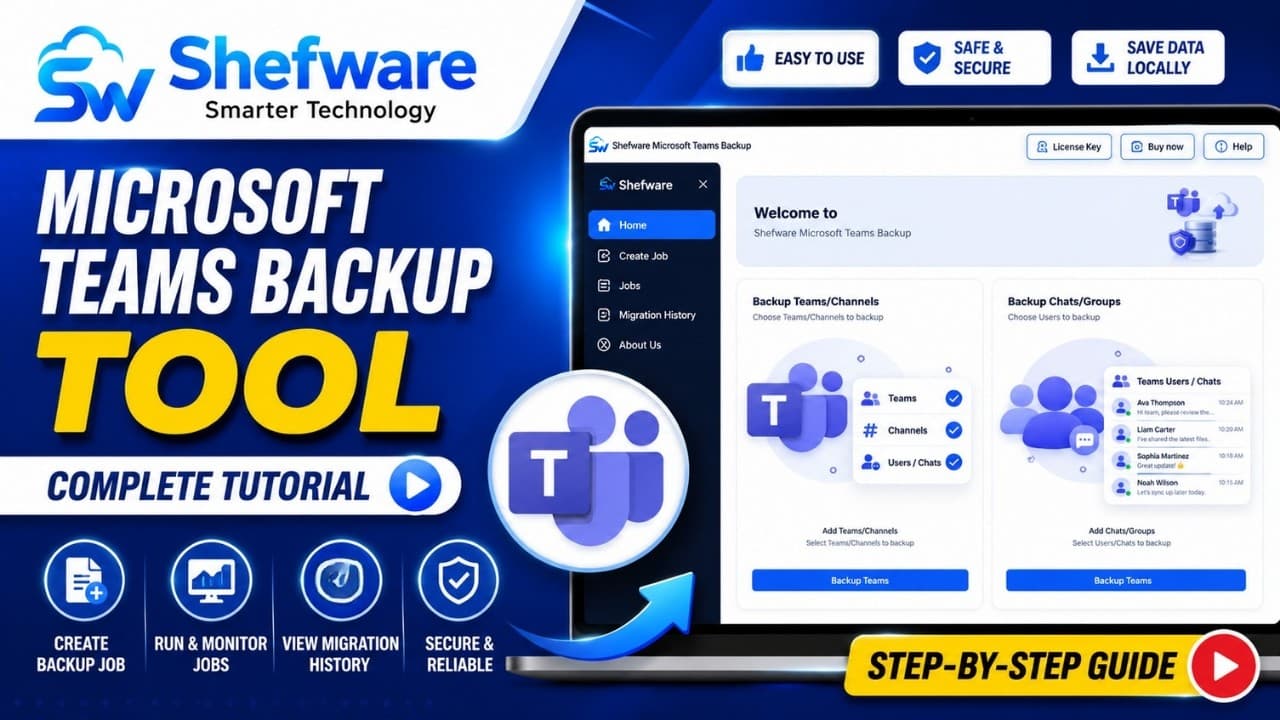
Watch our step-by-step video tutorial to understand how the software works and get started quickly.
The Microsoft Teams backup tool stores and saves chats, channels, messages, files, and other important data while maintaining data integrity.
Download Microsoft Teams backup tool to ensure safe and secure backup of Teams data for easy access and protection against data loss.
Shefware Microsoft Teams Backup Tool is suitable for IT admins, businesses, and enterprises to regularly backup and archive critical data.
Shefware Teams Backup software is fully compatible with all versions of Windows operating systems such as Windows 11, 10, Vista, and XP, for seamless data management.
| Features | Free Version | Professional Version |
|---|---|---|
| Backup Microsoft Teams Data | ✕ | ✓ |
| Complete & Selective Teams Backup | ✕ | ✓ |
| Backup Teams & Channels | ✕ | ✓ |
| Backup Channel Messages & Posts | ✕ | ✓ |
| Backup 1-on-1 & Group Chats | ✕ | ✓ |
| Export Teams Chats to HTML | ✕ | ✓ |
| Backup Files & Attachments | ✕ | ✓ |
| Incremental Backup | ✕ | ✓ |
| Microsoft Teams Backup to Local Drive | ✕ | ✓ |
| Network Storage Support | ✕ | ✓ |
| Preserve Teams Hierarchy | ✕ | ✓ |
| Schedule Teams Backup | ✕ | ✓ |
| Backup Reports & Monitoring | ✕ | ✓ |
| Backup Multiple Teams | ✕ | ✓ |
Download Free Demo & Check System Requirements
Size: 40.00 MB
Version: 1.0.0.1
Hard Disk
10 GB space required
RAM
Minimum 8 GB RAM (Recommended 16 GB)
Processor
Intel® Core™ 2 Duo CPU E4600 @ 2.40GHz 2.39GHz or above
Operating System - Windows 11, 10, 8.1, 8, 7, Vista, XP, 2000, 98, NT and 95 and Windows Server 2022, 2019, 2016, 2012, 2008 R2, 2008, 2003 R2, 2003
Prerequisites - Requires Internet Connectivity
Microsoft Office 365 - Enterprise E1 / E3 / E5 / Business Premium / Essentials & Exchange Online Plan 1 / Plan 2 & Office 365 A1 / A3 / A5 / F1
Shefware Microsoft Teams Backup Tool has made it simple to backup all the Teams chats, channels, and shared files. The scheduling feature has helped me to manage the backup process easily without extra effort.
IT Administrator