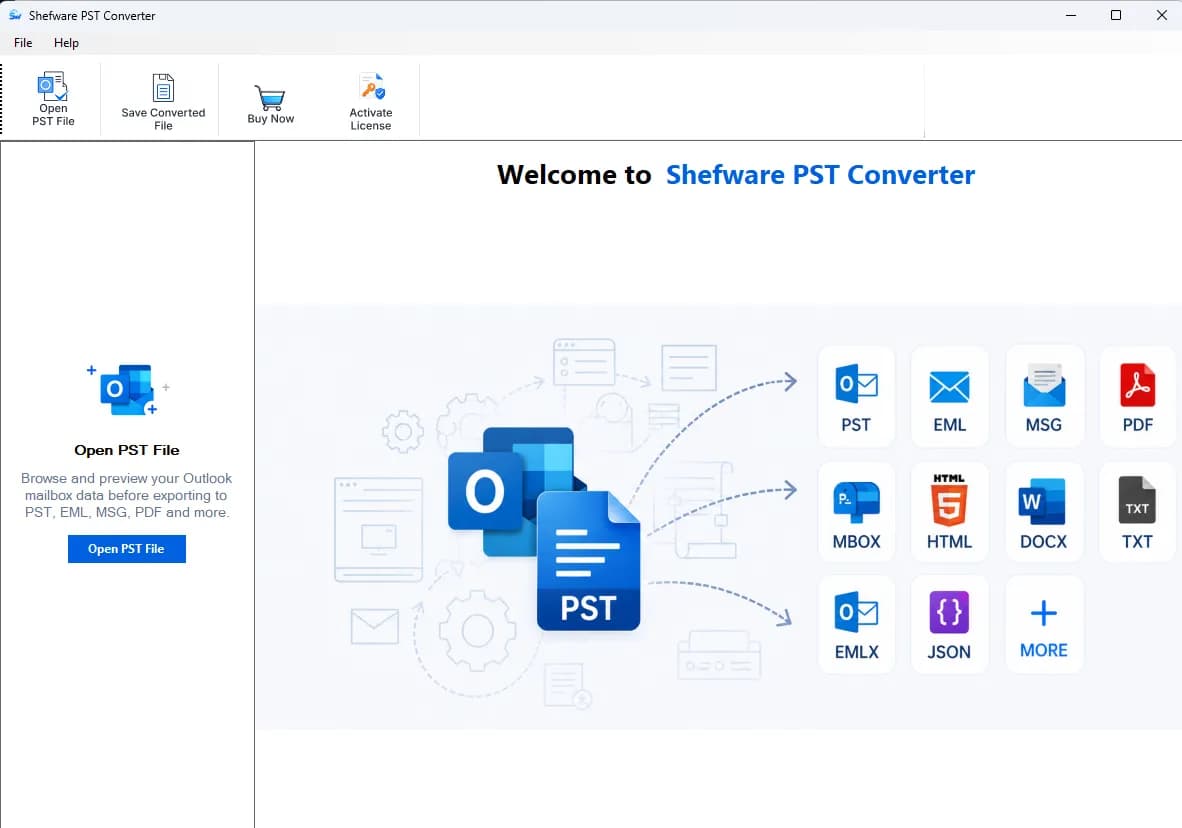
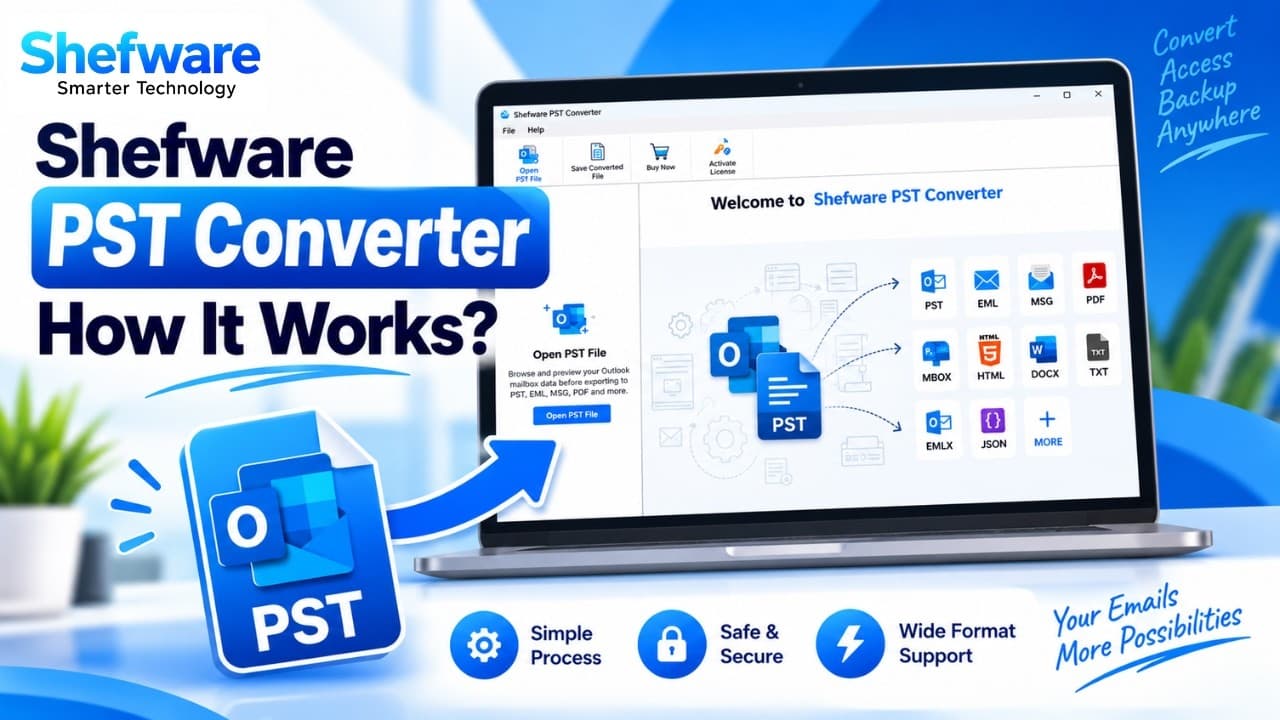
Secure PST Converter to Convert & Manage Outlook PST Files
Convert PST files easily with a powerful PST converter software. Convert Outlook PST to PDF, MSG, EML, and more with a secure PST file converter tool for email export and data migration.
Professional PST Converter tool helps users securely convert, preview, extract, and archive MBOX emails across all Windows and Mac operating systems.
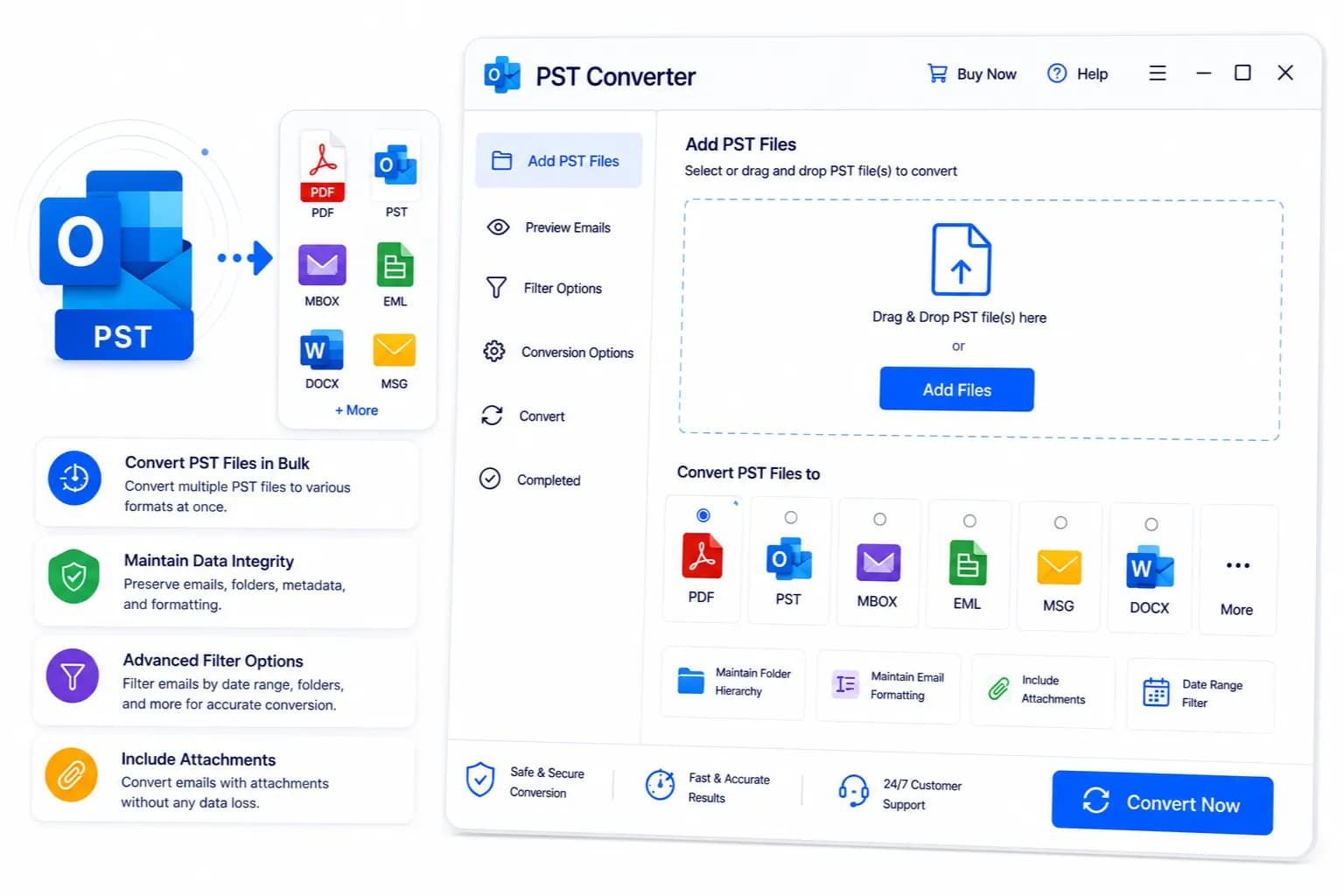
Outlook PST Converter Tool has been developed to ensure safe and secure email conversion of the outlook data with complete privacy protection.
Our tool ensures a smooth and seamless conversion of outlook data file without any data loss. This is done by alerting about the errors during the conversion process.
The entire data is stored in the user’s local system, ensuring privacy and security of the data without any unauthorized third-party access.
Supports all the password-encrypted PST email Files for secure access to the mailbox data with complete data security.
Preserve your original email hierarchy and structure of the mailbox items after conversion, ensuring easy access.
Features that make PST Converter Software stand out and position it as a leading software in the market.
PST Converter Software enables users to convert PST data into multiple formats, such as MSG, HTML, DOC, TXT, etc.
Easily convert the large Outlook PST data file, such as mailbox data, including emails and calendar, at once.
Allow users to upload a specific PST mailbox file using the advanced search filter based on a specific date, month, or year.
View and read the mailbox items, including emails, attachments, contacts, etc., in the mail mode effectively before the conversion.
Enables naming and renaming conventions to separate and organize multiple files for easy access and management.
There is no requirement for Outlook installation to use and utilize our PST Converter Software.
Recover deleted or lost data from corrupt PST files without losing the exact email hierarchy and layout.
Supported by ANSI & UNICODE formats while converting Outlook PST mailbox data into non-English languages.
We convert the complete mailbox items while preserving the original structure, metadata, and mailbox hierarchy.
From
To
BCC
CC
Date
Subject
FormatDOC
Attachments
JPG
TXT
ZIP
PNG
Sender
Receiver
Subject
Timestamps
Email elements
Sent
Drafts
Inbox
Trash items
Task Subject & Description
Task Status
Priority
Start & Due Dates
Name
Email Address
Contact Details
Address
Notes
Job Information
Personal Credentials
Date of Birth
Entry Type
Subject & Entry Text
Date & Time
Duration
Attachments
Tasks
Meetings
Group Schedules
Appointments and Events
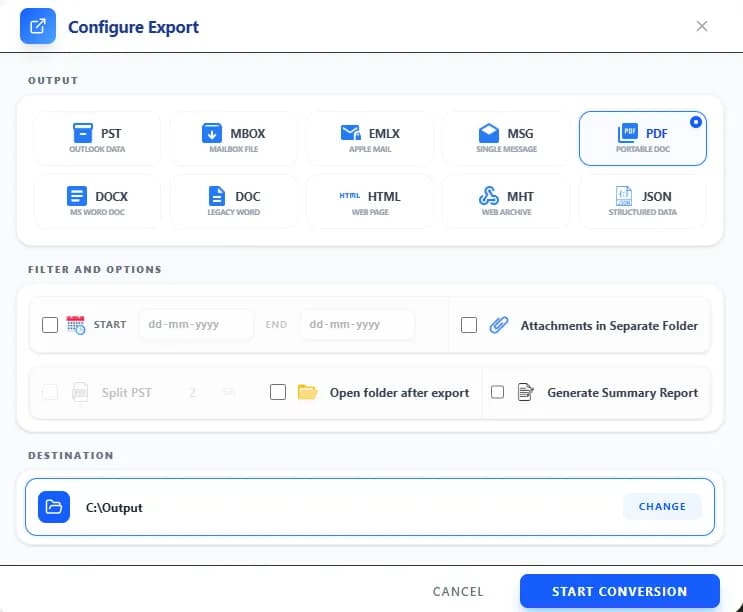
Our PST Converter Software follows a structured process to simplify the conversion workflow.
Download our PST Converter software and install it.
Go to Shefware’s PST Converter download page.
Click the download button to install the Outlook PST Converter Tool.
Follow the directions to install the converter tool.
Launch once installation is finished.
Click on Add File or select the PST File that you want to convert.
Locate the preferred PST mailbox file.
Select File and click Open to continue.
Choose the required file and click Open to proceed.
The file gets uploaded and prepared for scanning and conversion.
Before converting the PST mailbox File, ensure that the chosen PST data is correct.
Verify if the selected PST mailbox file's content is correct.
Check the destination path of the file.
Choose the PST format to convert the data to a different file format.
Select other file formats if required.
Click the desired file format.
Select the Target path you want the PST mailbox items to be stored in and click on the Export button to start the conversion process.
Choose the file path where you want to save the data.
Click Export to convert the data into multiple formats.
Track the progress while it's completing.
Once the process is completed, the file is ready to be downloaded. Check if all the data is accurately transferred to the PST data.
Confirm Export Completion to ensure the conversion process has finished.
Verify emails, contacts, calendar, and attachments are transferred correctly.
Watch our step-by-step video tutorial to understand how the software works and get started quickly.
Download Free Demo & Check System Requirements
Size: 117 MB
Version: 1.0.0.1
Hard Disk
10 GB space required
RAM
Minimum 4 GB RAM (Recommended 8 GB)
Processor
Intel(R) Core(TM) i3-4160 CPU @ 3.60GHz or above
Operating System - Windows 11 / 10 / 8.1 / 8 / 7 (32 & 64 Bit) , Window Server 2025 / 2022 / 2019 / 2016 / 2012 R2 / 2008 R2
Microsoft Outlook - 2021, 2019, 2016, 2013, 2010, 2007, 2003, 2000 (32-Bit & 64-Bit)
I have used the Outlook PST Converter Tool, and I couldn’t be more grateful for coming across this software. It has not only performed all my tasks easily, but also converted the PST email File format into several formats that I wanted to. Highly recommended.
IT Administrator
Common questions related to the PST Converter Software.
Watch our step-by-step video tutorial to understand how the software works and get started quickly.