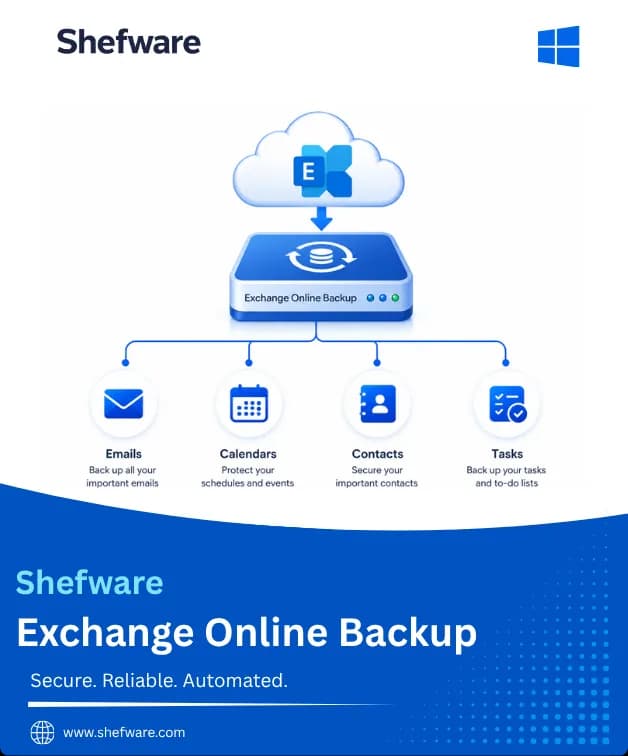
Securely Back Up Exchange Online and Microsoft 365 Mailboxes
Microsoft's retention policy won't hold onto your mailbox data forever, and once it's gone, it's gone. Shefware Exchange Online Backup Tool pulls your emails, contacts, calendars, tasks, and attachments out of Microsoft 365 and onto your own computer via the Graph API, so you're never relying on Microsoft's clock to keep your data safe. The Exchange Online backup tool provides a practical way to maintain an independent local copy of important Microsoft 365 mailbox data.
★ Free Version : You back up a limited number of items per folder for a single mailbox.
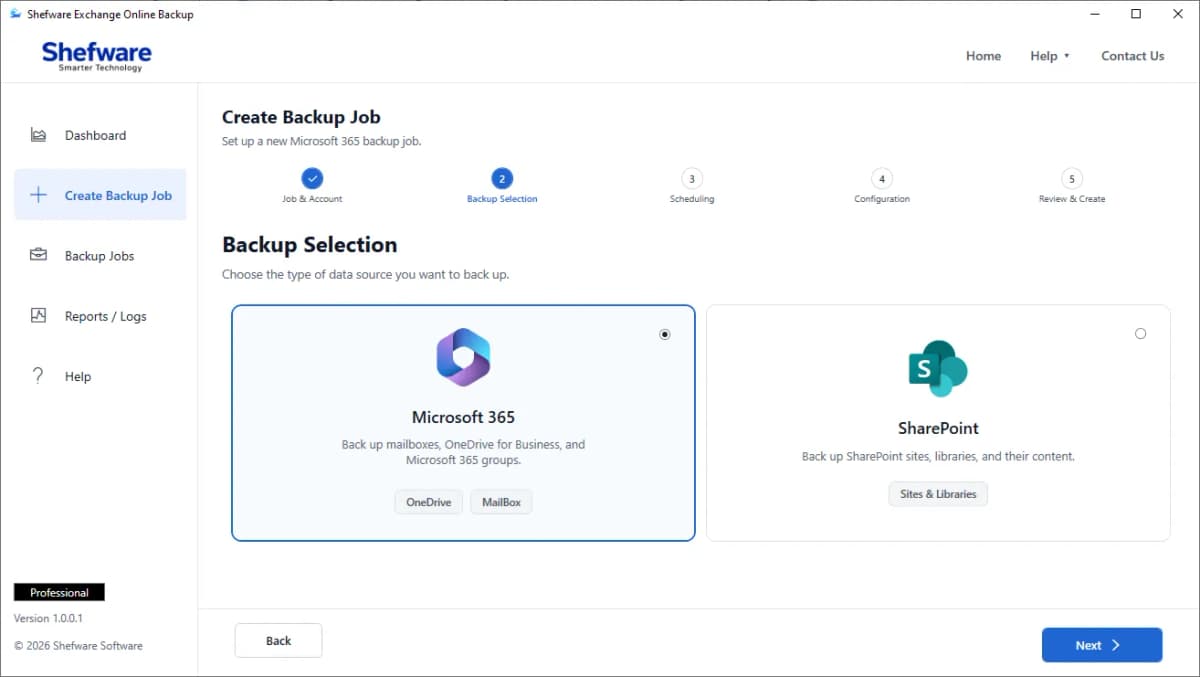
Supported Exchange Online Backup Data
Exchange Online retention is limited, so this tool creates a local backup beyond Microsoft’s retention window, making it a reliable Exchange Online backup and restore tool.
When an employee leaves, there is often a need to retain the information they were handling. It is possible to backup their mail, contact folders, calendars, and tasks before deactivating the account, ensuring nothing is lost.
The mailbox content can be deleted or become inaccessible under various unforeseen circumstances. Having a local backup copy will reduce the possibility that mailbox data loss will result in the loss of mailbox content.
If there is a need for a specific time frame of data for compliance or auditing reasons. The date-based filtering capability allows administrators to select the required period, making it easier to manage targeted backup jobs.
Uses the Microsoft Graph API for direct, stable mailbox backups, making it an Office 365 backup tool without PowerShell.
Backup isn't limited to email. Contacts, calendar entries, tasks, and attachments are all captured together, so a mailbox backup actually reflects the full mailbox, not just the inbox.
Backups don't have to include everything every time. Filter by item type or set a date range so the backup only covers what's actually relevant to the job at hand.
Once the first full backup is done, the tool tracks what's already saved and only pulls new or modified items on the next run. That means faster backup cycles and no duplicated data.
Processes multiple mailboxes in batches with separate, organized backups, making it an effective Office 365 backup tool for multiple users.
Export shared mailbox to PST, you can export large mailbox backup to Outlook PST using split PST options and protect the large mailbox.
After the job is done, the user gets an accurate list of the data that was backed up and can double-check that nothing was missed.
The user logs in with their Microsoft 365 or Exchange Online credentials, and the tool authorizes the connection via the Graph API.
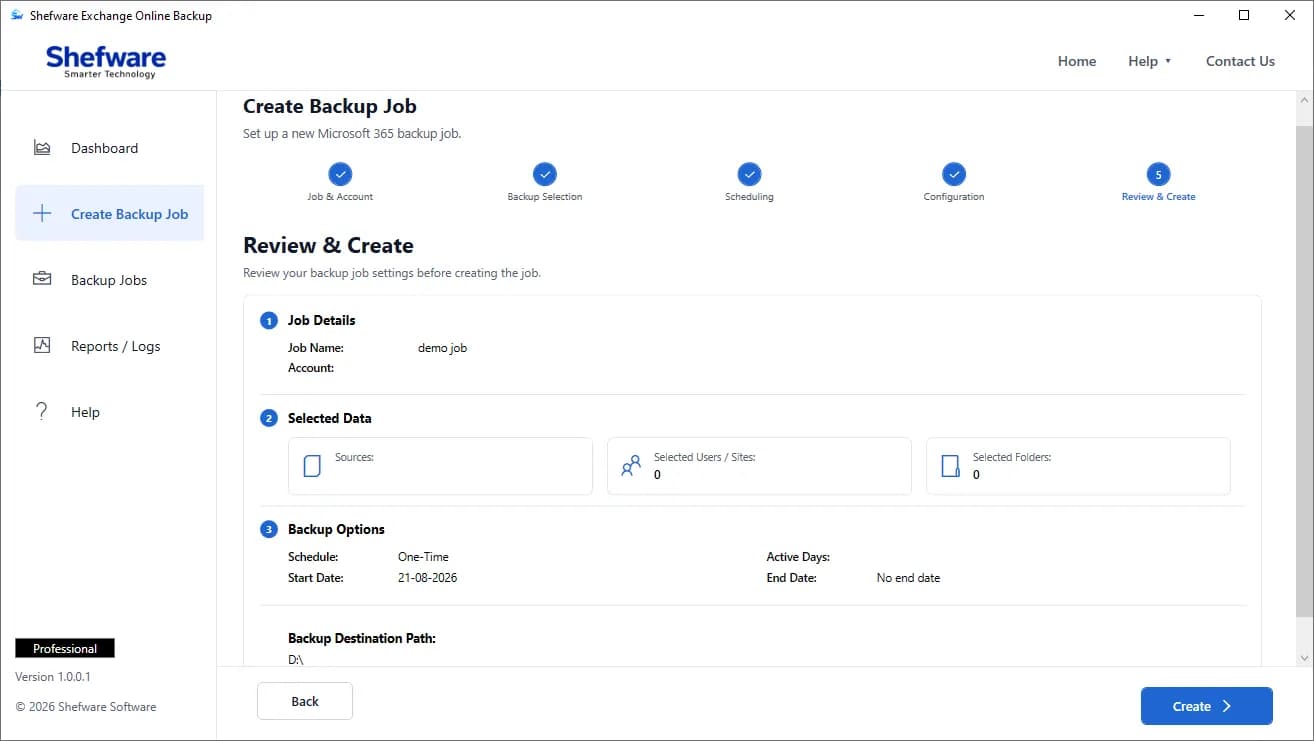
Watch our step-by-step video tutorial to understand how the software works and get started quickly.
connects through Microsoft's Graph API natively, keeping bulk jobs stable.
backs up mail, contacts, calendar, and tasks together, not just the inbox.
no dedicated backup admin needed; every step is clear enough for IT teams and non-technical staff alike.
handles a single mailbox or hundreds in the same bulk job, no extra tooling required.
incremental backup means every rerun only grabs what's new or changed.
narrow a backup by item type or date range instead of exporting everything.
every job produces a report, so you know what ran, what finished, and what didn't.
Reprocess skipped or failed items without restarting the full backup, making it a strong choice among the best Office 365 backup software 2026.
| Feature | Demo Version | Full Version |
|---|---|---|
| Items per Folder | 100 | Unlimited |
| Mailbox Accounts | Single mailbox | Multiple mailboxes / bulk backup |
| Mail, Contacts, Calendar & Tasks Backup | ✓ | ✓ |
| Graph API Connectivity | ✓ | ✓ |
| Item-Type & Date Filters | ✓ | ✓ |
| Incremental Backup | ✓ | ✓ |
| Backup Reports | Limited | Full detailed reports |
| Technical Support | Standard | Priority |
Download Free Demo & Check System Requirements
Size: 64.5 MB
Version: 1.0.0.1
Hard Disk
10 GB space required
RAM
Minimum 8 GB RAM (Recommended 16 GB)
Processor
Intel® Core™ 2 Duo CPU E4600 @ 2.40GHz 2.39GHz or above
Operating System - Windows 11, 10, 8.1, 8, 7, Vista, XP, 2000, 98, NT and 95 and Windows Server 2022, 2019, 2016, 2012, 2008 R2, 2008, 2003 R2, 2003
We needed something that actually understood Graph API instead of struggling with authentication every other run. This connected cleanly the first time and every time after.
Microsoft 365 Administrator