Convert from EPUB to PDF without losing format
Convert EPUB into advanced quality PDF documents with Shefware EPUB to PDF Converter. It preserves the original format, images, hyperlinks, fonts, metadata, and page layout when generating print-ready PDF files. Convert one or multiple EPUB files in a few clicks.
Convert EPUB files into advanced-quality PDF documents.
Batch converts multiple EPUB files at the same time.
Save images, first, hyperlinks, fonts, and chapters.
Preview EPUB files before conversion.
No Adobe Acrobat installation needed.
Convert EPUB to PDF large EPUB files with no size limit.
Save PDF files at any preferred location locally or Network Drive.
Supports multiple formats document conversion other than EPUB.
EPUB file convert to PDF in any language perfectly.
In the EPUB to PDF free demo version, it includes conversion of 5 EPUB files and a watermark on every page.
Flexible input & output format support for document conversion
Why users choose Shefware to convert their eBooks to PDF format
Not every device supports the EPUB format. Convert EPUB format to PDF for reading on Windows PCs, tablets, smartphones, and PDF readers without installing any other eBook application.
EPUB files are developed for online reading and might not print properly. Converting them to PDF saves fonts, images, page layouts, and format for advanced quality printing through an eBook to PDF converter.
PDF is a universally accepted format for documents that can be opened on any device. Convert EPUB files to PDF to share books, manuals, reports, or other educational materials without any compatibility problems.
If you want to save your online library for longer storage, convert EPUB files to PDF. The PDF format manages original content and is hugely utilized for safe archiving.
Download and install the free demo version of Shefware EPUB to PDF Converter to change EPUB to PDF free and assess the software before buying. Add and preview EPUB files, convert 5 EPUB files into PDF format, and discover the entire interface. A watermark is applied to every page in the converted PDF in the free trial version.
Convert EPUB files to PDF without installing Adobe Acrobat or any other third-party PDF software. The Shefware EPUB to PDF Converter works as a standalone solution, allowing you to generate high-quality PDF documents quickly and securely. Simply add your EPUB files, choose the destination, and convert them in a few clicks.
Advanced functionalities engineered for fast and accurate EPUB to PDF conversions
Convert multiple EPUB files to PDF in one operation, eliminating the need for individual conversions. This feature saves time while ensuring fast results for large collections of eBooks.
Maintains the original text formatting, fonts, images, hyperlinks, metadata, and chapter structure throughout the conversion. Your converted PDF looks exactly like the source EPUB file.
In addition to EPUB, the software supports multiple popular formats like DOTM, DOCX, DOC, DOT, DOTX, DOCM. This gives you greater flexibility for reading, sharing, and managing your eBooks.
Converting EPUB to PDF and choose any destination folder to save your converted PDF files with ease. The software allows you to organize exported files according to your preferred storage location.
This software is a standalone application without requiring Adobe Acrobat or any third-party PDF software. Simply install the tool and start converting your EPUB files instantly.
Convert EPUB files created in different languages without affecting the text, fonts, or special characters. The software preserves multilingual content with complete accuracy.
Preview the complete EPUB content, including text, images, and chapters, before starting the conversion. This helps verify the file and ensures you're converting the correct eBook.
Track the conversion process in real time with live progress and status updates. After completion, review the conversion history to quickly access details of processed files.
Download and open the Shefware EPUB to PDF Converter on your computer. On the Source screen, select the EPUB document type, then click Add Files or Folder to load all EPUB files from a folder.
Scans the selected EPUB files and displays them in a list. Select any file to preview its content, including text, images, and formatting, ensuring you are converting the correct eBook.
After reviewing the EPUB files, click the Next button to proceed. The software opens the conversion window, where you can configure the output settings before starting the conversion.
Choose Adobe Acrobat (PDF) as the output format from the Convert To section. This ensures your EPUB files are converted into high-quality PDF documents while preserving the original content and formatting.
Click the Browse button and select the location where you want to save the converted PDF files. The selected destination path is displayed before the conversion begins.
Click the Convert button to start the conversion process. The software displays the conversion progress in real time while processing the selected EPUB files.
Once the conversion is complete, the software displays a confirmation message and records the details in the Conversion History. You can click Open Folder to access the converted PDF files from the selected destination.
Reliable, secure, and easy-to-use software trusted by thousands worldwide
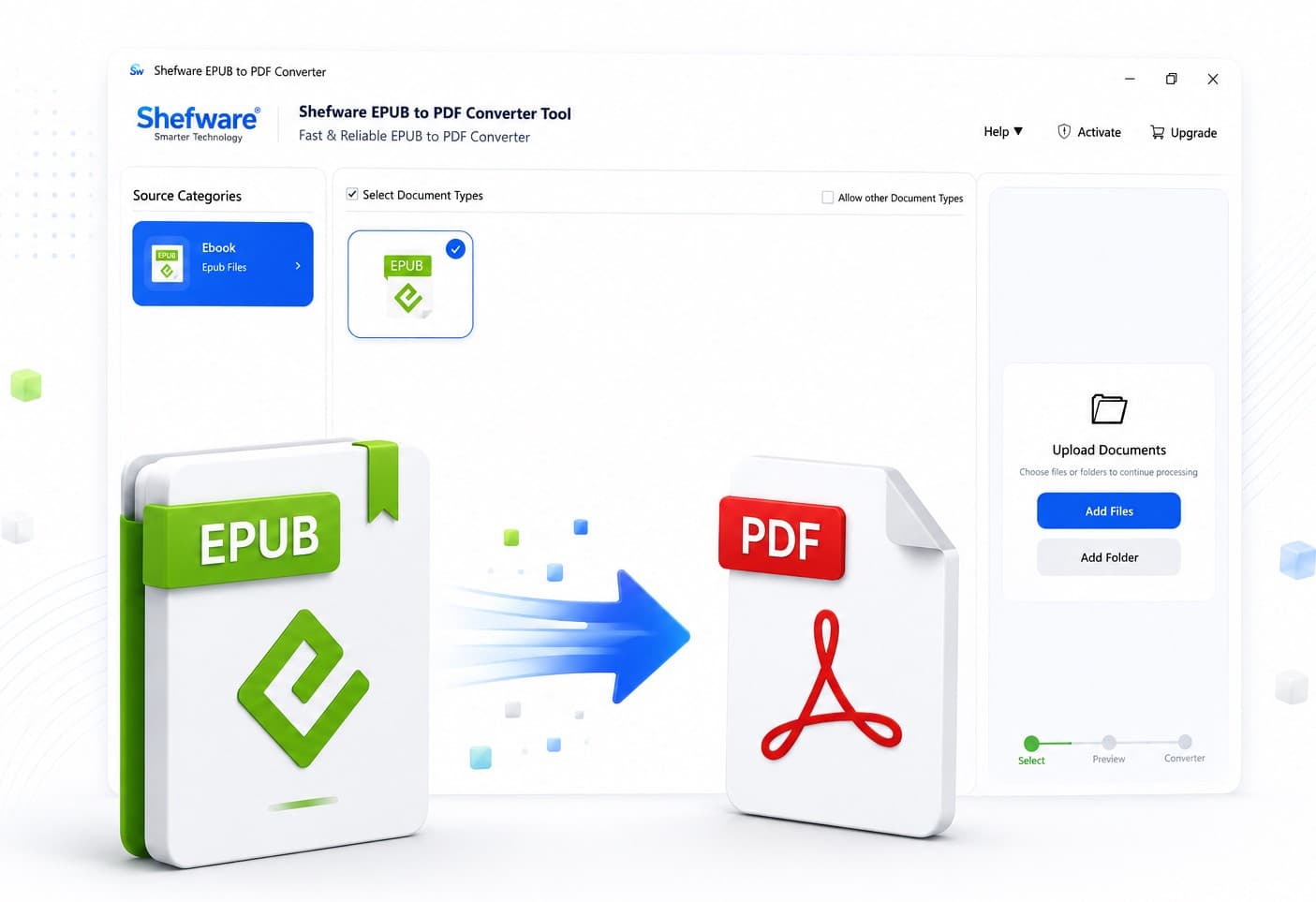
Features a clean and user-friendly interface that simplifies the entire conversion process. Upload your EPUB files, preview the content, choose the output settings, and convert them to PDF in just a few clicks.
The EPUB to PDF software runs smoothly on all major Windows operating systems, including Windows 11, 10, 8.1, 8, and 7. It gives continuous performance without requiring additional software or complex configurations.
Convert EPUB files to PDF completely offline without uploading your documents to any online server. Your eBooks remain secure on your local system, ensuring maximum privacy and data protection.
The interactive dashboard provides a smooth workflow for selecting files, previewing content, configuring conversion settings, monitoring progress, and viewing conversion history all from a single interface.
| Features | Free Version | Professional Version |
|---|---|---|
| Convert EPUB to PDF | ✓ | ✓ |
| Convert Multiple EPUB Files | Up to 5 EPUB Files | Unlimited |
| Preview EPUB Files | ✓ | ✓ |
| Preserve Formatting, Images & Hyperlinks | ✓ | ✓ |
| Maintain Metadata & Document Structure | ✓ | ✓ |
| Batch EPUB Conversion | ✓ | ✓ |
| Save PDF to Preferred Location | ✓ | ✓ |
| Supports Multiple Languages | ✓ | ✓ |
| No Adobe Acrobat Required | ✓ | ✓ |
| View Conversion Progress & History | ✓ | ✓ |
| Number of EPUB Files Converted | 5 EPUB Files | Unlimited |
| Watermark on Converted PDF | Yes | No |
| Technical Support | Limited | 24×7 Priority Support |
| License Validity | Trial | Lifetime License |
Download Free Demo & Check System Requirements
Size: 231 MB
Version: 1.0.0.1
Hard Disk
1 GB space required
RAM
Minimum 4 GB RAM (Recommended 8 GB)
Processor
Intel® Core™ 2 Duo CPU E4600 @ 2.40GHz 2.39GHz or above
Operating System - Windows 11, 10, 7(64 bit), Windows Server 2025
Prerequisites - .NET Framework 10
Shefware EPUB to PDF Converter made it easy to convert hundreds of EPUB books into PDF format. The formatting, images, and hyperlinks were preserved perfectly, and the batch conversion feature saved us a lot of time.
Digital Publisher
Ans. Follow these simple steps for the EPUB converter: 1. Download and install the Shefware EPUB to PDF Converter. 2. To change EPUB to PDF, click Add Files or Add Folder to import EPUB files. 3. Preview the selected EPUB files. 4. Click Next, choose PDF as the output format, and select a destination folder. 5. Click Convert to generate PDF files.
Ans. Yes, the software preserves the original formatting, fonts, images, hyperlinks, metadata, chapters, and document structure, ensuring the converted PDF closely matches the source EPUB file.
Ans. Yes, Shefware EPUB to PDF Converter supports batch conversion, allowing you to convert multiple EPUB files into PDF in a single operation, saving time and effort.
Ans. No, Shefware offers the best EPUB to PDF converter as a standalone application and does not require Adobe Acrobat or any other third-party PDF software to perform the conversion.
Ans. The free demo version allows you to convert up to 5 EPUB files into PDF. A watermark is added to every page of the converted PDF. The full version removes these limitations.
Ans. The software is compatible with all major Windows operating systems, including Windows 11, Windows 10, Windows 8.1, Windows 8, Windows 7, and other supported Windows versions.