
How to Manage Outlook External Email Warning in Office 365?
Related posts
Frequently asked questions
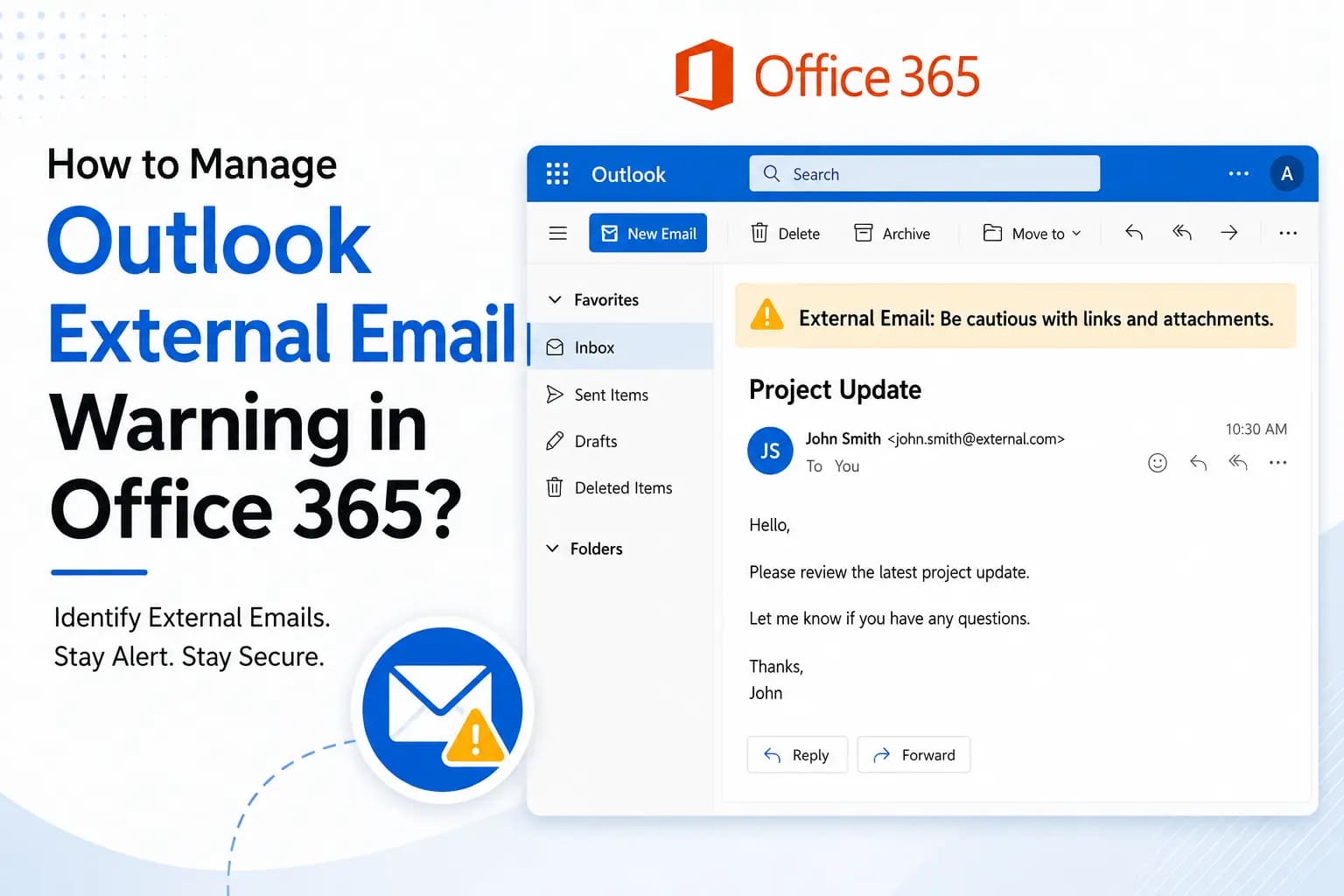
The Outlook external email warning is a banner shown on emails received from outside your company’s domain. It helps users find external messages and avoid phishing attacks.
Yes, administrators can disable or change the warning by updating the settings in the Exchange Admin Center or by editing Exchange Online mail flow rules.
The Office 365 external email warning helps find suspicious emails; on the other side Shefware Office 365 Backup protects your mailbox data from accidental deletion, ransomware, and other data loss situations.