
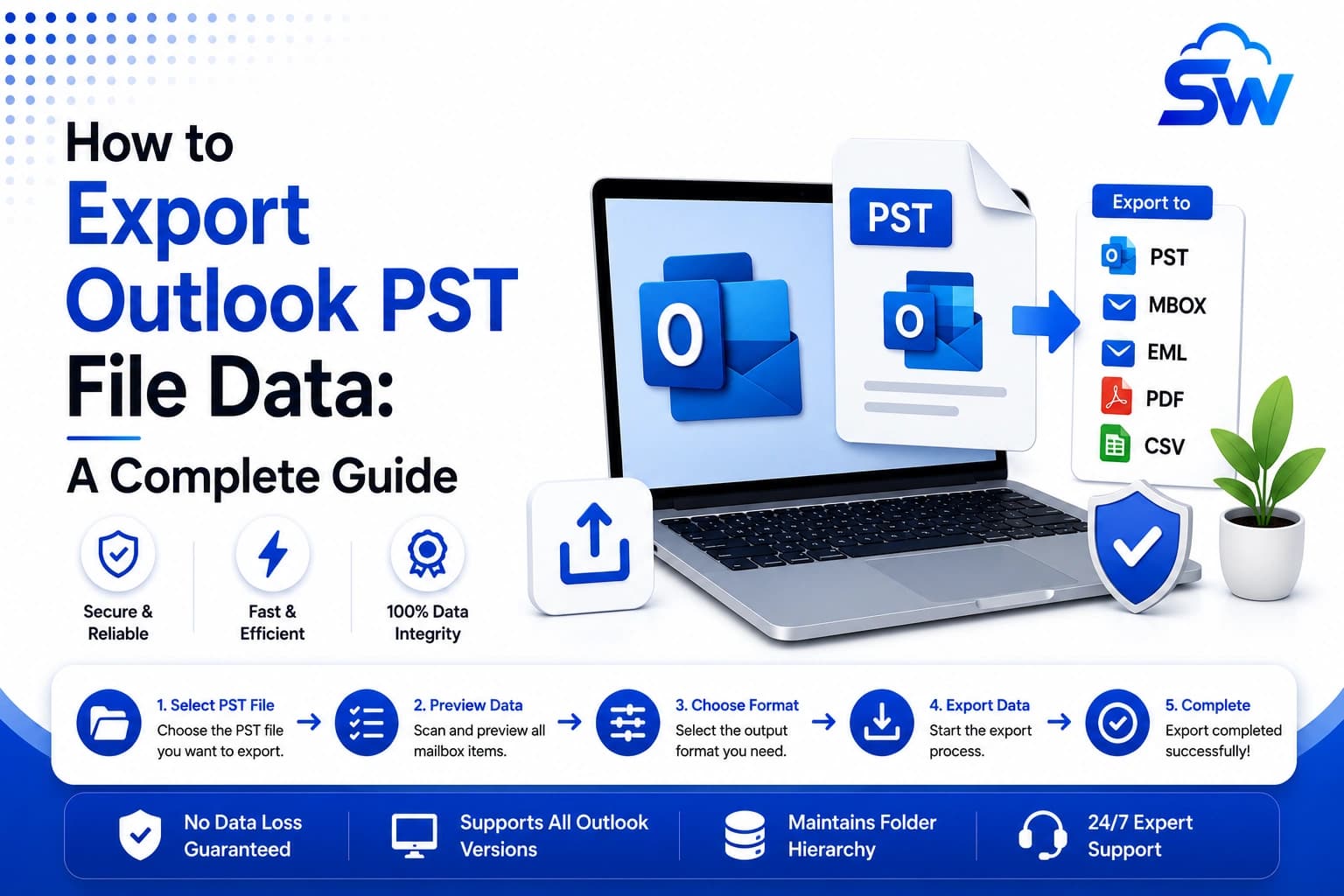
How to Export Outlook PST File Data: A Complete Guide
Related posts
Frequently asked questions
Open Outlook and navigate to File → Open & Export → Import/Export → Export to a file → Outlook Data File. Select the mailbox, choose a save location, and complete the export.
The PST file is saved in the location you selected during the export process. You can retrieve it locally or move it to external storage for safekeeping.
No, exporting only generates a copy of your mailbox data. Your original emails remain unchanged unless you manually delete them.