Safely Backup Zoho emails with Fast and Trusted Software
Backup Zoho emails securely with Shefware Zoho email Backup Software. Export and save Zoho emails to PST, EML, MSG, and PDF formats with ease.
Zoho Backup Tool supports multi-account backup of the same or different Zoho hosts simultaneously while ensuring complete data security and reliability.
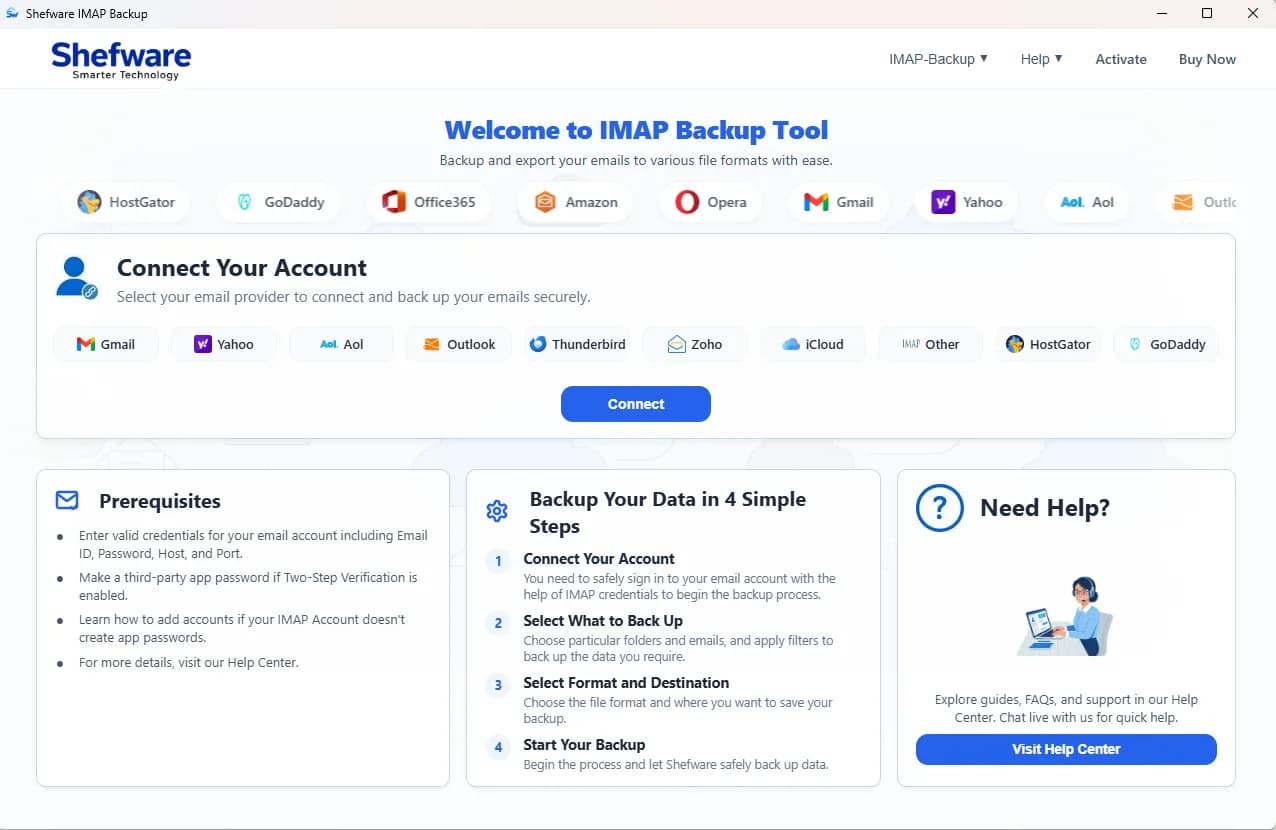
Backup Zoho account emails into Outlook PST, MBOX, EML, MSG & PDF, etc.
Backup Zoho email Locally or NAS without required any email client installation.
All in one Zoho Backup Tool export Zoho emails to PST from any Zoho Account.
Zoho email backup tool maintains folder structure originally.
Users can directly back up any type of hosted Zoho Account such as Gmail, Zoho, Yahoo, AOL, Outlook, iCloud and other compatible Zoho Web Email accounts.
Export Zoho to PST, EML, MSG, MBOX, PDF, DOC, DOCX, MHT, HTML and CSV. 10X Faster Zoho Backup Tool allows users to backup quickly to protect email data.
Allows Bulk Zoho backup of same or different Zoho Accounts of Any Email Hosting Server.
Users easily manage multiple Zoho Account backup jobs using CSV Batch Import.
Shefware Zoho Backup Tool export 50 Zoho emails per folder in Demo Version to helps user to evaluate the Zoho Tool before purchased Full Version.
Email and attachments are encrypted to prevent data loss with protection maintained through the backup process.
All the data is encrypted using the TLS 1.3 encryption standard to keep emails and attachments safe during the backup.
Data is securely encrypted and safeguarded through mailbox backup to prevent any loss.
Users can easily store and backup Zoho to local computers and laptops for safe offline storage.
User credentials are encrypted to ensure they remain protected and securely stored.
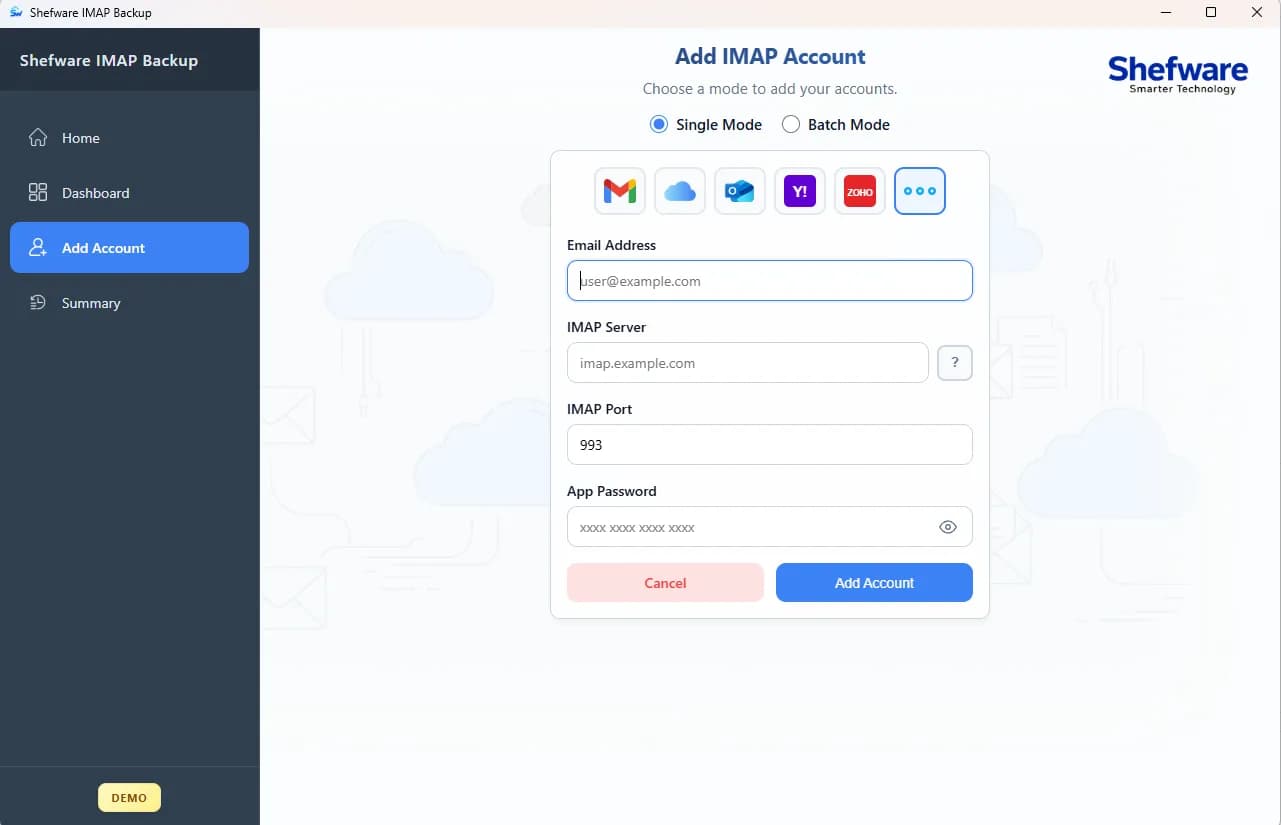
Software capable to bulk Zoho account backup from any Zoho Server or Webmail Email client.
Easily manage backups for multiple mailboxes and the folders in one go, keeping the data safe and secure.
Easily export mailbox data and backup Gmail emails to PST, MBOX, EML, MSG, and other file formats.
Monitors saved data and identifies new items for seamless incremental backups.
Mailbox data is securely backed up to local storage and ready for recovery.
You can preview emails, attachments, and images in the window display to make sure downloaded mailbox is safe and precise.
Run Zoho backups with precise filters, including folder selection, date ranges, folder exclusions, and more.
Back up only new emails while skipping items already backed up in the incremental backup.
The backup automatically pauses during internet interruptions and resumes from where it stopped once the connection is restored.
Explore multiple backup options and export formats supported by the Zoho Backup Tool.
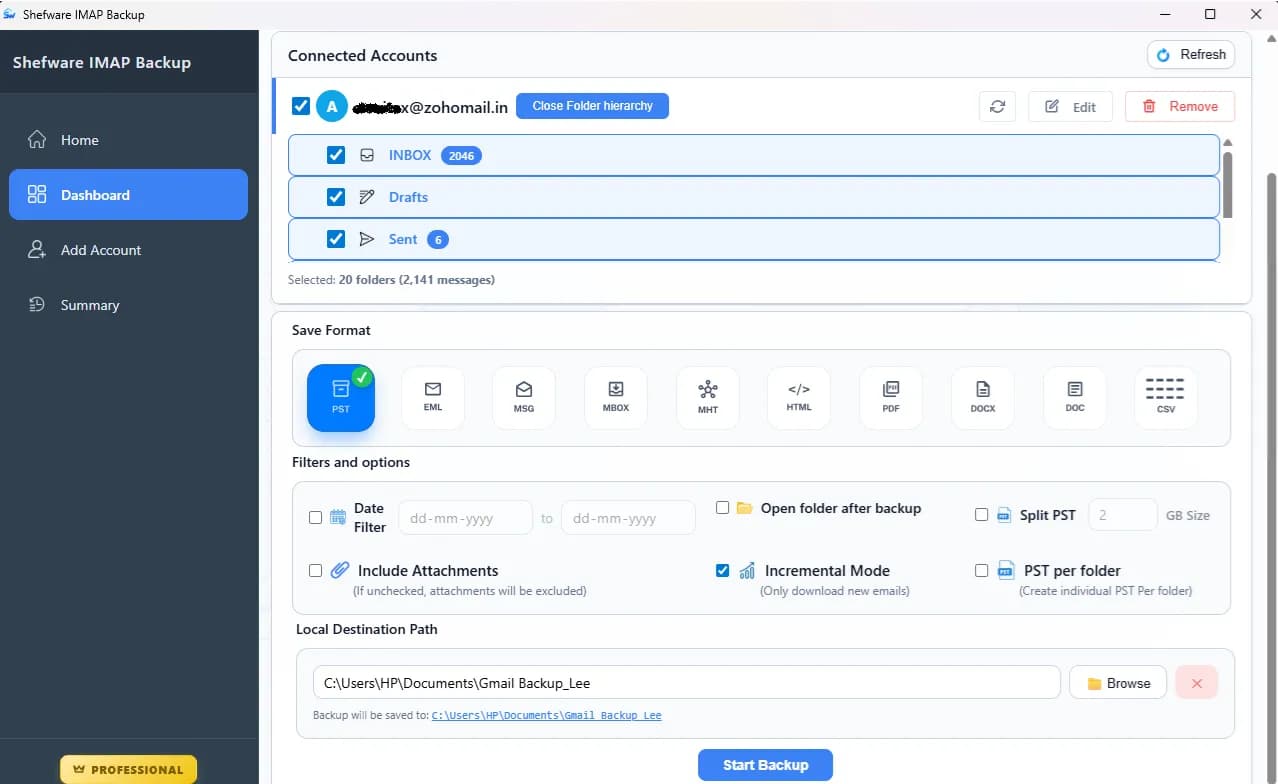
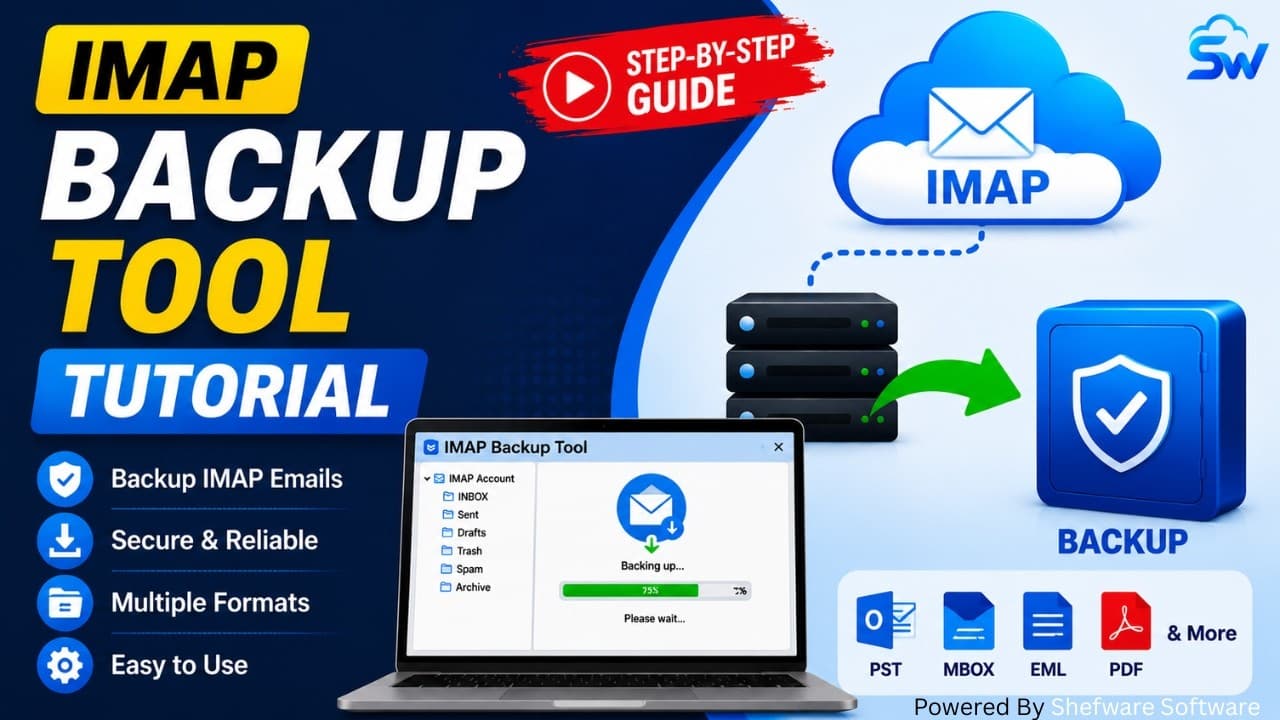
Watch our step-by-step video tutorial to understand how the software works and get started quickly.
Smooth & Seamless backup of all the emails and other data due to an organized format of work:
Download and install the Shefware Zoho Backup Offline Software on Windows or Mac.
Click on Add Account to add an existing Zoho account.
Select the desired output format, such as PST, MBOX, MSG, or EML.
Select specific folders or all folders and apply date-range filters if required.
Browse and select a destination location and start the backup process.
Review backup history and verify exported data in the destination folder.
Download Free Demo & Check System Requirements
Size: 147.73 MB
Version: 1.0.0.1
Hard Disk
1 GB space required
RAM
Minimum 4 GB RAM (Recommended 8 GB)
Processor
Intel(R) Core(TM) i3-4160 CPU @ 3.60GHz or above
Operating System - Windows 11 / 10 / 8.1 / 8 / 7 (32 & 64 Bit) , Window Server 2025 / 2022 / 2019 / 2016 / 2012 R2 / 2008 R2
Microsoft Outlook - 2021, 2019, 2016, 2013, 2010, 2007, 2003, 2000 (32-Bit & 64-Bit)
The interface is user-friendly, and I was able to easily configure backups and export data. Highly Recommended.
System Administrator
Find answers to the most common questions related to Zoho backup Software and mailbox backup process.
Ans. The Zoho Backup Tool is a software for users to back up and restore from an Zoho-enabled account. Users can back up mail to PST, MBOX, EML, and more.
Ans. You can easily back up your emails locally with the help of an Zoho Backup Tool. Simply connect the account, choose the folder, and select the format you want to back up.
Ans. The professional Zoho backup Desktop Software requires an active internet connection to access the mailbox and perform backups. If the internet connection is lost, the backup resumes automatically when the internet is restored.
Ans. Users are required to have an active and stable internet connection to use the Zoho Backup Tool to back up multiple Zoho mailboxes at once.
Ans. Users can easily export their data into PST, MBOX, MSG, EML, and HTML, etc.
Ans. Users can easily back up Gmail emails and restore them from the Zoho account with the help of the Zoho Tool for backup.
Ans. To protect the email data from loss or accidental deletion. The Shefware Zoho Backup Tool helps in protecting data by backing it up.
Ans. If we compare both the tools, then Zoho is better because we can access multiple devices and emails live on the server backup. On the other side, POP3 gives access to one device only.