Shefware Logo
Home
Office 365 MigrationImport PST to Office 365Google Workspace to Office 365IMAP to Office 365Email MigrationExchange Online MigrationOneDrive MigrationGoogle Drive to OneDrive
View All Products →

Services

Google Workspace to Microsoft 365 MigrationEmail ConversionOffice 365 MigrationTenant to Tenant MigrationCloud BackupTeams Migration

Solutions

Google Workspace to Microsoft 365 MigrationOffice 365 MigrationIMAP to Office 365Email MigrationOffice 365 BackupIMAP BackupSharePoint BackupOST to PST ConverterPST Password RecoveryVideo Repair ToolVideo Converter
More Products →

Platform

Microsoft 365Amazon Web Services (AWS)Microsoft AzureMicrosoft OutlookMicrosoft Exchange ServerGoogle WorkspaceOneDrive MigrationSharePointHCL Notes
Marketplace
About UsCareersReviewsSupportContact Us
+1 888 425 1161
ShefwareSmarter Technology

1316 Wall Street, Everett, WA 98201, USA

support@shefware.com
+1 888 425 1161

About

  • About Us
  • Careers
  • News
  • Privacy Policy
  • Refund Policy
  • Terms to Use
  • EULA

Solutions

  • Cloud Migration
  • Email Migration
  • Cloud Backup
  • Data Recovery
  • File Conversion
  • Free Tools

Partner

  • Partner Program
  • Affiliates
  • Resellers
  • Distributors
  • Partners
  • NFR License

Resources

  • Blog
  • Knowledge Base
  • Case Studies
  • How To
  • FAQs
  • Downloads
DMCA Protected© 2026 Shefware. All rights reserved.
File Conversion

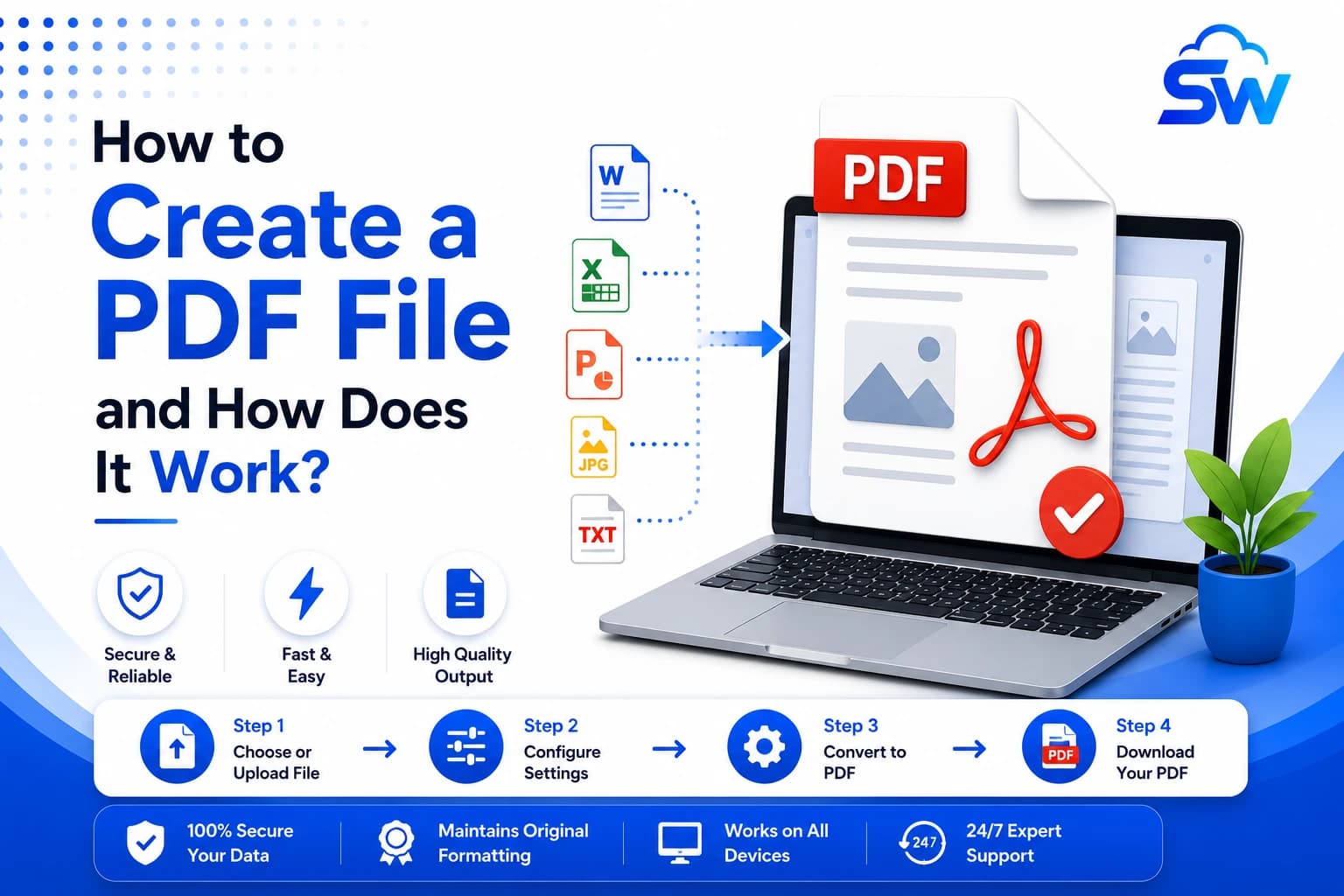
How to Create a PDF File and How Does It Work?

K

Written By

Kevin Hayes
M

Approved By

Mr. Tarun Kumar

Published on

27 Jul 2026

Min Reading

5 Minutes
Create PDF file, Pdf file, Create pdf, How to create pdf file, Create a pdf document, Pdf creator, Pdf maker, Generate pdf file, Make a pdf, Create pdf online, Free PDF creator

Related posts

File Conversion

OST to PST Conversion: When You Actually Need It and How to Do It Without Data Loss

→

File Conversion

JSON Formatter and Converter Guide: How to Format, View, and Convert JSON to CSV (2026)

→

File Conversion

How to Convert XPS to PDF Without Losing Formatting (2026 Guide)

→