Securely Backup OneDrive Files, Folders, and Documents
Protect essential Microsoft OneDrive data with the Shefware OneDrive Backup Tool. The OneDrive Cloud Backup solution allows users and organizations to generate local backup copies of complete OneDrive accounts or selectively back up needed files and folders.
★ Free Version: Back up files up to 20 MB per file, with a maximum of 20 files per folder.
Supported OneDrive Data

Essential files might be accidentally deleted. A separate OneDrive backup ensures that sensitive business data remains available when accidental data loss occurs.

Organizations managing business-critical documents sometimes need secure backup copies for compliance, auditing, and disaster recovery purposes.

Cyberattacks and ransomware incidents can affect cloud-stored files. A local backup copy offers a supplementary layer of protection against data corruption or unapproved changes.

When employees leave an organization, admins can generate backups of OneDrive accounts before account deactivation, ensuring crucial business files stay accessible.
Explore the key features and capabilities of the OneDrive Backup Tool.
Securely back up files and folders stored in personal OneDrive accounts. Select required data and save it to a preferred destination.
Create backup copies of OneDrive for Business accounts and safeguard business documents, projects, and shared resources.
Manage and back up multiple OneDrive accounts from a single platform without creating separate backup configurations.
Maintain the original folder structure during the backup process for easier data organization and retrieval.
Apply custom date filters to back up files created or modified within a specific time period.
Enable Incremental Backup to process only newly added or modified files during future backup operations, reducing storage usage and backup time.
Save OneDrive backup data to a local drive, external storage device, network location, or custom backup destination.
Create, edit, monitor, and manage backup jobs from a centralized dashboard for improved administration.
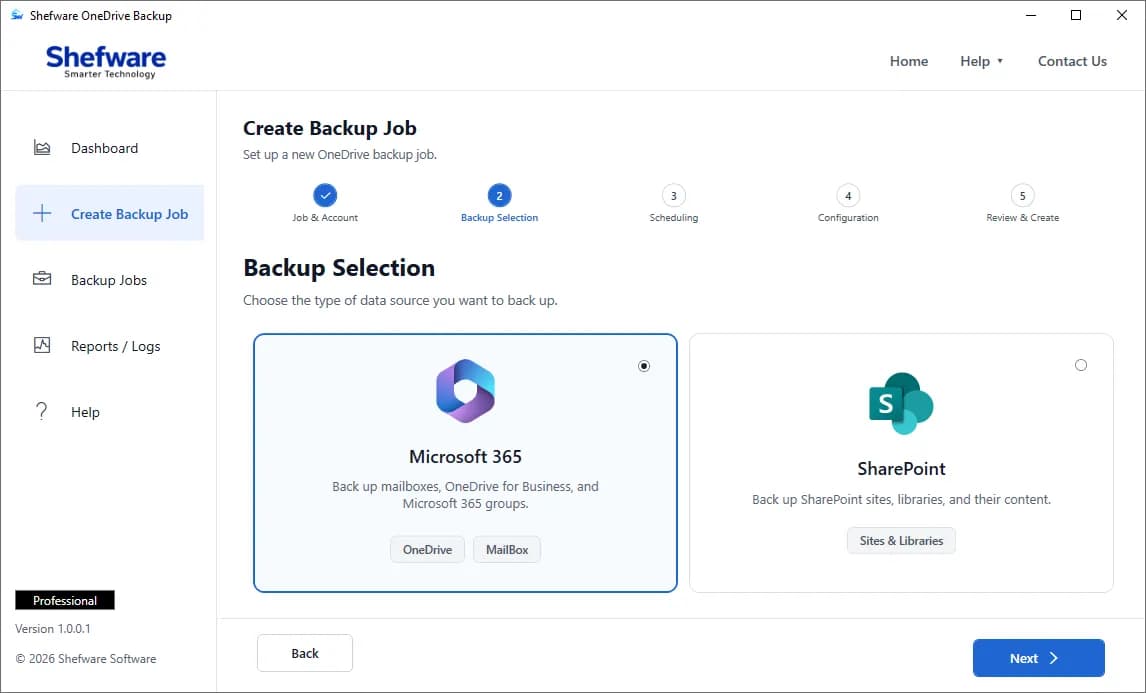
Perform a full backup of all available OneDrive data, including folders, documents, media files, and shared content.
Choose specific folders, files, or data categories instead of processing the entire OneDrive account.
Choose how OneDrive data is structured during backup with Shefware OneDrive Backup.
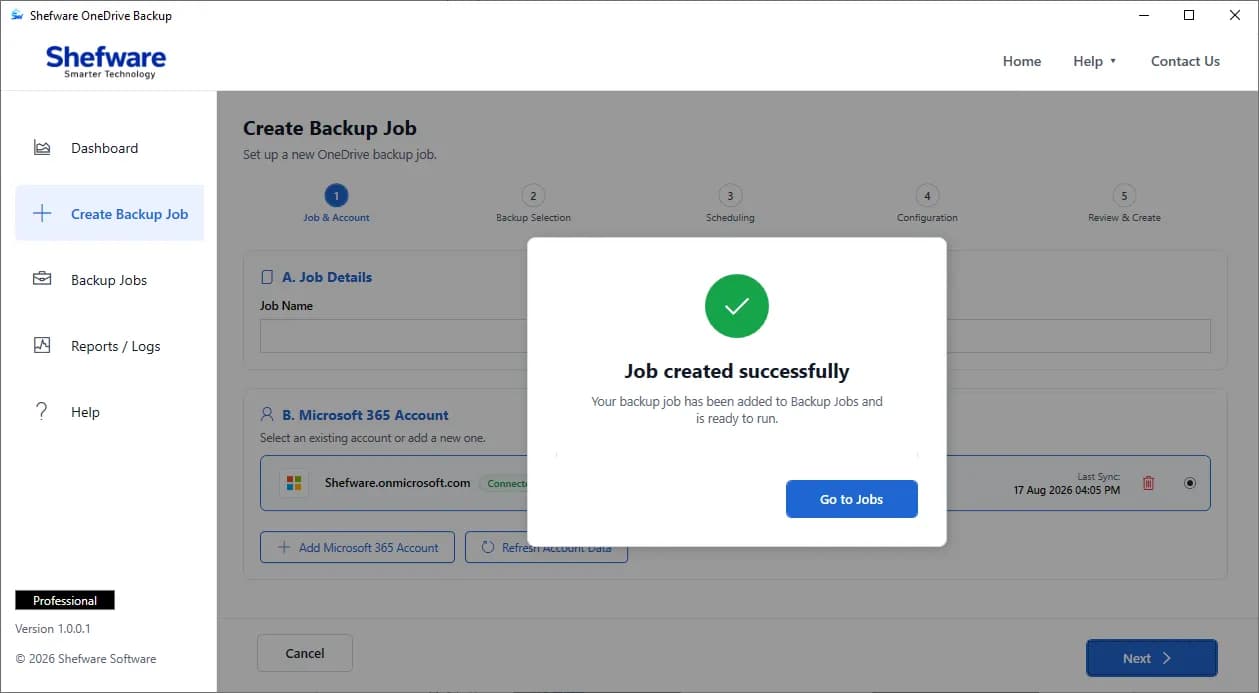
Open the dashboard and click Create Backup Job.
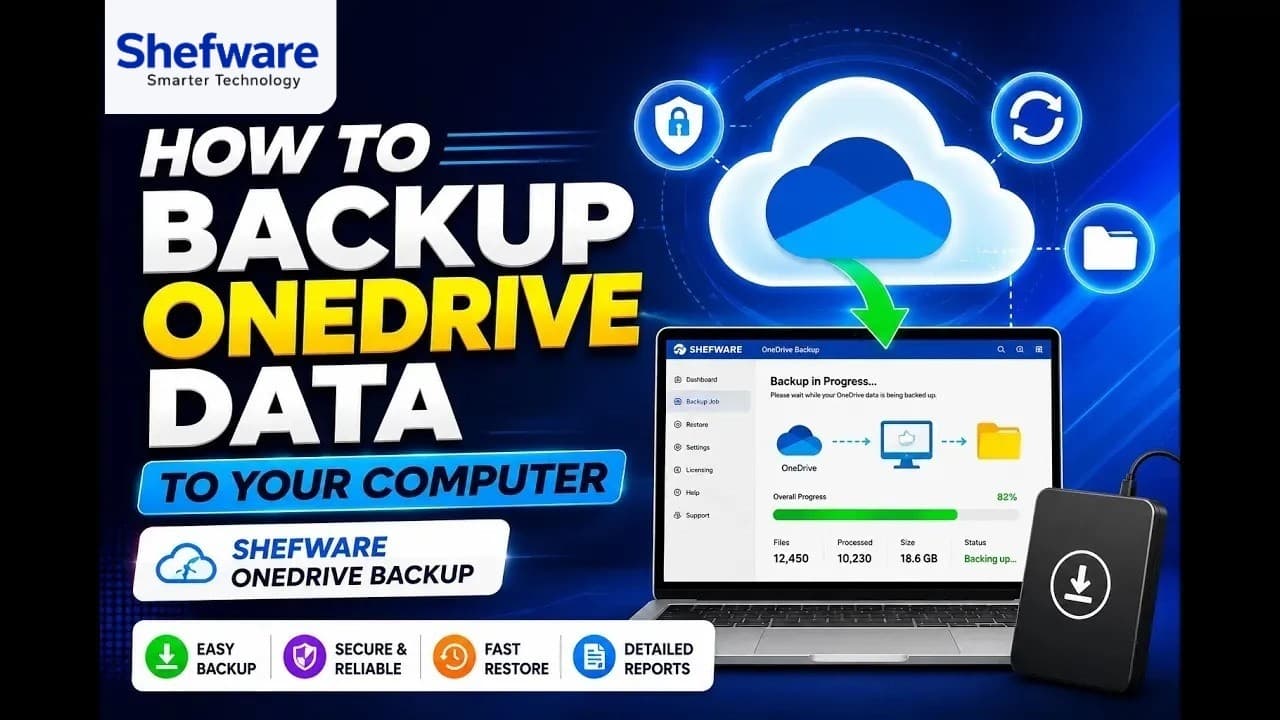
Watch our step-by-step video tutorial to understand how the software works and get started quickly.
The intuitive interface permits both technical and non-technical users to allocate OneDrive backups smoothly.
Maintain separate backup copies of essential OneDrive data and limit the risk of permanent data loss.
Manage multiple OneDrive accounts and backup jobs from an individual dashboard.
Provide quick, secure, and precise backup operations with limited administrative effort.
| Features | Free Version | Full Version |
|---|---|---|
| Connect OneDrive Account | ✓ | ✓ |
| OneDrive Personal Backup | ✓ | ✓ |
| OneDrive for Business Backup | ✓ | ✓ |
| Backup Files & Folders | ✓ | ✓ |
| Complete OneDrive Backup | ✓ | ✓ |
| Selective OneDrive Backup | ✓ | ✓ |
| Multiple Account Backup | ✓ | ✓ |
| Folder Hierarchy Preservation | ✓ | ✓ |
| With Hierarchy Backup | ✓ | ✓ |
| Without Hierarchy Backup | ✓ | ✓ |
| Date-Based Filters | ✓ | ✓ |
| Incremental Backup | ✓ | ✓ |
| Local Storage Backup | ✓ | ✓ |
| Custom Destination Path | ✓ | ✓ |
| Backup Job Management | ✓ | ✓ |
| Backup Progress Monitoring | ✓ | ✓ |
| Recurring Backup Jobs | ✓ | ✓ |
| Bulk OneDrive Backup | Limited | ✓ |
| File Size Limit | Up to 20 MB per file | No limitation |
| Files per Folder | Up to 20 files | No limitation |
| Software Updates | Limited | ✓ |
| Technical Support | Standard | Priority |
| Full Backup Capability | Limited | Unlimited |
Download Free Demo & Check System Requirements
Size: 64.5 MB
Version: 1.0.0.1
Hard Disk
100 GB space required
RAM
Minimum 8 GB RAM (Recommended 16 GB)
Processor
Intel® Core™ 2 Duo CPU E4600 @ 2.40GHz 2.39GHz or above
Operating System - Windows 11, 10, 8.1, 8, 7, Vista, XP, 2000, 98, NT and 95 and Windows Server 2022, 2019, 2016, 2012, 2008 R2, 2008, 2003 R2, 2003
Prerequisites - Requires Internet Connectivity, .NET 10
Microsoft Office 365 - Enterprise E1 / E3 / E5 / Business Premium / Essentials & Exchange Online Plan 1 / Plan 2 & Office 365 A1 / A3 / A5 / F1
The Shefware OneDrive Backup Tool made it easier for our team to protect important business files. The selective backup option helped us back up only the data we needed.
IT Administrator