No File Size Limit for Online Video Repair
Upload damaged video files and recover them online without installing any software.
Quick, safe, and easy video repair for all users.
Follow these three simple steps to repair damaged, broken, or unplayable video files directly in your browser without any software installation.
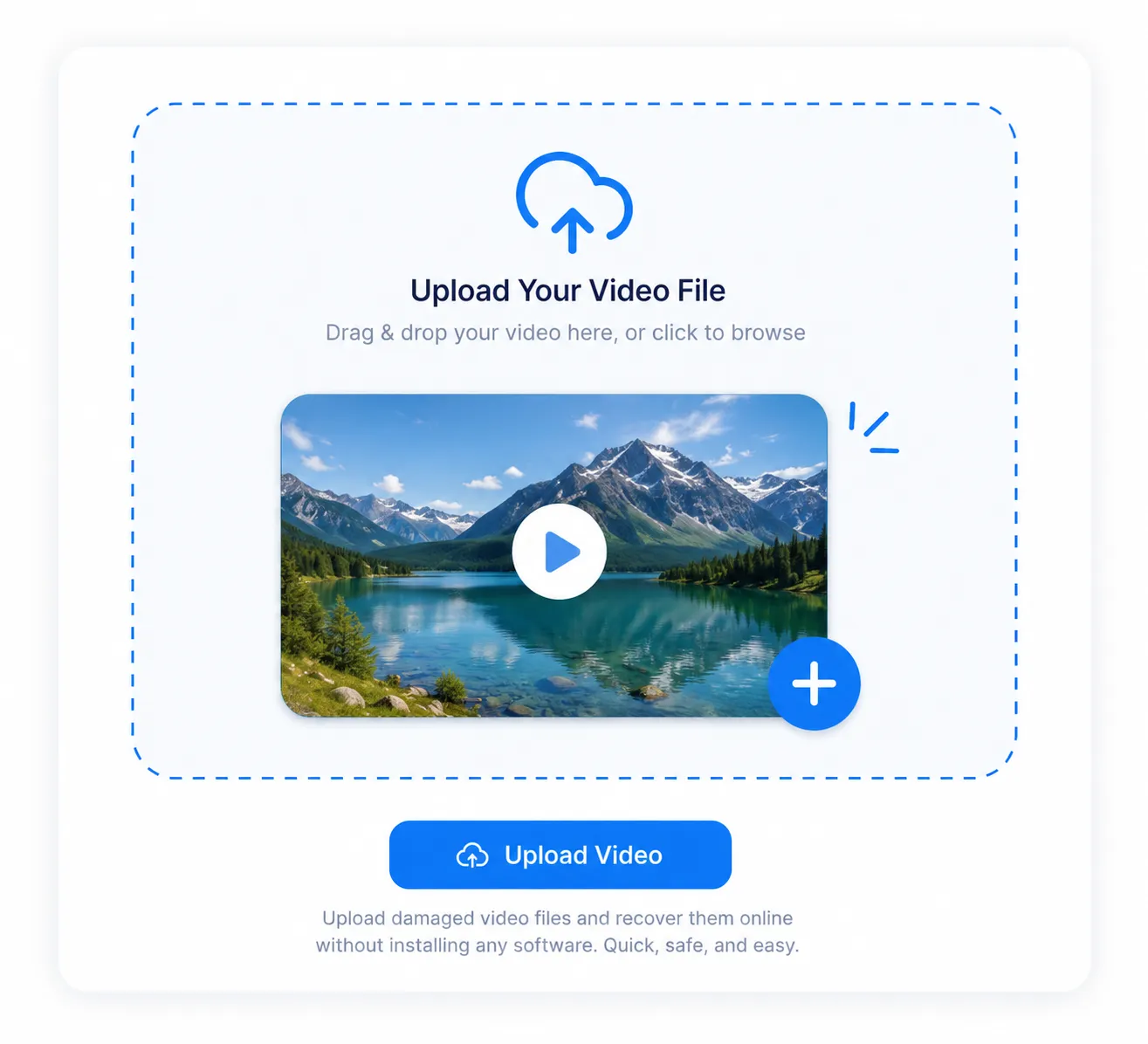
Choose and upload a damaged or corrupted video file via the secure online interface. No software installation is needed.
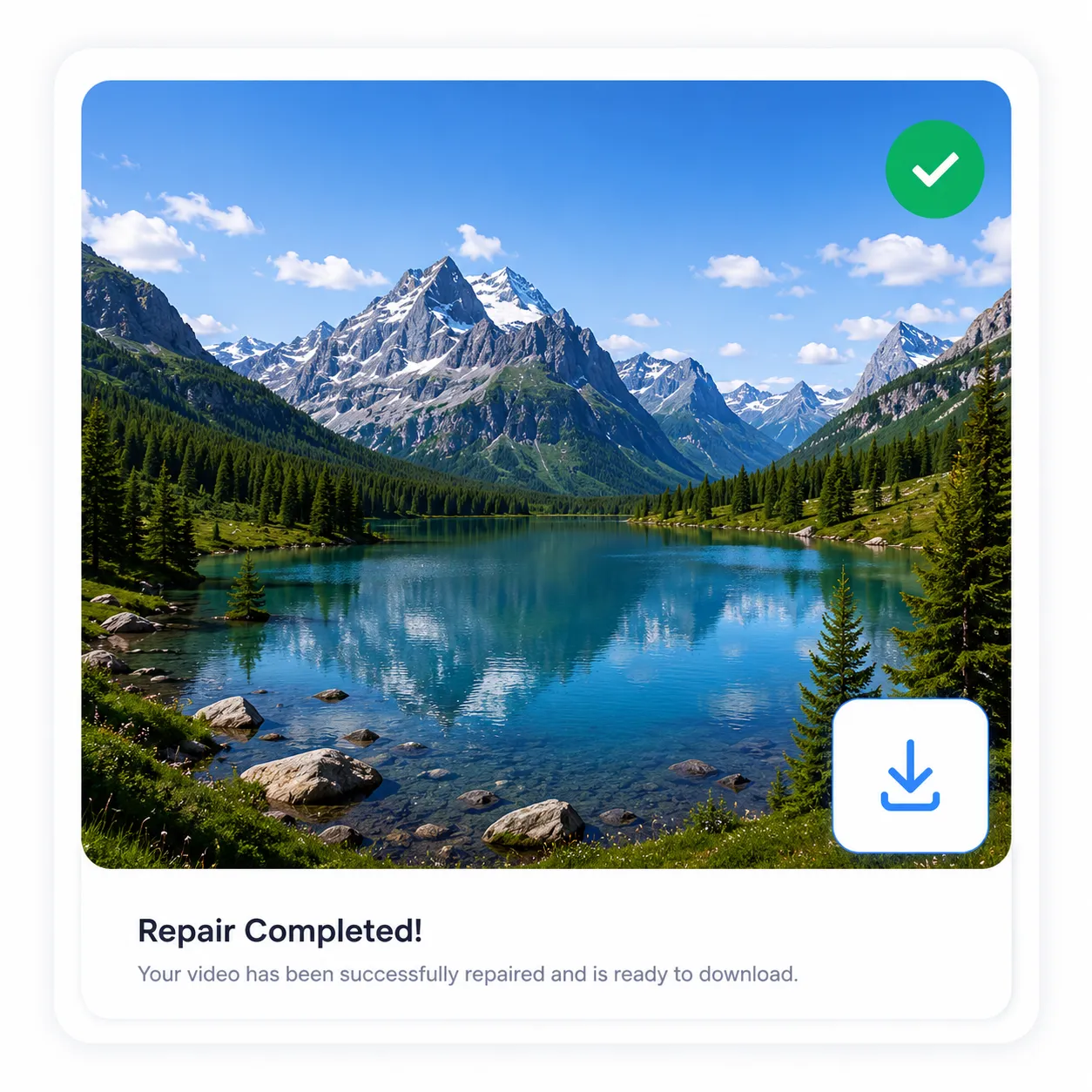
The upgraded repair engines automatically scan video, identify problems, and fix all the errors.
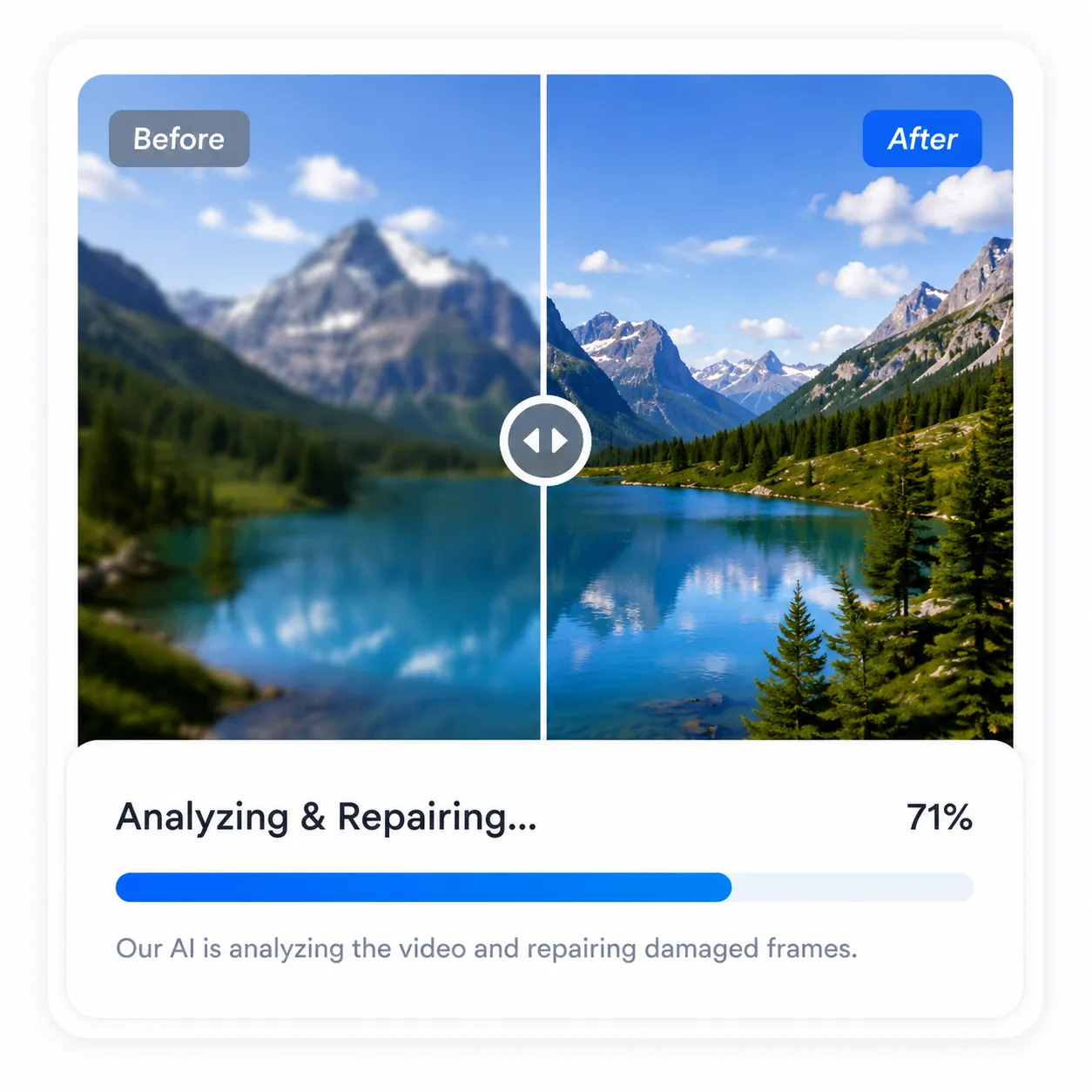
Preview the repaired video for verification, download the restored file, and access the video without any interruption.
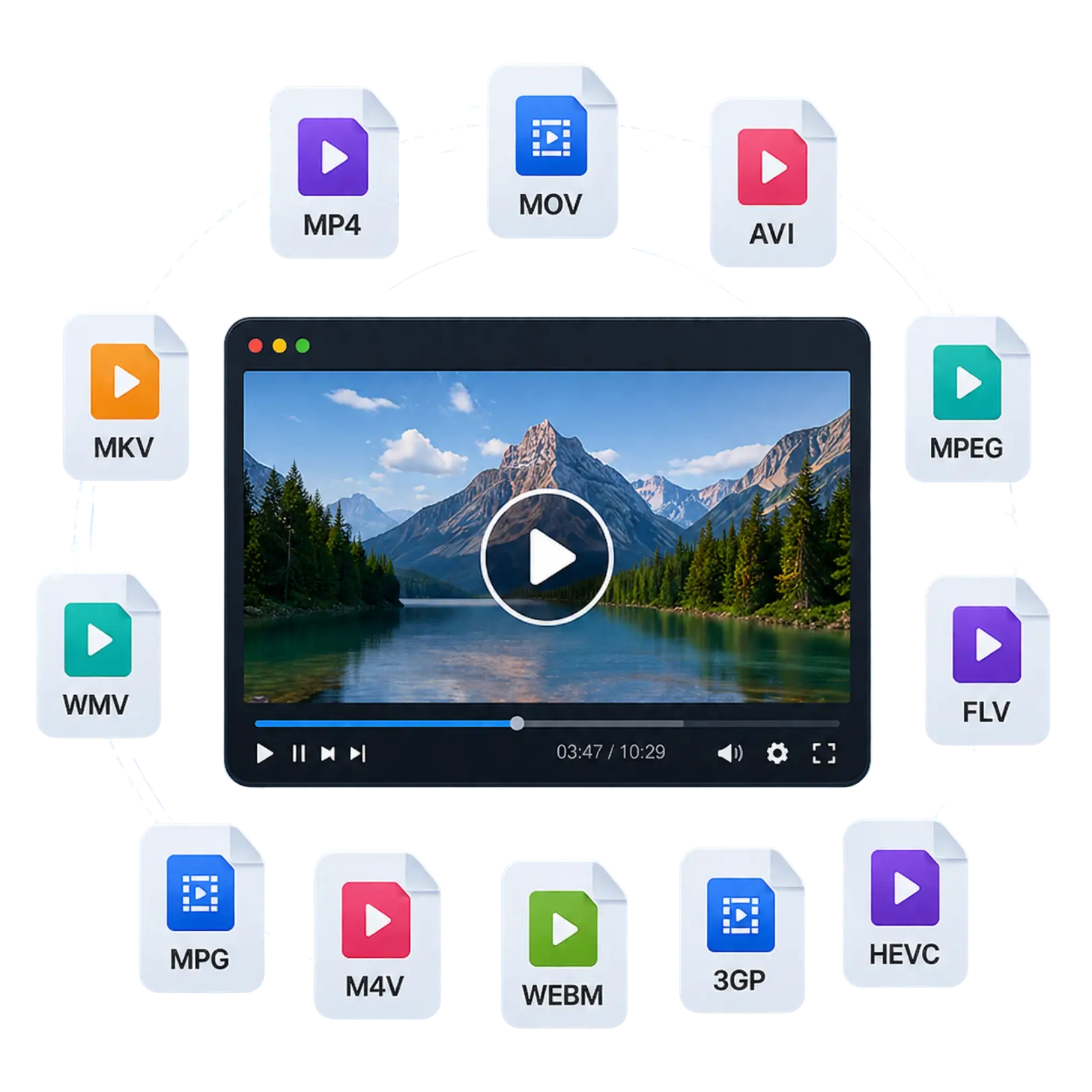
Restore corrupted videos quickly, regardless of the file format. The Online Video Repair Tool repairs damaged, unplayable, blurry, or inaccessible videos captured on any device. It supports a wide range of popular video formats while preserving the original quality whenever possible.
MP4, MOV, AVI, MKV, WMV, FLV, M4V, MTS, M2TS, WEBM, 3GP, 3GPP, 3G2, 3GPP2, 3GA, 3GPA, K3G, ASF, MPEG, MPG, M4A, M4R, M4B, MQV HEVC, AVCHD, Canon DAT, F4V, F4A, F4B, ISMV, ISMA GIFV, QT and more.
Whether your videos were recorded on a DSLR, mirrorless camera, drone, action camera, smartphone, CCTV, or dashcam, our online repair tool helps recover damaged recordings with ease. It also supports videos stored on memory cards, USB drives, external hard drives, SSDs, and other storage devices.

Fix your corrupted ,broken or unplayable Videos With Shefware Online Video Repair Tool in a seamless, reliable and efficient way.

Fix videos that fail to open or display playback errors due to corruption or file damage.
Restore videos that play with a black screen while recovering the missing visual content.
Recover missing, muted, or distorted audio from damaged video files without affecting video quality.

Eliminate flickering, flashing frames, and unstable playback caused by video corruption.
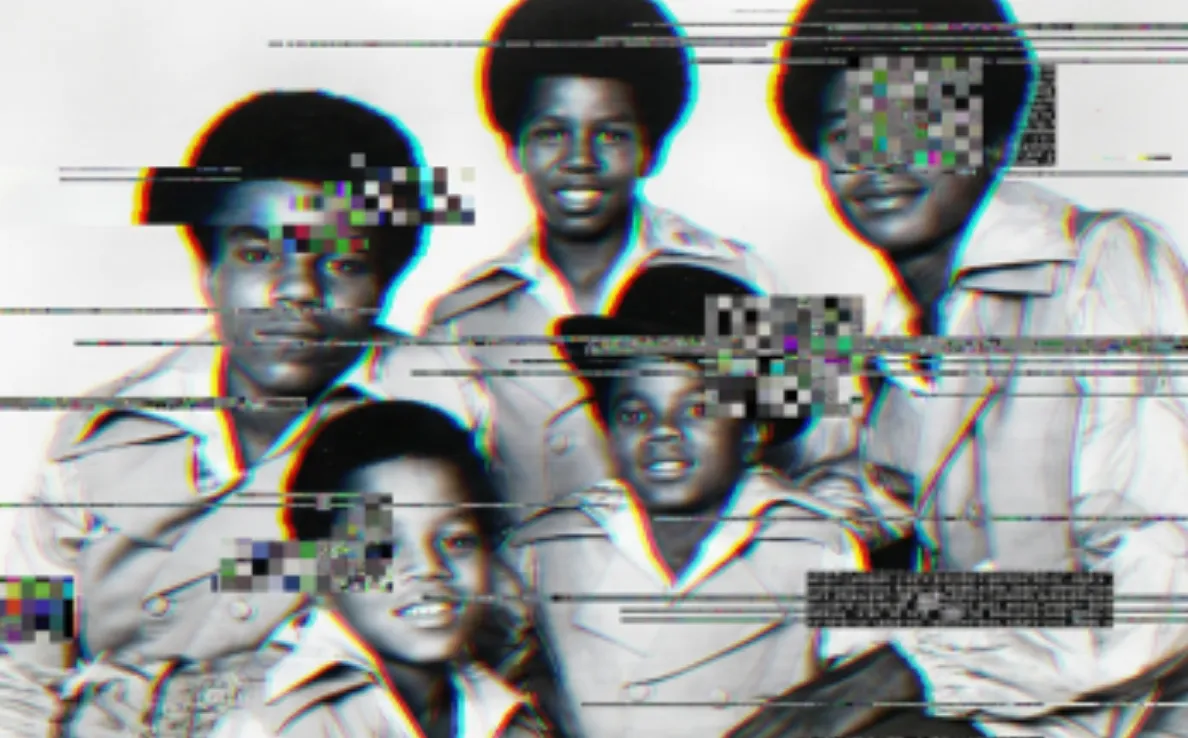
Repair blurry, pixelated, and distorted videos to improve clarity and viewing experience.

Correct synchronization issues between audio and video for smooth, uninterrupted playback.
Experience the most reliable and secure online video repair service.
Repair corrupt, damaged, and unplayable videos caused by recording disruptions, transfer errors, and storage media problems.
Fix video,manage the original resolution, frame rate, and complete video quality as much as possible during the repair process.
Access repair service directly from the web browser without downloading or installing any applications.
Included Features & SLAs:
🔒 SSL encrypted checkout • Instant prototype delivery
Included Features & SLAs:
🔒 SSL encrypted checkout • Instant prototype delivery
Included Features & SLAs:
🔒 SSL encrypted checkout • Instant prototype delivery
You can upload your damaged video file to Shefware Video Repair online and let the system analyze and repair the corruption. Given below are the steps mentioned: ● Select and upload a damaged or corrupted video file. ● The upgraded repair engines automatically scan video, identify problems, and fix all the errors. ● Preview the repaired video for verification, download the restored file, and access the video.
Yes, Shefware online video repair tool permits users to repair corrupted video files without installing any software.
Upload the corrupted MP4 file to the Shefware video repair platform, begin the repair process, and download the repaired file once the restoration is finished. The tool fixes playback problems and file corruption.
A dependable video repair tool like Shefware assists various video formats, repairs videos from multiple devices, saves original quality, and offers a safe repair environment.
Yes, Shefware's browser-based video repair services permit you to upload, repair, and download videos directly online without installing any other applications.
Shefware video repair online services support various video formats such as MP4, MOV, AVI, MKV, FLV, WEBM, M4V, MPEG, and others.
Yes, Shefware online video repair services offer a preview feature so you can verify repair outcomes before downloading the repaired video file.
Yes, Shefware video repair online tool supports large video files. The file size limits depend on the repair plan selected.
Yes, the Shefware uses encrypted file transfers and safe processing methods to save uploaded videos and manage user privacy.
Yes, the online Video repair tool assists videos recorded from drones, dashcams, CCTV systems, action cameras, and other recording devices.
What our customers say about our video repair tool
5.0★
Overall rating
4
Verified reviews
100%
5-star reviews
Michael Williams
Professional Photographer
My MP4 video became corrupted after my camera battery failed during recording. Shefware Repair online repaired the file instantly, and I was able to recover all the footage without any quality loss.
Jennifer Andearson
Family Memory Archivist
I thought that I lost my years of family memories when some videos stopped working properly after a transfer error. Shefware restored the files easily, and the overall repair process took less time.
David Mitchell
Drone Operator & Videographer
My drone footage was unreadable after a sudden system crash. She repaired the video completely and saved a crucial project for my client. I am happy with the results.
